Attendance System
 Access Control
 Door Security
 Turnstile & Entrance Control
 Security Inspection
 Parking Management
 Safety Products
 Software
 Other
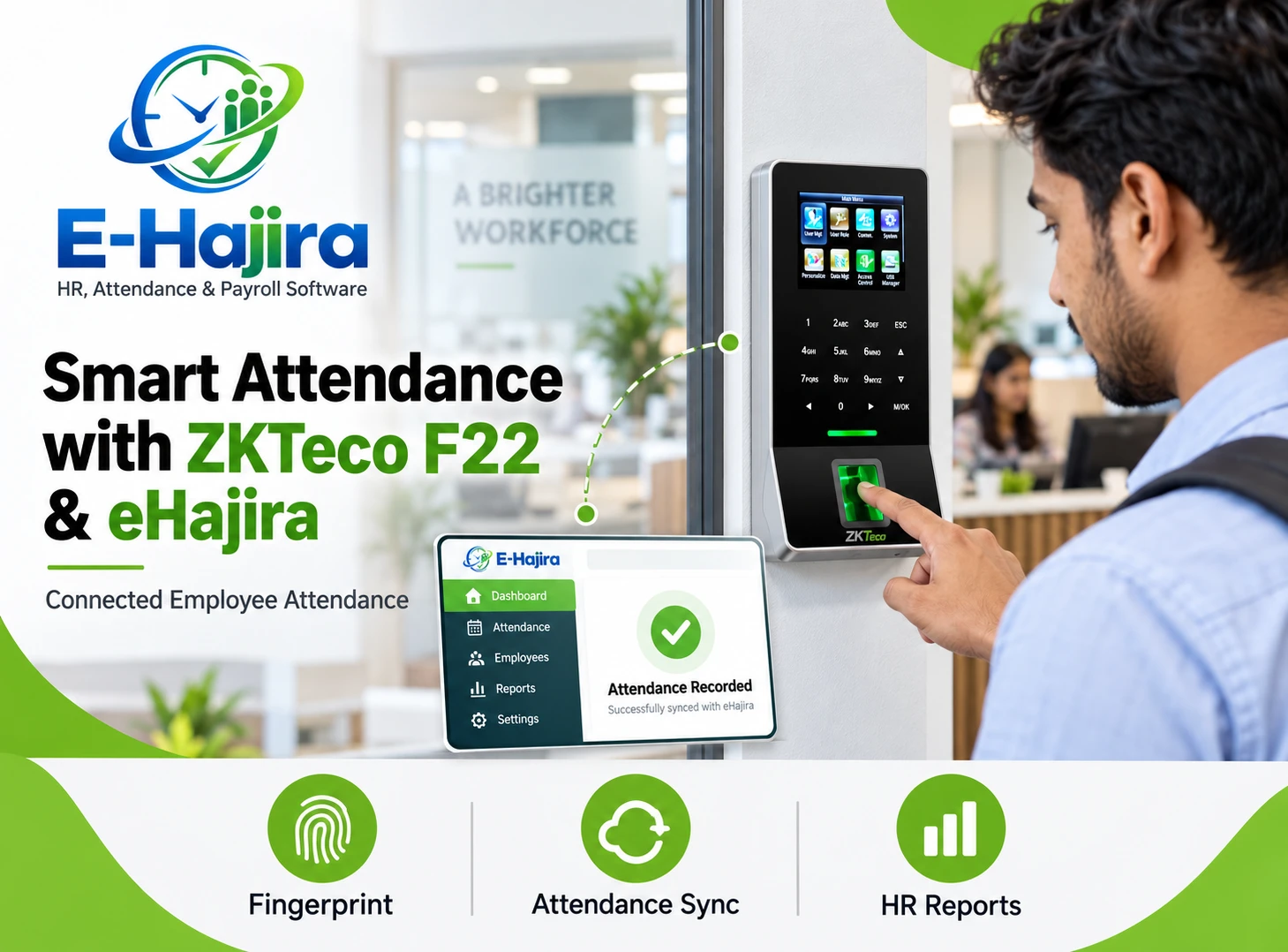
Simplifying Employee Attendance with ZKTeco K40 and eHajira
October 28, 2026
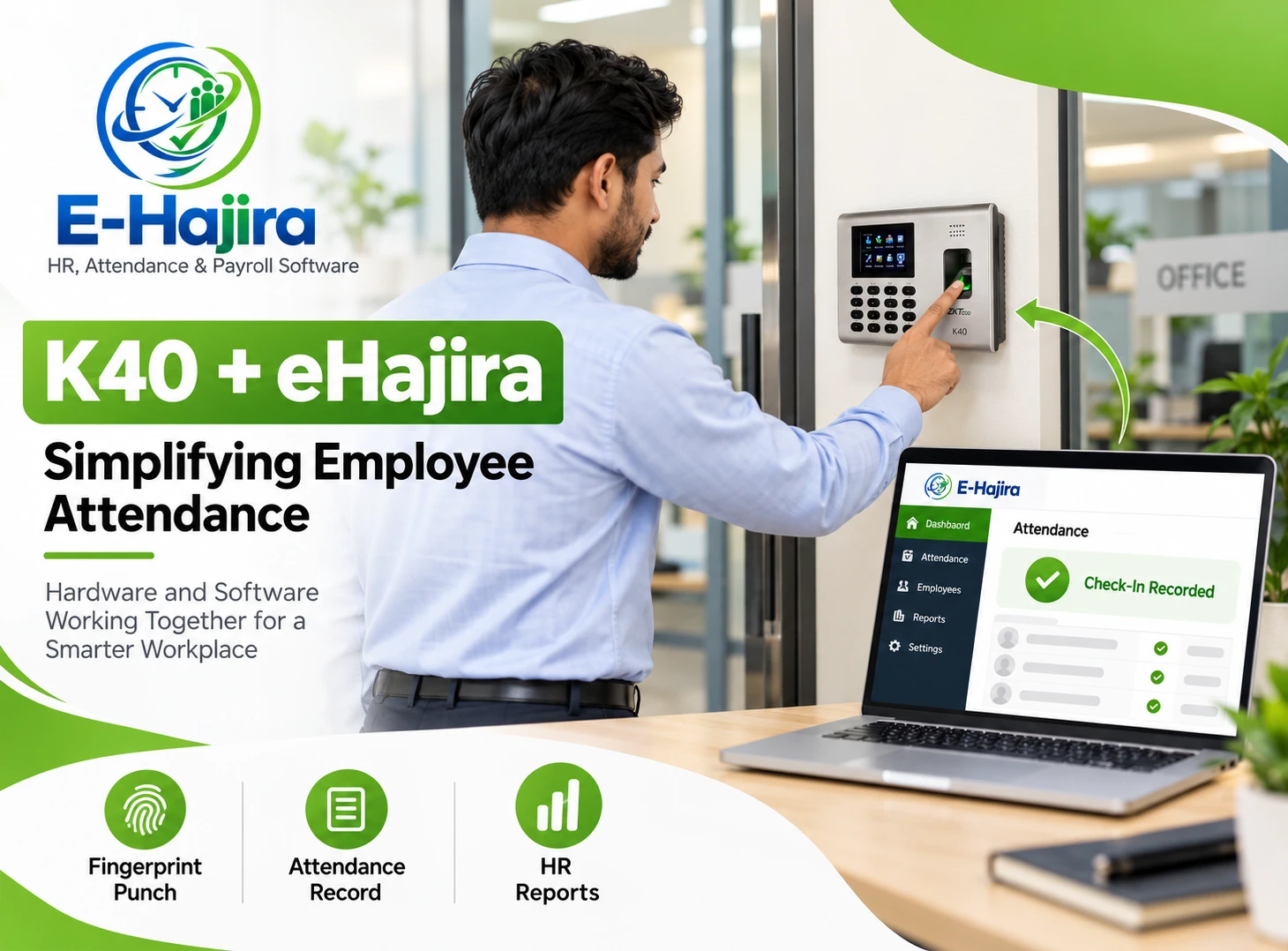
Fingerprint Attendance Device Integration with ZKTeco K40: A Practical eHajira Guide for Businesses in Bangladesh
A fingerprint attendance device can record when an employee punches, but collecting those events is only the beginning of attendance management. HR teams still need to identify the employee, apply the correct schedule, review missing information and prepare useful reports.
For businesses in Bangladesh, connecting attendance hardware with an HR platform can reduce repeated data handling and create a clearer administrative process. The ZKTeco K40 provides the attendance capture point, while eHajira can be evaluated as the software environment for organizing supported attendance information alongside HR and payroll activities.
However, device connectivity and software compatibility are different matters. A terminal having a network interface does not automatically establish that every software package can communicate with it.
This guide explains how organizations can plan a K40 attendance integration with eHajira, what the connection needs to accomplish and how to test the complete process before relying on it for monthly administration.
What Is the ZKTeco K40?
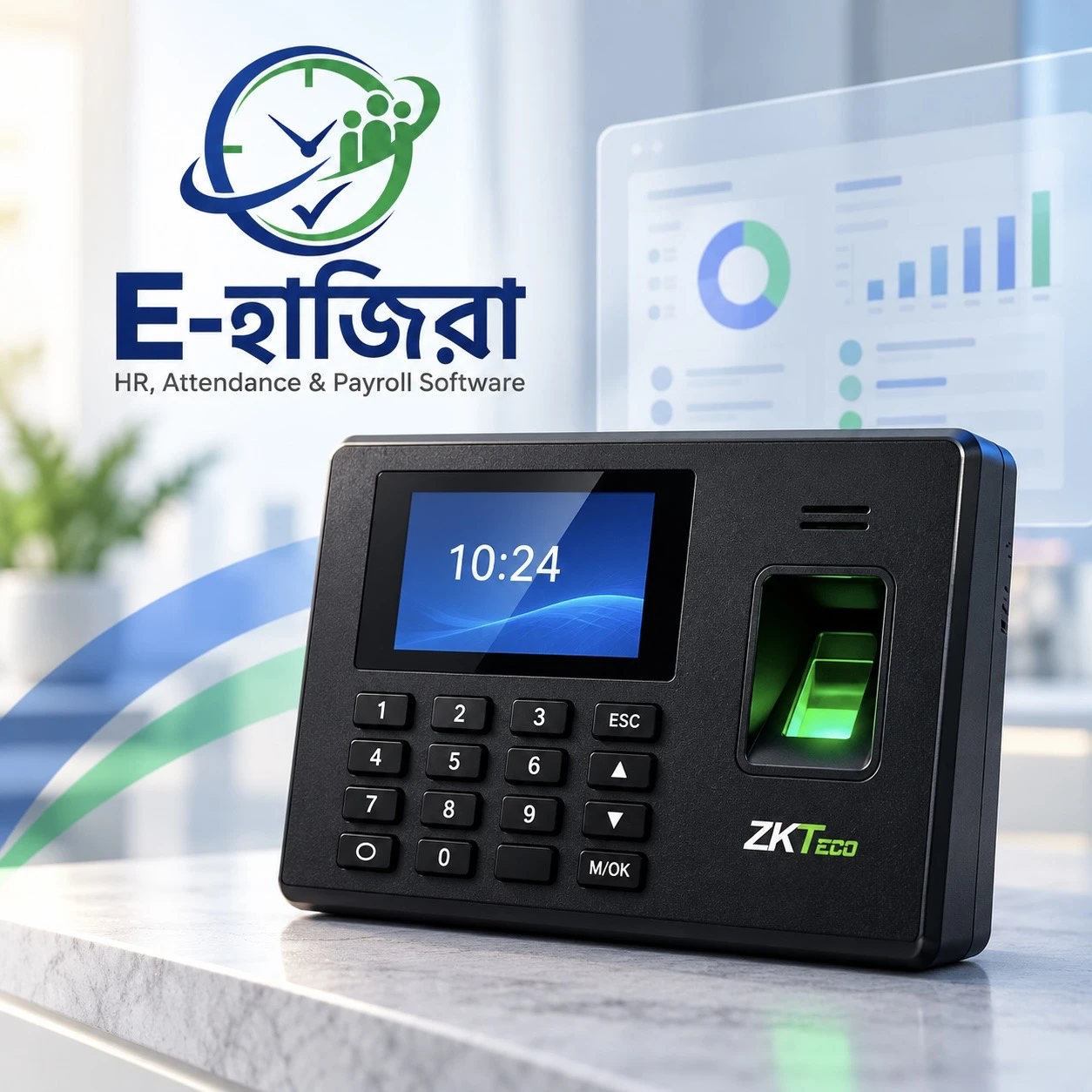
The ZKTeco K40 is a fingerprint time-attendance terminal with simple access-control functions. ZKTeco’s regional product information describes TCP/IP and USB-host communication options, which are relevant to transferring attendance information.
For this article, the important point is the device’s role: it records supported attendance events associated with enrolled users. Those events can then form part of an organization’s attendance administration.
Organizations should verify the exact model and supplied configuration rather than relying on the name alone. Capacity figures and optional functions can differ between listings, and similarly named products should not be treated as interchangeable.
When arranging integration, provide the installer with the device label, relevant firmware information and the intended connection arrangement.
What eHajira Adds to Attendance Administration
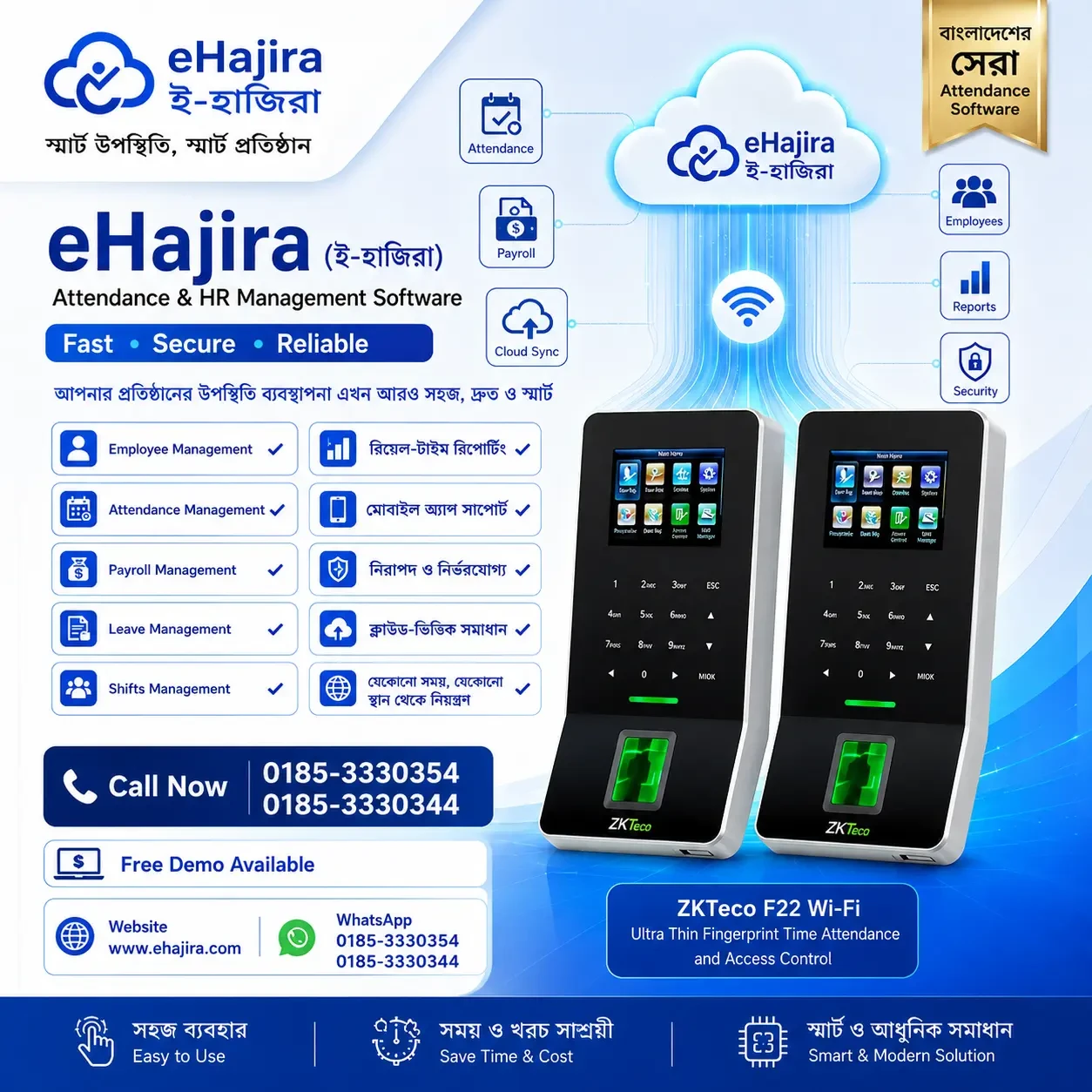
eHajira is an HR, attendance and payroll solution offered by TRIMATRIK MULTIMEDIA. Its published product information describes integration with compatible biometric and card-based attendance devices.
The software’s role is broader than displaying a list of punches. An organization needs to associate attendance with employee identities, schedules and approved exceptions before using the information in reports.
For example, a punch recorded at 10:00 AM cannot be meaningfully classified without knowing the employee’s assigned shift. Similarly, one missing event may require investigation rather than an immediate absence decision.
A well-planned eHajira deployment connects these administrative requirements. The exact modules, device connector and reporting options should be confirmed for the selected package.
Confirming K40 Compatibility Before Implementation
The sources reviewed establish that eHajira supports compatible biometric devices, but they do not provide a model-and-firmware compatibility guarantee for every K40 unit.
Businesses should therefore request confirmation for their actual device and proposed deployment. This is particularly important when integrating a terminal already in use rather than purchasing a complete installed solution.
Ask the eHajira team to demonstrate a real punch moving from the K40 into the correct employee record. Confirm the connection method, any local software requirements and the expected synchronization behavior.
Written scope should identify the supported device, required setup work and responsibility for ongoing assistance. This makes compatibility a verified implementation detail rather than an assumption based on the manufacturer’s name.
Why Integration Matters for Bangladesh Businesses
Organizations in Bangladesh use attendance devices in offices, shops, factories, schools and service locations. Their administrative requirements vary, but many need to turn daily punches into reliable monthly information.
Without integration, staff may repeatedly collect device files, prepare spreadsheets and combine records manually. Each additional handling stage introduces opportunities for mismatched employee identities, overlooked entries or conflicting report versions.
For example, a business with one office and a separate warehouse may receive attendance information from different locations. HR needs a consistent process for reviewing both without losing the context of each employee’s schedule.
A supported K40-to-eHajira connection can be evaluated as part of that process. Its value should be measured through reduced reconciliation and clearer records, not assumed from installation alone.
Understanding the Data Journey
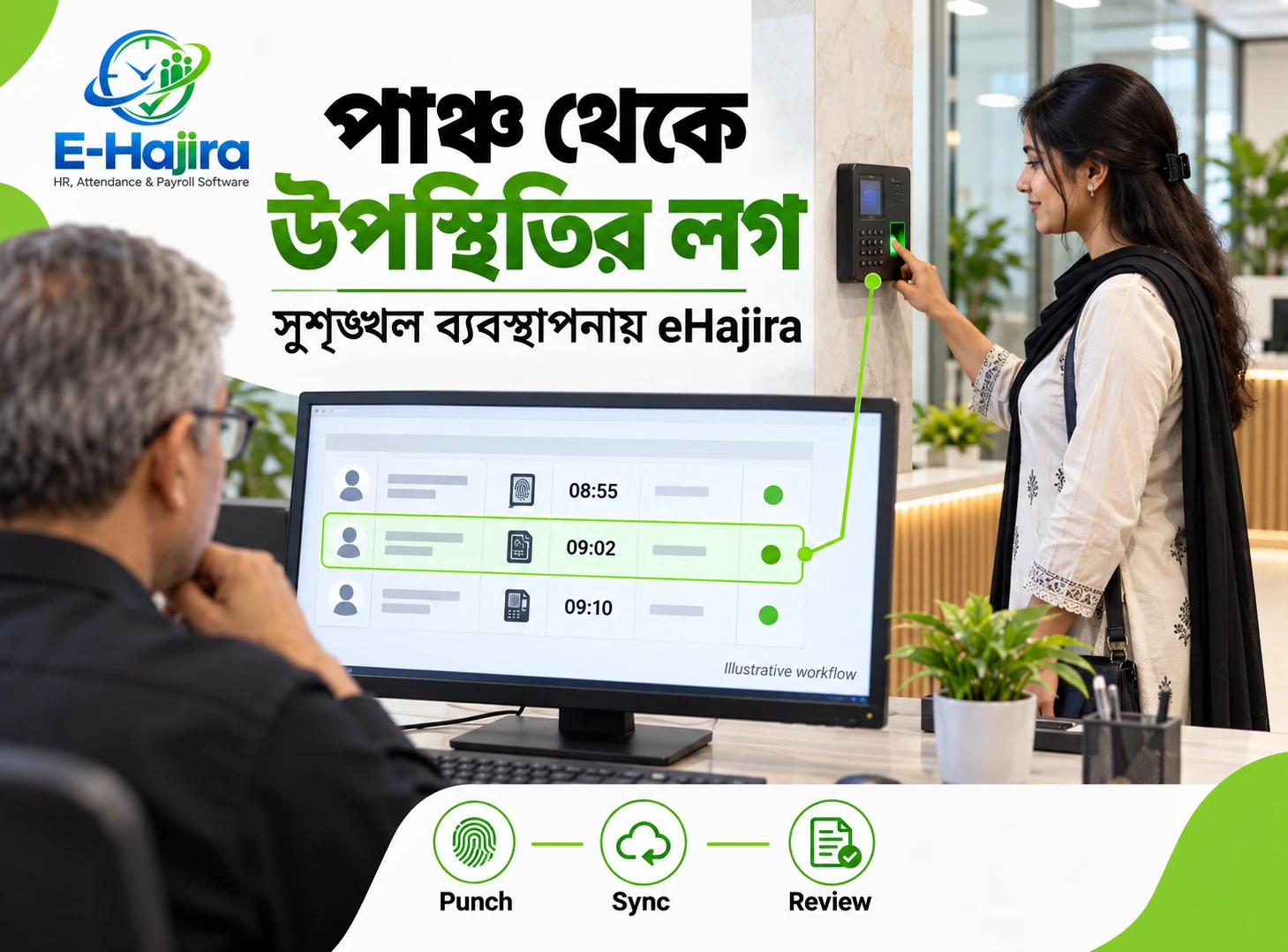
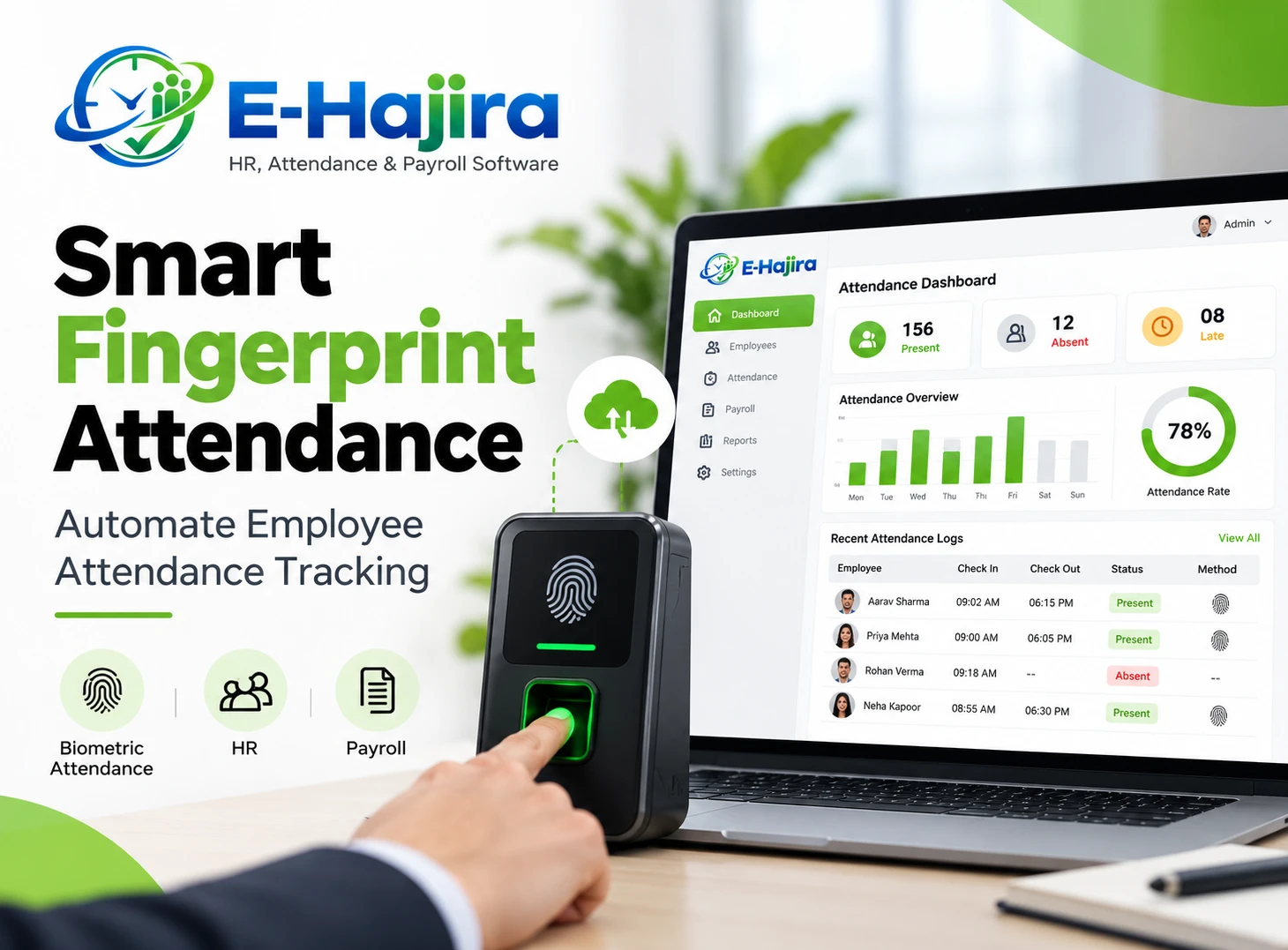
A practical attendance integration has several stages. The employee identifies themselves at the terminal, the device records an event, and the supported connection transfers relevant information into the attendance system.
The software then associates the event with the correct employee and interprets it under the configured attendance rules. Authorized staff review exceptions before the information is used in reports or payroll preparation.
For example, a morning punch may arrive correctly but still produce an unexpected result if the wrong shift is assigned. The connection can work technically while the administrative outcome remains incorrect.
Testing must therefore follow the entire journey. Confirming that the device is reachable over a network is only one part of successful integration.
Using the K40’s TCP/IP Interface
TCP/IP provides a network communication option for the K40. In an attendance deployment, the technical team can assess how the terminal will communicate with the supported integration component.
The organization should agree on the device’s network location, addressing arrangements and the equipment needed to maintain connectivity. Configuration should be performed by someone familiar with both the terminal and the software’s requirements.
The presence of TCP/IP does not prove direct cloud connectivity, a specific communication protocol or compatibility with every attendance application.
For eHajira, confirm whether the arrangement uses a local connector, another supported service or a different approved method. Ask how the connection is monitored and what happens when it becomes unavailable.
Understanding USB Transfer
The K40’s USB-host option is relevant to supported manual data transfer. This can be useful when discussing an existing device’s export capabilities or an alternative collection process.
However, exporting a file from the device does not establish that eHajira can import it directly. File structure, employee identifiers and timestamp interpretation must be supported.
If USB import is proposed, request an end-to-end demonstration with a real exported sample. Confirm how repeated imports are handled and whether the process identifies information already received.
A manual transfer method also requires clear responsibility. Someone must know when to collect the file, where to store it securely and how to verify that the intended records reached the system.
Distinguishing K40 from K40 Pro
Product names can look similar while referring to different devices or configurations. A compatibility statement about K40 Pro should not automatically be applied to K40.
This distinction matters when comparing quotations, reading online specifications or asking an installer to support an existing terminal.
For example, a business may request help for “K40” while a proposal refers to another model. The misunderstanding may remain unnoticed until installation.
Record the exact model in the project scope and confirm it with the provider. The objective is straightforward: the device being tested should be the device the organization intends to use.
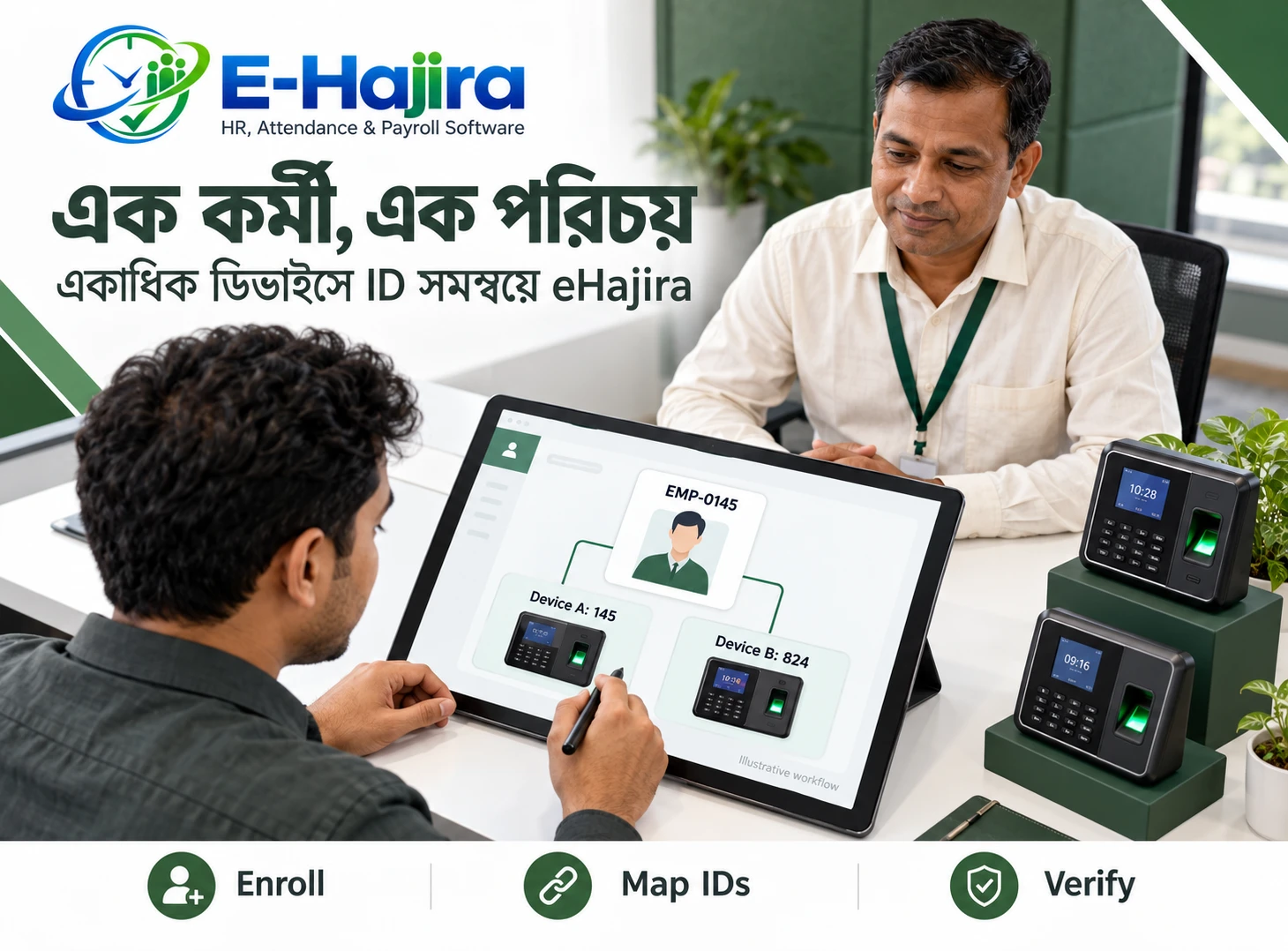
Enrolling Employees and Mapping Their Identities
Correct identity mapping is essential. A terminal user number must correspond to the intended employee record in the HR system.
If the connection maps an event to the wrong person, accurate punch times will still produce inaccurate attendance. Similar employee names make identifiers especially important.
For example, two employees named Rahim may work in different departments. The integration should distinguish them using the approved identification structure rather than relying on names.
During the pilot, enroll a small group and verify each person’s events individually. Document who creates employee accounts, who enrolls terminal users and how a mistaken mapping is corrected without damaging historical records.
Fingerprint Templates and Attendance Logs Are Different
Fingerprint enrollment information and attendance event logs serve different purposes. Organizations should not assume that transferring attendance punches means biometric templates are also transferred.
The integration may need only the information required to identify the employee and attendance event. Whether biometric enrollment data is accessed or stored elsewhere depends on the actual implementation.
Ask the provider to explain the data involved. This helps the organization understand its privacy responsibilities and avoid making inaccurate claims about how the system works.
Employees should receive a clear explanation of the attendance process. Access to device administration, enrollment functions and exported information should be limited to authorized personnel.
Configuring Employee Shifts
Once punches reach the correct employee, the system needs the appropriate work schedule. Without it, late arrival and early departure calculations can be misleading.
For example, a warehouse employee assigned to an afternoon shift should not be compared with the head office’s morning start time.
Before relying on eHajira results, confirm how schedules are assigned and how changes take effect. Include temporary shift changes and transfers between teams in the test.
A good configuration reflects the organization’s approved arrangements. Hardware integration supplies attendance information; it does not decide which schedule an employee was authorized to follow.
Managing Check-In and Check-Out Interpretation
Employees may make multiple punches during a day. The system needs a supported method for interpreting them in relation to the working arrangement.
For example, a person may punch on arrival, during a break and again before leaving. Treating every event as a simple alternating sequence may not match the organization’s policy.
The implementation should demonstrate how the K40 events are interpreted in eHajira. Confirm the relevant rules for duplicate punches, multiple events and incomplete records.
Avoid assuming that a button label or device event alone determines the final attendance outcome. What matters is the complete configured behavior and whether the resulting record matches the approved policy.
Handling Overnight Shifts
Overnight duty crosses calendar dates, so a check-out in the morning may belong to the previous evening’s shift.
For example, an employee starting at 10:00 PM and leaving at 6:00 AM needs to be reviewed as one appropriate duty period. Looking at each calendar date separately can make the record appear incomplete.
Test a normal overnight shift and a missing morning check-out during the pilot. Confirm how the events appear in employee and monthly reports.
This is an important acceptance test for businesses with night operations. A successful network connection does not by itself demonstrate correct overnight attendance processing.
Keeping Device Time Accurate
Attendance depends on timestamps. If the terminal’s clock is incorrect, the integration can faithfully transfer the wrong time.
Organizations should establish how device time is checked and who is authorized to change it. The technical team should also explain any supported synchronization arrangement.
For example, a small clock difference may create repeated late-arrival exceptions where the policy uses a narrow threshold.
During testing, compare the device event with the corresponding software record. Verify the working date and local time interpretation. Correct time handling helps prevent administrative disputes that would otherwise look like employee attendance problems.
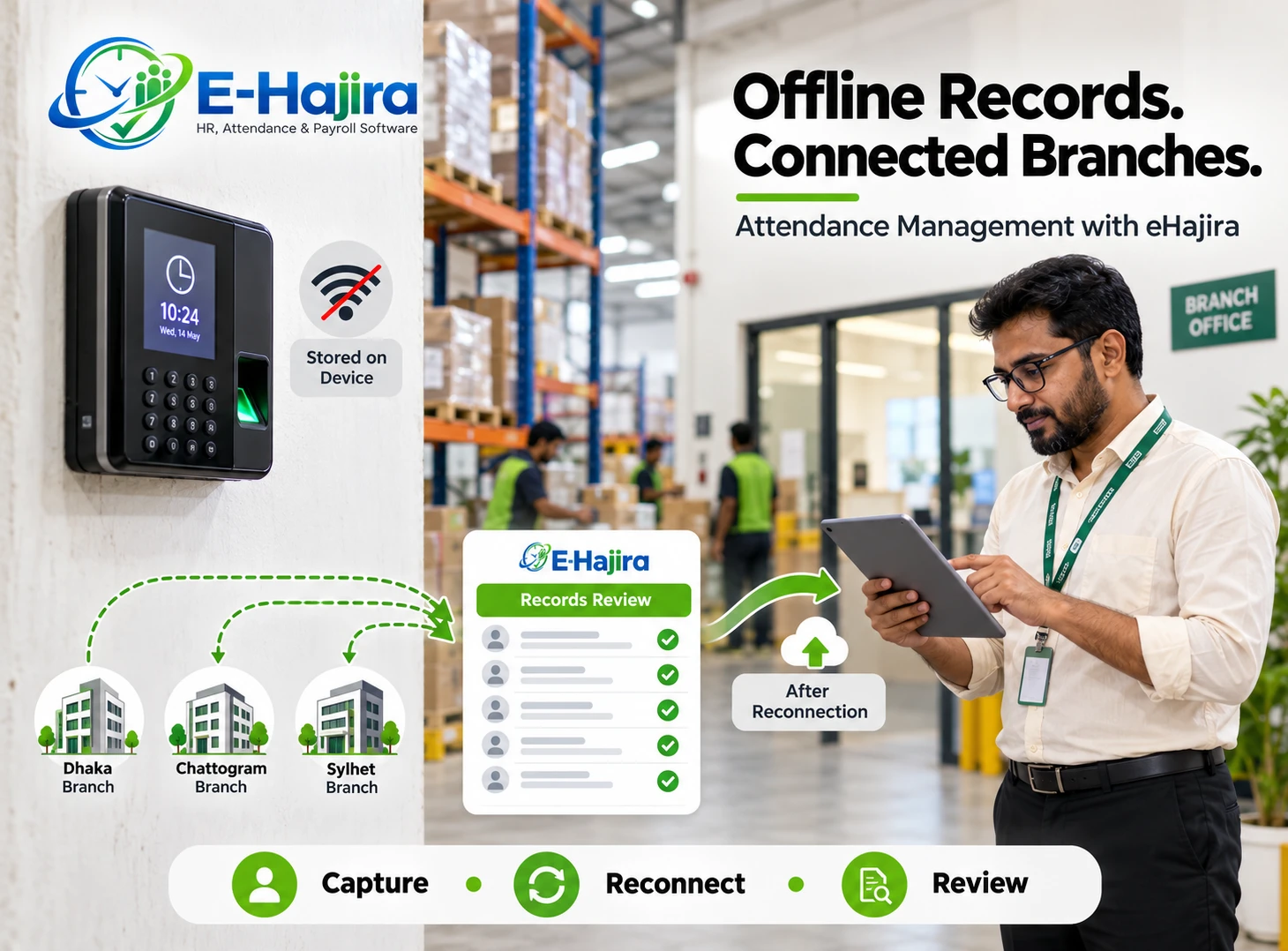
Managing Network Interruptions
A network interruption can delay data collection without necessarily meaning that employees failed to punch. HR needs to distinguish missing communication from missing attendance events.
Ask what the actual deployment does when connectivity is interrupted and later restored. Confirm how pending events are retrieved and how successful recovery is verified.
A useful pilot includes a controlled interruption performed by the authorized technical team. The goal is to confirm continuity without risking operational records.
Do not assume unlimited device storage or indefinite recovery. The organization should know its actual equipment limits and establish a routine for monitoring connection problems before they affect a reporting deadline.
Preventing Duplicate and Missing Information
Repeated collection attempts and manual imports can create concerns about duplicate data. Conversely, an incomplete transfer may leave gaps.
The provider should explain how the supported integration identifies previously received events. Businesses should test repeated synchronization or import using the approved procedure.
For example, importing the same attendance file twice should not be assumed safe without demonstration. The resulting records need to be checked.
Reconciliation should compare a small sample of terminal events with the software output. This helps establish that employee identity, event time and record completeness remain consistent throughout the connection.
Reviewing Attendance Corrections
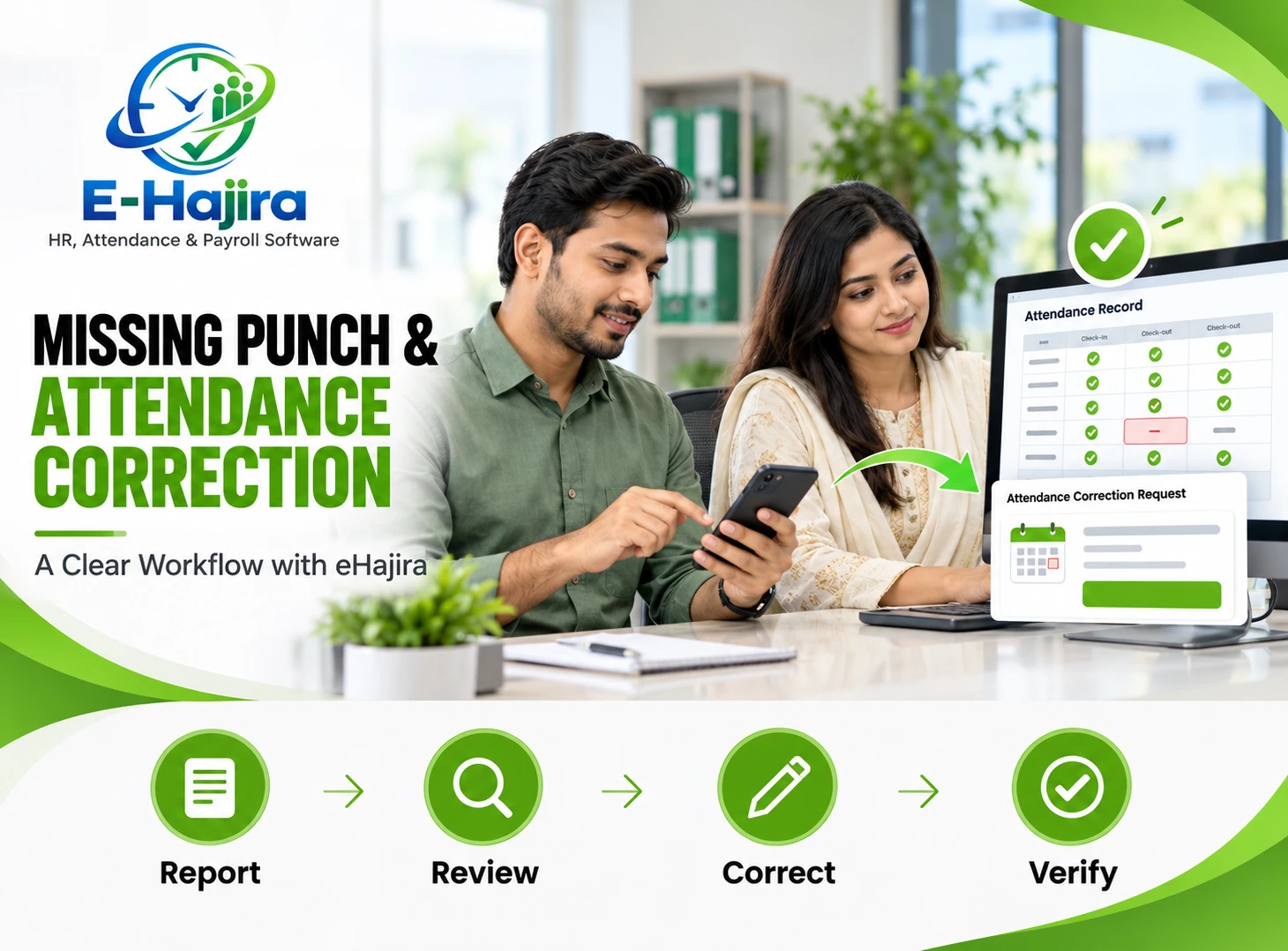
Employees can forget to punch even when the device and integration work correctly. These situations need a controlled review process.
An employee should identify the date and explain the missing event. An authorized supervisor or HR reviewer can then consider the circumstances under company policy.
Confirm how correction requests are handled in the selected eHajira package, including permissions and any available change history.
A correction should address the actual problem. If the event exists on the terminal but has not synchronized, adding a manual punch prematurely may create a duplicate when communication resumes.
Turning K40 Punches into Reports
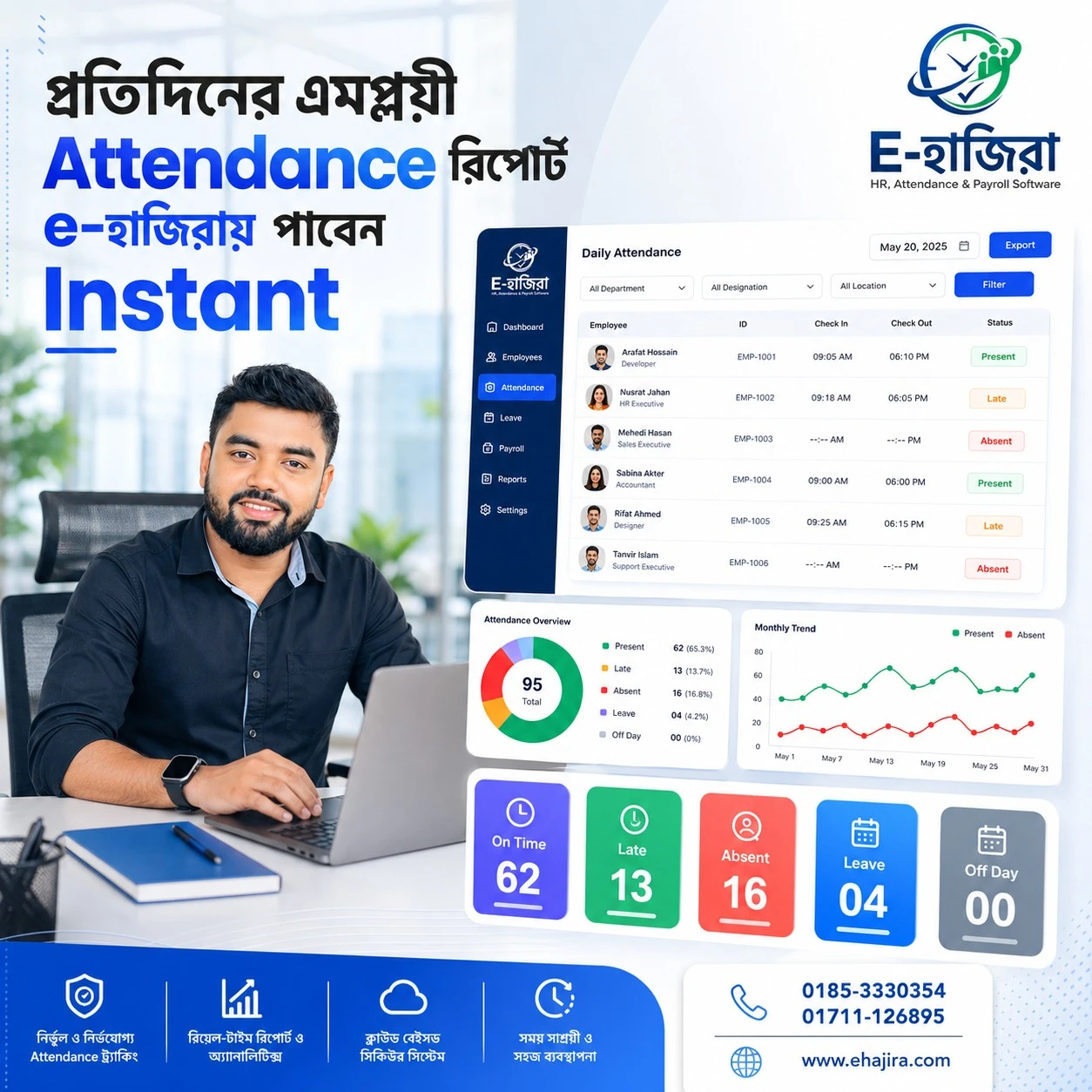
The purpose of integration is to make attendance information useful. After events are mapped and reviewed, HR needs reports that explain the organization’s attendance outcomes.
During implementation, request the reports your team actually uses. A detailed event list and a processed monthly summary answer different questions.
For example, HR may inspect raw events to investigate a discrepancy while a department manager needs an approved attendance overview.
Confirm report availability, filters and exports for the selected eHajira package. Use records containing leave, missing punches and shift changes to verify that the outputs remain understandable beyond an error-free demonstration.
Connecting Attendance with Payroll
Attendance information can support payroll preparation, but it should be verified first. Missing punches, incorrect shifts and unresolved leave can affect the interpretation.
The organization should demonstrate how approved attendance reaches payroll in its chosen eHajira setup. Confirm any required review or recalculation step.
For example, an authorized correction made before payroll should appear in the relevant attendance input. If payroll is already finalized, staff should follow a documented adjustment procedure.
A device event should not trigger an unquestioned financial decision. Employers remain responsible for applying appropriate policies and requirements to the employee’s actual circumstances.
Installation, Training and Ongoing Support
A complete deployment includes more than mounting the terminal. Device placement, power, network connectivity, employee enrollment and administrative training all affect daily use.
The organization should identify who handles device faults and who handles software questions. Employees need instructions for successful attendance recording and reporting problems.
For example, reception staff should know whom to contact if the terminal stops responding. HR should know how to investigate a record that has not appeared.
Request a written implementation scope covering installation, integration, testing and support. Separate hardware costs, software subscriptions and any additional work so the organization understands its commitments.
Accepting the Integration after a Pilot
A pilot should establish that the proposed system works with the actual K40 unit and eHajira configuration.
Use representative employees and realistic schedules. Include ordinary attendance, repeated punches, a missing event, an overnight shift and a connection interruption where relevant.
Compare terminal information with the resulting software records and reports. Resolve mismatches before treating the integration as ready for payroll-related use.
The organization should retain the agreed setup and support details. A clear handover helps HR and technical staff maintain the connection without depending on undocumented knowledge held by one person.
Frequently Asked Questions
1. What is the ZKTeco K40?
It is a fingerprint time-attendance terminal with simple access-control functions. Confirm the exact supplied model and configuration before planning integration.
2. Can K40 connect to eHajira?
eHajira supports compatible biometric devices, but your actual K40 and deployment need confirmation. Request an end-to-end demonstration and written scope.
3. Does TCP/IP guarantee software compatibility?
No. A network interface enables communication, but the software must support the device’s actual integration requirements.
4. Does K40 have USB transfer capability?
ZKTeco’s regional information lists USB-host communication. Confirm supported export options on your actual device.
5. Can eHajira import a K40 USB file?
That must be demonstrated. A device export and software import need compatible formats and correct employee mapping.
6. Are K40 and K40 Pro interchangeable?
Do not assume so. Compatibility should be confirmed for the exact model named on the device and implementation proposal.
7. Is a local computer required?
This depends on the approved integration arrangement. Ask whether a local connector or another component is needed and who maintains it.
8. Will punches appear instantly?
Synchronization behavior depends on the deployment. Confirm the expected interval and avoid promising real-time updates without testing.
9. How are employees matched?
The integration needs a reliable relationship between terminal user identifiers and software employee records. Names alone are insufficient.
10. Are fingerprints automatically uploaded to eHajira?
Do not assume so. Biometric templates and attendance logs are different data types. Ask exactly what the integration transfers.
11. What if the device clock is wrong?
Incorrect timestamps can affect attendance outcomes. Establish a procedure for checking and correcting device time.
12. Can the setup handle different shifts?
Confirm the required scheduling configuration in eHajira. Test actual employee assignments before relying on calculated attendance.
13. Can overnight shifts be processed?
They should be tested explicitly. Punches across midnight need correct association with the relevant duty period.
14. What happens during a network failure?
The recovery behavior depends on the device and connector setup. Ask how delayed events are retrieved and verified.
15. Can duplicate records occur?
They can be a concern with repeated collection or imports. Confirm the supported duplicate-handling behavior through testing.
16. Does a missing event prove absence?
No. It may involve a forgotten punch, delayed transfer or another issue requiring investigation.
17. Can HR correct attendance?
Confirm the correction workflow and permissions in the selected eHajira package. Changes should follow an authorized review process.
18. Does integration automatically prepare payroll?
Not by itself. Payroll requires the appropriate modules, configuration and verified inputs, followed by responsible review.
19. Can multiple locations use the solution?
Discuss the required device count, network arrangements and branch reporting with the provider. Confirm support for the proposed design.
20. Is internet access always required at the terminal?
Requirements depend on the integration architecture. The terminal’s local network connection and the software’s connectivity needs should be explained separately.
21. Should an existing K40 be replaced immediately?
Not necessarily. First assess compatibility, condition and requirements. A verified integration may avoid unnecessary replacement.
22. Should employees receive training?
Yes. Training should explain attendance actions, problem reporting and the organization’s correction process.
23. What should the quotation include?
It should identify hardware, software, integration work, training and support. Recurring charges and optional services should be clear.
24. How can a business get started?
Provide the eHajira team with the exact K40 model and your attendance requirements. Request a pilot covering punches, schedules, exceptions and reports.
Bringing the Device and HR Workflow Together
The ZKTeco K40 supplies an attendance capture point, while a supported eHajira setup can help organize the resulting information for HR administration. Successful integration depends on verified compatibility, accurate employee mapping and appropriate scheduling rules.
For businesses in Bangladesh, the next step is a practical demonstration using the actual device. Test the full journey from fingerprint punch to reviewed attendance report, then confirm implementation and support responsibilities before wider deployment.