Attendance System
 Access Control
 Door Security
 Turnstile & Entrance Control
 Security Inspection
 Parking Management
 Safety Products
 Software
 Other
From Check-In to Check-Out: Simplifying Employee Attendance with eHajira
October 27, 2026
From Check-In to Check-Out: Simplifying Employee Attendance with eHajira
Employee attendance management is a daily responsibility for businesses of every size. Whether an organization operates from one office in Dhaka or manages employees across several locations in Bangladesh, it needs a reliable way to record when people start and finish work.
Traditional attendance registers and separate spreadsheets can make this process time-consuming. Employees may forget to sign in, supervisors may need to collect records from different locations, and HR teams may spend valuable time checking entries before preparing monthly reports.
Mobile-based employee attendance tracking offers a more convenient approach. With the eHajira mobile app, employees can use their phones to access attendance-related information and record their working day according to their employer’s setup. eHajira also brings attendance into a broader HR and payroll environment, helping businesses organize workforce information more effectively.
This guide explains how the check-in and check-out process works, how mobile attendance can support different types of organizations in Bangladesh, and what employers should consider when introducing eHajira to their teams.
What Is Mobile-Based Employee Attendance Tracking?
Mobile-based employee attendance tracking is the process of recording and reviewing employee attendance through a mobile application. Instead of relying entirely on a paper register or a fixed attendance device, employees use an app to interact with their attendance system.
A typical attendance record includes the employee’s identity, the date and the time of check-in or check-out. Depending on the organization’s configuration and the features available in its chosen package, the process may also involve a designated workplace or a location-based check-in rule.
For employees, mobile attendance provides a convenient way to record the beginning and end of a workday. For HR teams, it creates an opportunity to bring attendance information into a more organized digital process.
The value of mobile attendance depends on more than the app itself. Clear company policies, accurate employee information, suitable shift schedules and a fair process for correcting mistakes are also essential.
What Is eHajira?
eHajira is an HR, attendance and payroll software solution offered by TRIMATRIK MULTIMEDIA. It is designed to help organizations manage employee information and attendance alongside other HR activities.
The provider describes eHajira as supporting mobile attendance, employee attendance history and HR functions such as leave management. Its published product information also lists mobile app access with GPS or geo-fenced check-in for relevant packages. The precise features available to an organization should be confirmed when selecting its plan and configuring the system.
For businesses in Bangladesh, eHajira can form part of a wider effort to replace fragmented attendance processes with a more consistent system. Employees interact with the app, while HR and management work with the attendance information according to their assigned responsibilities.
Why Attendance Tracking Matters for Businesses in Bangladesh
Bangladesh’s workforce includes office employees, retail staff, sales representatives, educators, service technicians and people working at multiple branches or project sites. These employees do not all follow the same working pattern, making a single paper-based process difficult to maintain consistently.
For example, a Dhaka-based business may have an administrative office, a warehouse in another area and sales employees who regularly visit clients. The HR team needs an organized way to understand who worked, which schedule applied and whether any attendance issue needs attention.
Attendance records also support discussions about working hours, leave and payroll preparation. An accurate check-in or check-out entry can help employees and HR teams resolve questions using the same information.
At the same time, a recorded attendance event does not automatically answer every payroll or legal question. Employers must consider approved schedules, breaks, leave, overtime rules and the circumstances of each employee. Technology supports the process, but company policies and applicable legal requirements still matter.
How the eHajira Mobile Attendance Process Works
The exact workflow depends on the organization’s setup, but the central idea is straightforward: an authorized employee uses the eHajira app to record attendance and review relevant information.
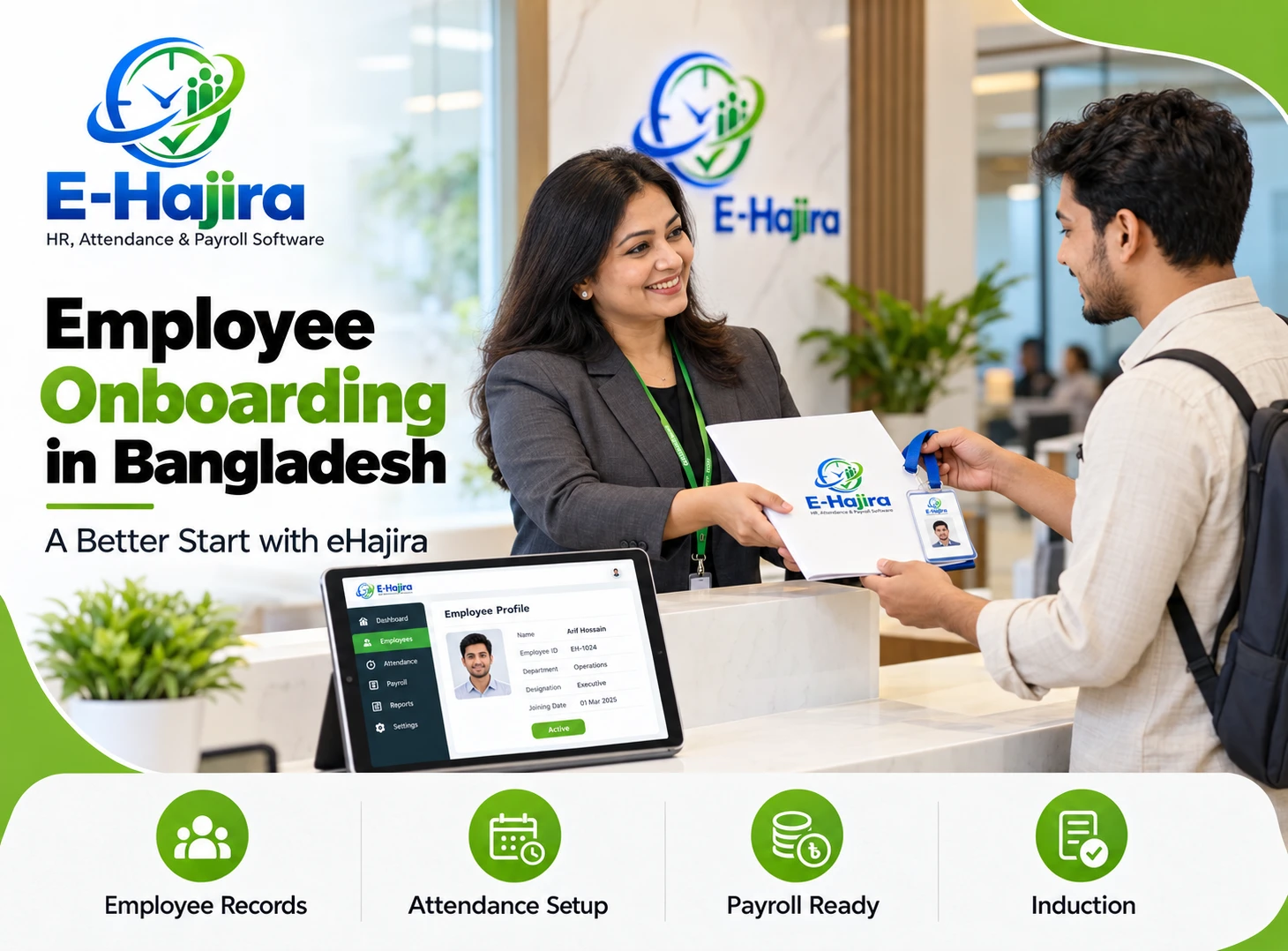
Before employees begin using the app, the organization should create or confirm their employee profiles and explain the applicable attendance policy. This includes the expected working schedule, authorized work location and the person to contact if an entry is incorrect.
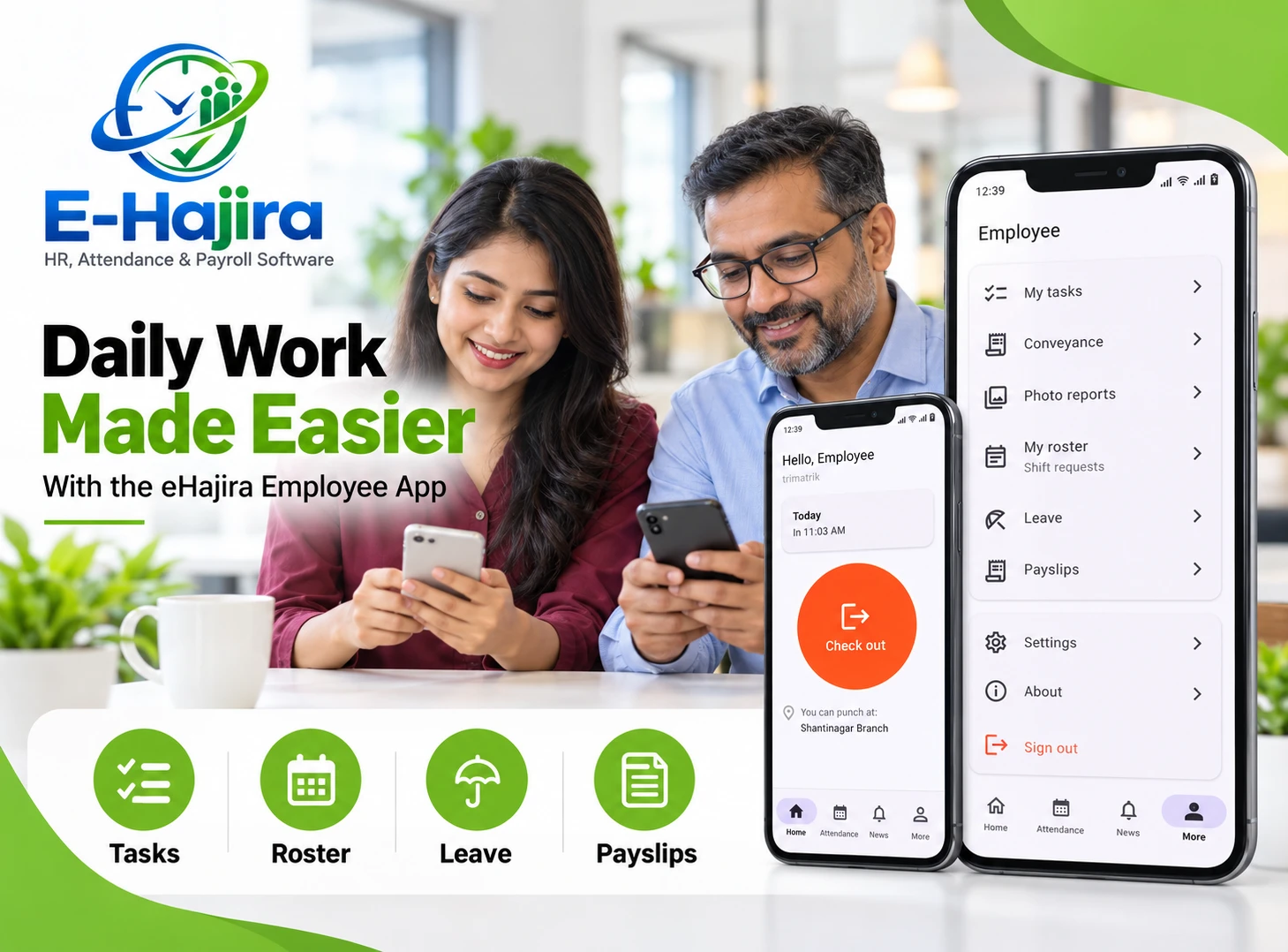
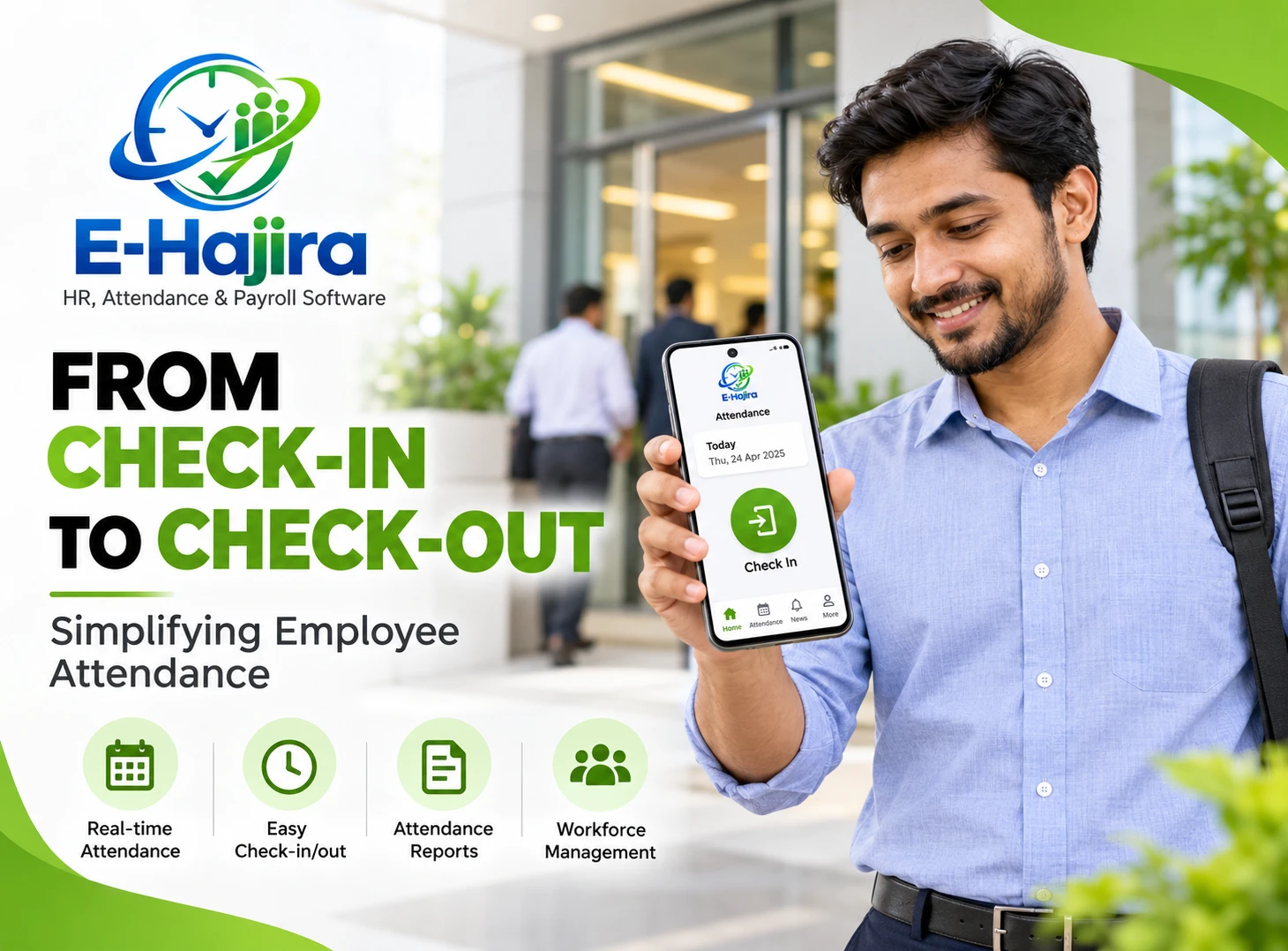
When the workday begins, the employee signs in to the app and follows the available check-in process. At the end of the workday, the employee uses the corresponding check-out option. The eHajira app interface shared for this use case shows a daily attendance time, a check-out action and an assigned branch location.
Afterward, the employee and HR team can review attendance information according to their access and the organization’s configuration. If an employee forgets a punch or notices an incorrect entry, the company should use its established correction process.
Starting the Workday with Mobile Check-In
A consistent check-in process helps an organization establish when an employee began the working day. With eHajira, employees can use the mobile app as part of that process where mobile attendance is enabled.
For example, an employee assigned to a branch office may open the app upon arriving at the designated workplace. The app can present the attendance action available to that employee, while the organization’s configuration determines the conditions under which the employee may punch.
The check-in time is useful for employees as well as employers. It provides a reference point when someone needs to check whether their attendance was recorded or discuss a difference between their expected schedule and the recorded time.
Businesses should explain when check-in is expected, including how the policy applies to meetings outside the office, approved remote work and travel between work locations. These decisions should be made by the employer rather than assumed from the software alone.
Completing the Day with Mobile Check-Out
Check-out records the end of an employee’s attendance period. It complements the check-in entry and helps HR teams understand the recorded span of the working day.
For example, an employee who checks in at the office in the morning can use the app’s check-out action when leaving at the end of the day. The employee should confirm that the action was recorded according to the instructions provided by the organization.
A check-in and check-out pair provides useful information, but the difference between the two times should not automatically be treated as payable working time. Depending on the employer’s policies and applicable rules, breaks, approved overtime and other circumstances may need separate consideration.
When a check-out is missed, employees should know how to notify their supervisor or HR department. An agreed correction process helps ensure that a simple mistake does not remain unresolved until payroll preparation.
Location-Based Attendance and Authorized Workplaces
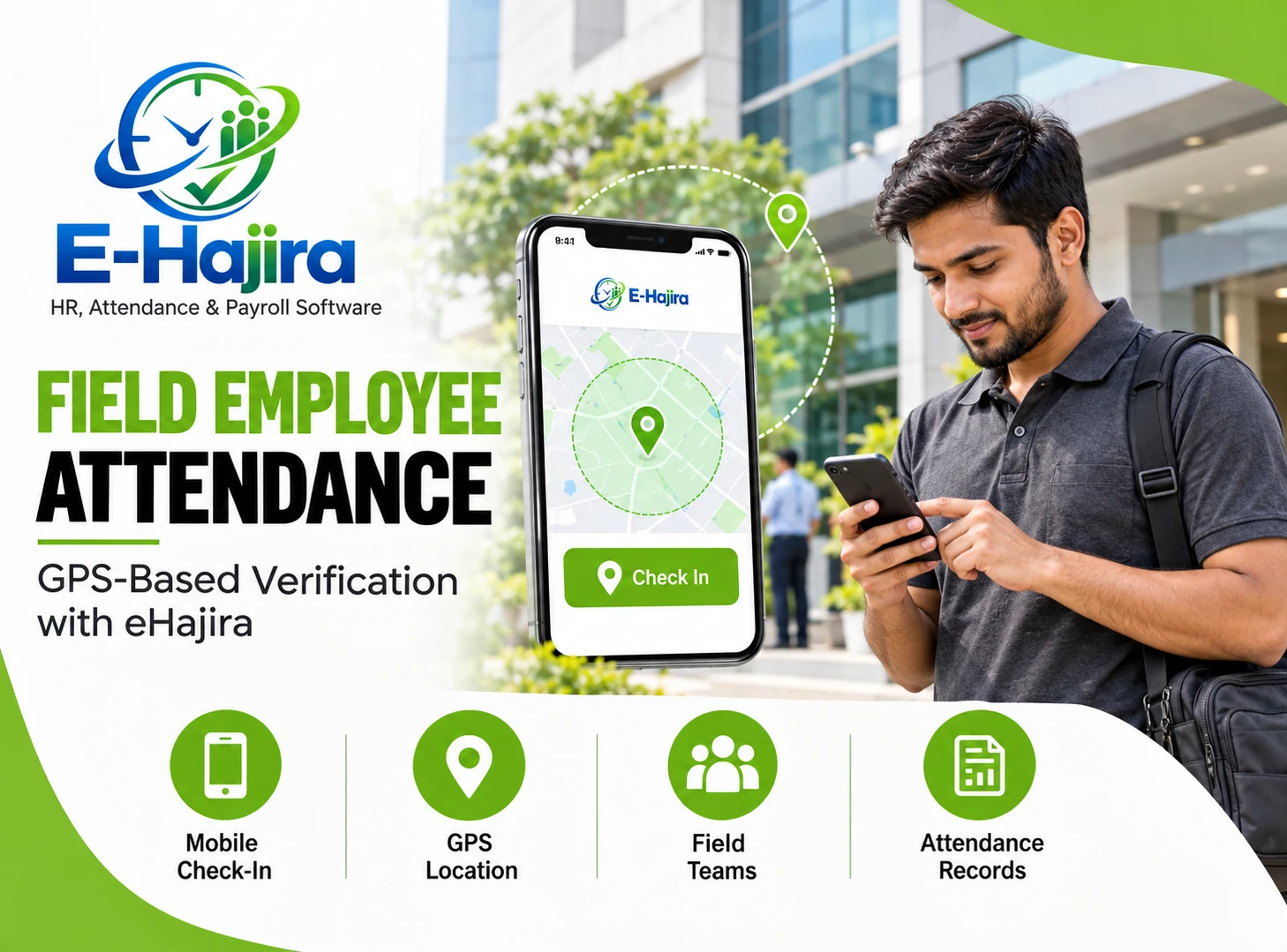
Some organizations want employees to record attendance only when they are at an assigned office, branch or other approved location. For these situations, location-based attendance can support a more structured check-in policy.
The eHajira provider lists GPS or geo-fenced mobile check-in in its published product information. A geo-fence is a defined geographic area used to determine whether a location-based action can be performed. The availability and configuration of this feature should be confirmed for the selected eHajira package.
Consider a company with offices in Dhaka and Chattogram. It may want employees to understand which location applies to their attendance. The organization should first confirm how branch assignments and permitted locations work in its eHajira setup, then communicate those rules clearly to staff.
Location-based attendance also requires practical planning. GPS readings can vary, especially inside buildings or in areas with weak signals. Employers should provide a reasonable way for employees to report location-related difficulties and request assistance.
Reviewing Attendance History in the App
An employee should not have to wait until the end of the month to discover that an attendance entry is missing. Access to attendance history gives employees an opportunity to check their recorded information and raise questions sooner.
According to eHajira’s published product guide, employees can use the mobile app to review their attendance history. This can help them compare recorded attendance with their work schedule and identify an entry that may need attention.
For example, an employee who attended an early client meeting may want to confirm that the day’s attendance was recorded correctly. If the entry does not reflect the situation, the employee can contact the appropriate person under the company’s policy.
Regular review can reduce last-minute discussions during payroll preparation. It also gives employees greater visibility into the information used by the organization.
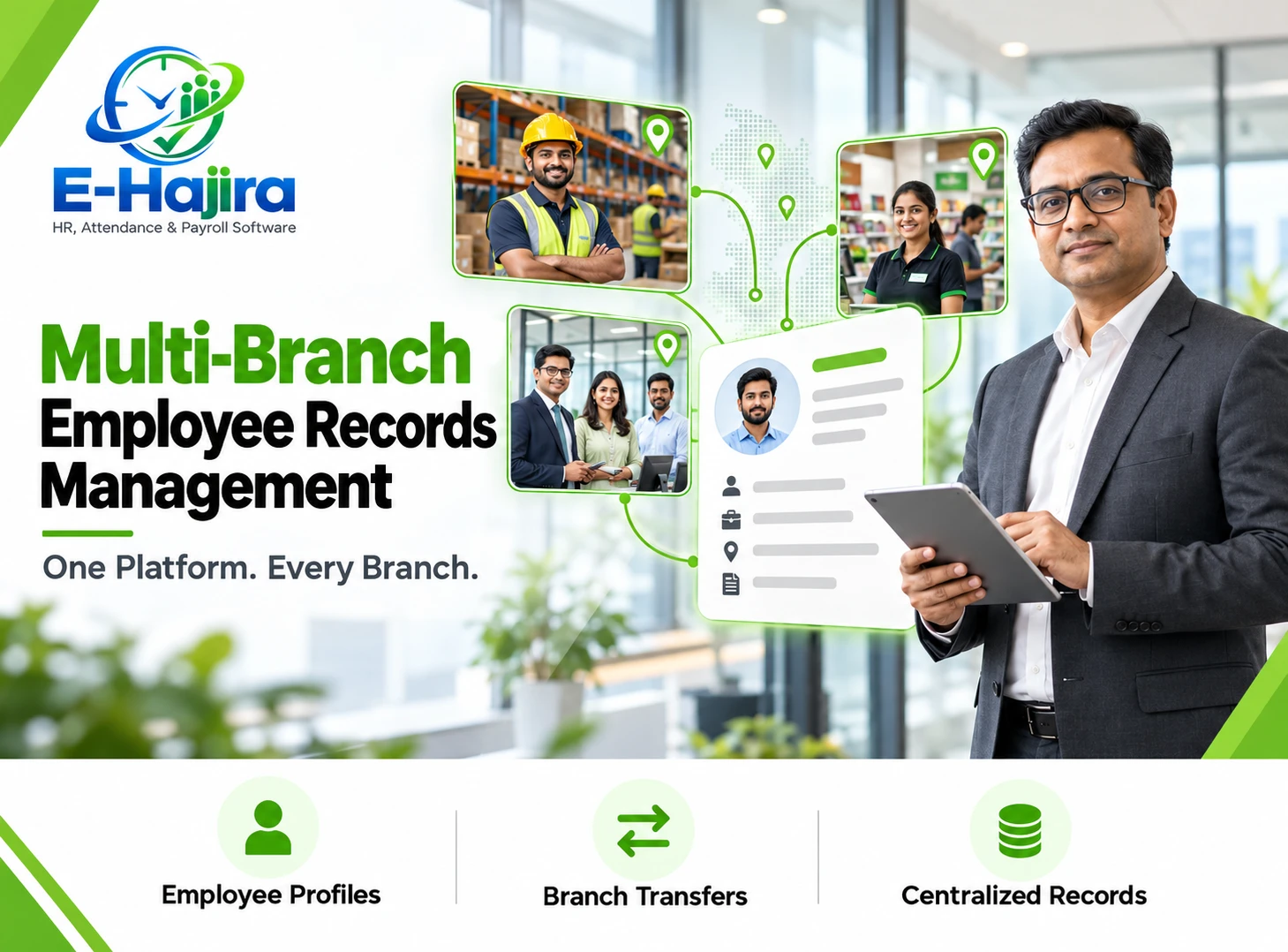
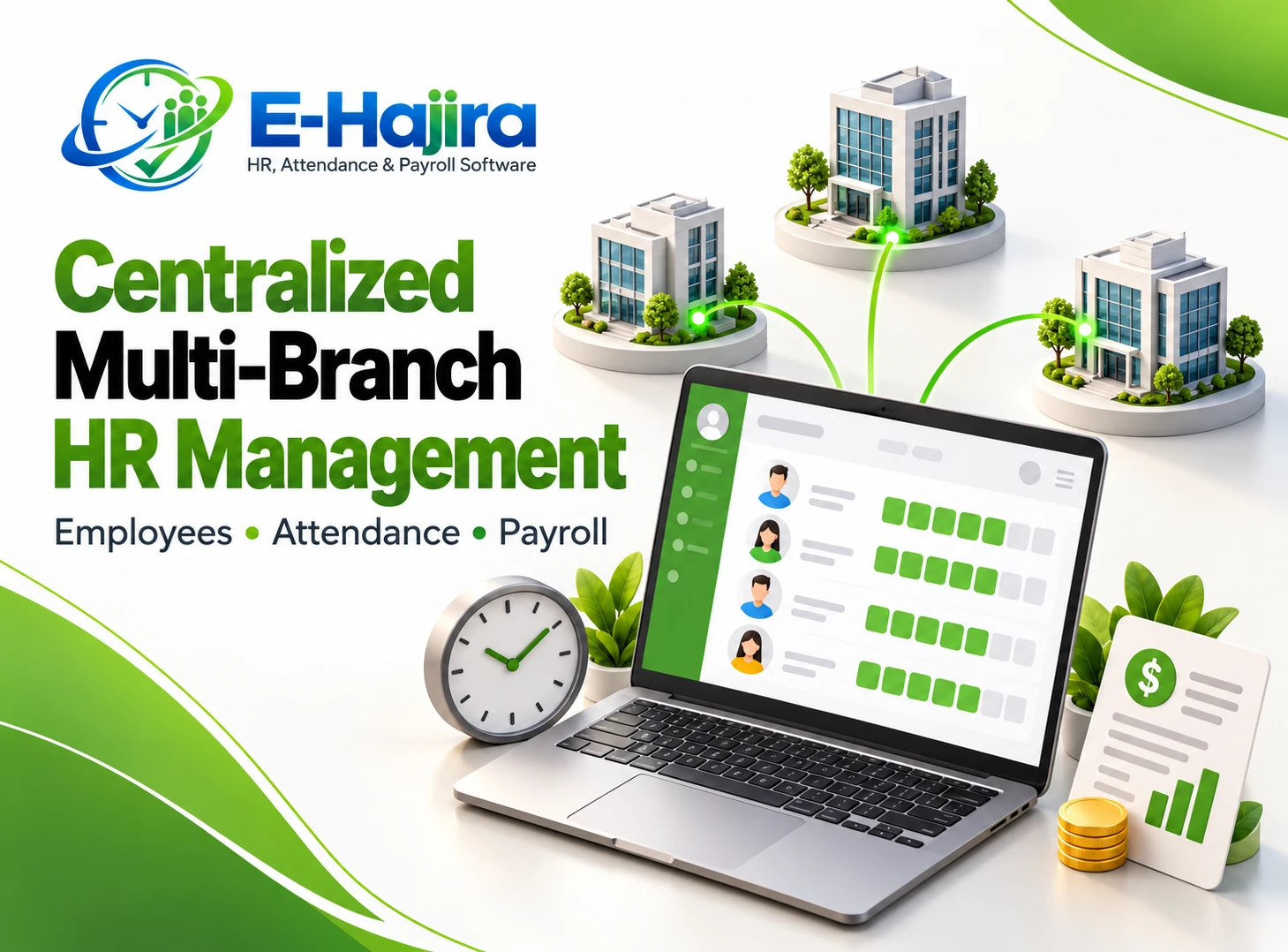
Managing Attendance for Multiple Branches
Businesses with multiple branches often face a common challenge: attendance information is created in different places but needs to be reviewed by the HR team as part of one organizational process.
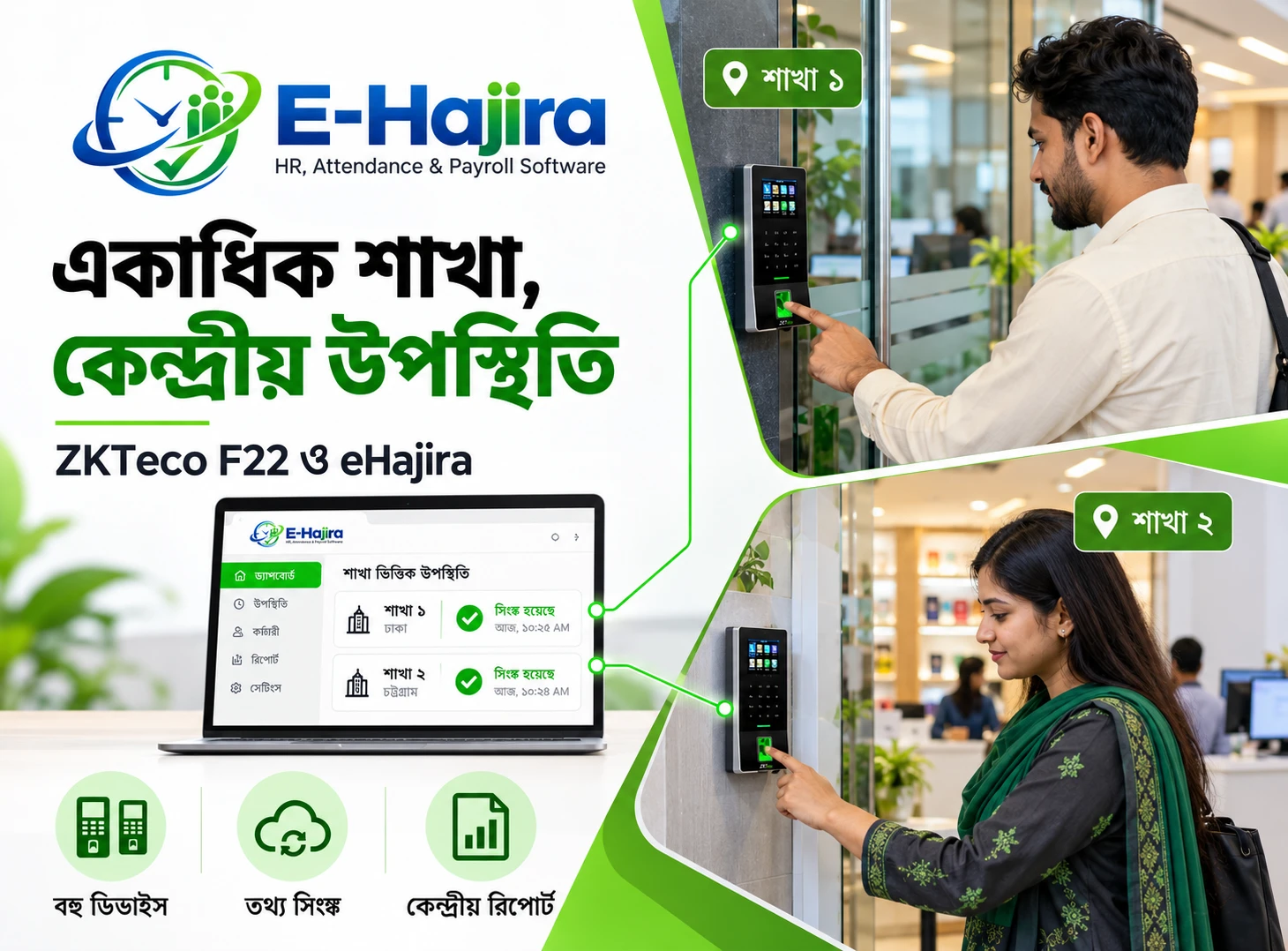
A mobile attendance approach can support a more consistent experience for employees working at different locations. Instead of relying on each branch to maintain its own paper register, the company can organize attendance around employee profiles, branch assignments and approved working arrangements.
For example, a retailer with branches in Dhaka, Sylhet and Chattogram may want branch managers to follow the same attendance policy while accounting for local schedules. HR can then review attendance using the access and reporting options available in its eHajira setup.
Before implementation, the business should confirm how eHajira handles branch configuration, user permissions and attendance reports for its chosen plan. It should also agree on who can review records and who is responsible for correcting branch-specific issues.
Supporting Field Employees and Mobile Teams
Field employees may spend much of their day away from a traditional office. Sales representatives, service engineers and delivery coordinators often work at client sites or travel between locations.
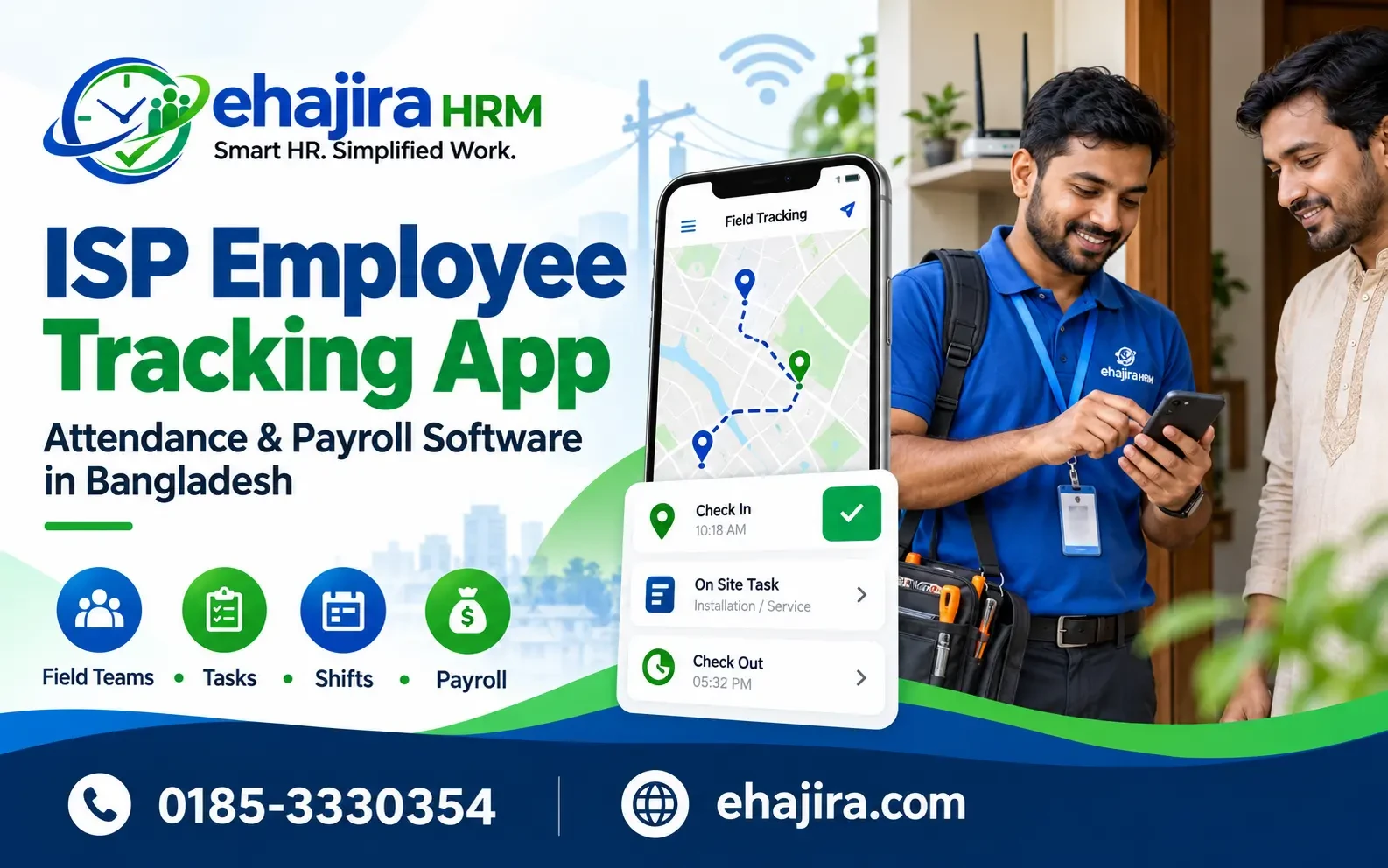
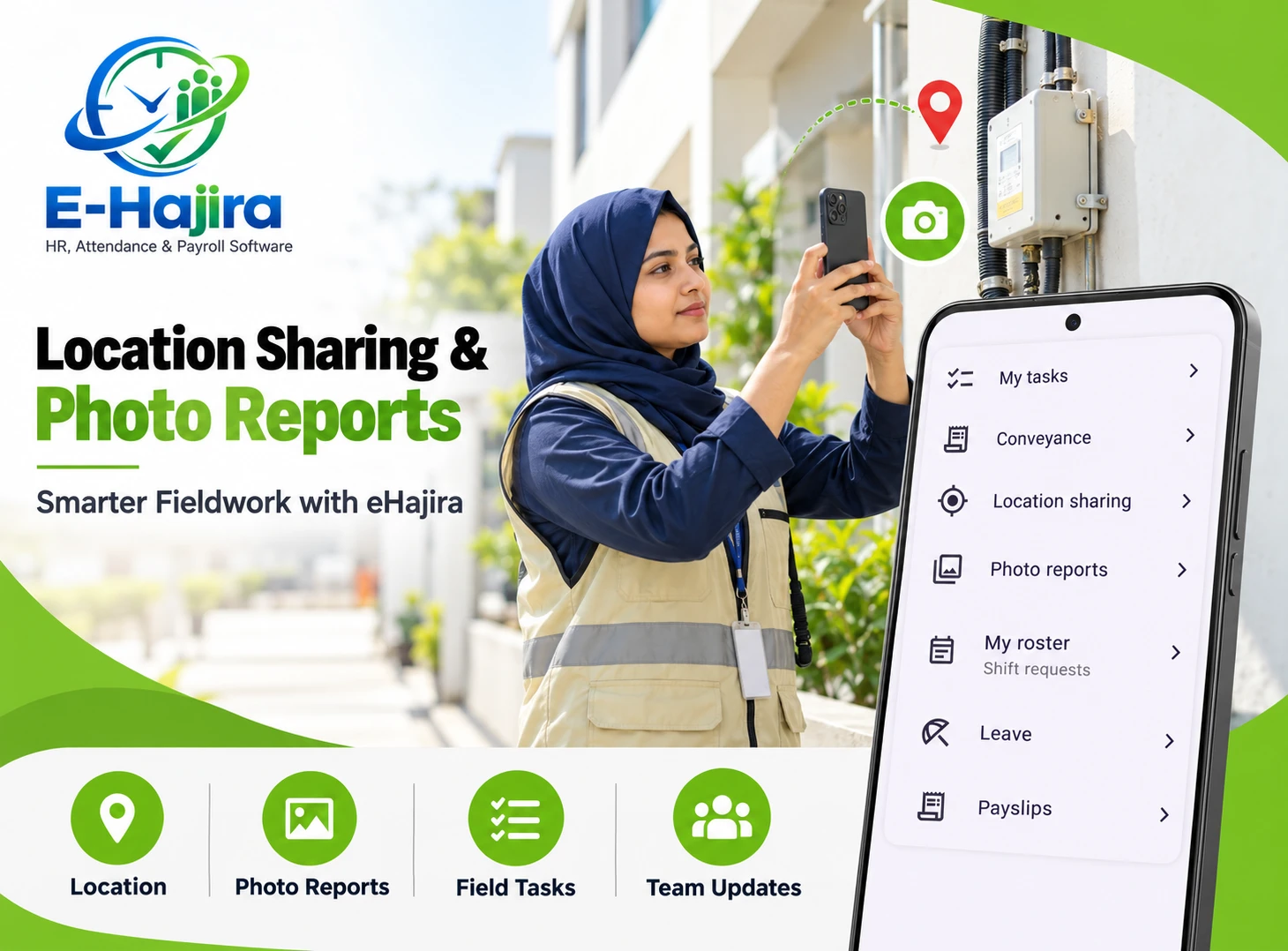
For such employees, a mobile app can provide a more practical attendance experience than relying exclusively on a fixed device at head office. The organization can define a policy that reflects how field work is actually performed and confirm whether the selected eHajira configuration supports that workflow.
For example, a service technician might begin the day at an approved customer location instead of reporting to the office. The employer should explain whether that location is eligible for mobile check-in and what the employee should do if the planned site changes.
Field attendance policies should also account for connectivity issues, travel and work arrangements. A clear alternative reporting process helps employees complete their responsibilities even when a normal check-in cannot be recorded.
Connecting Attendance with Employee Profiles
Attendance information is most useful when it is associated with the correct employee. A complete employee profile gives HR a reliable starting point for identifying the person, department and work arrangement connected to an attendance record.
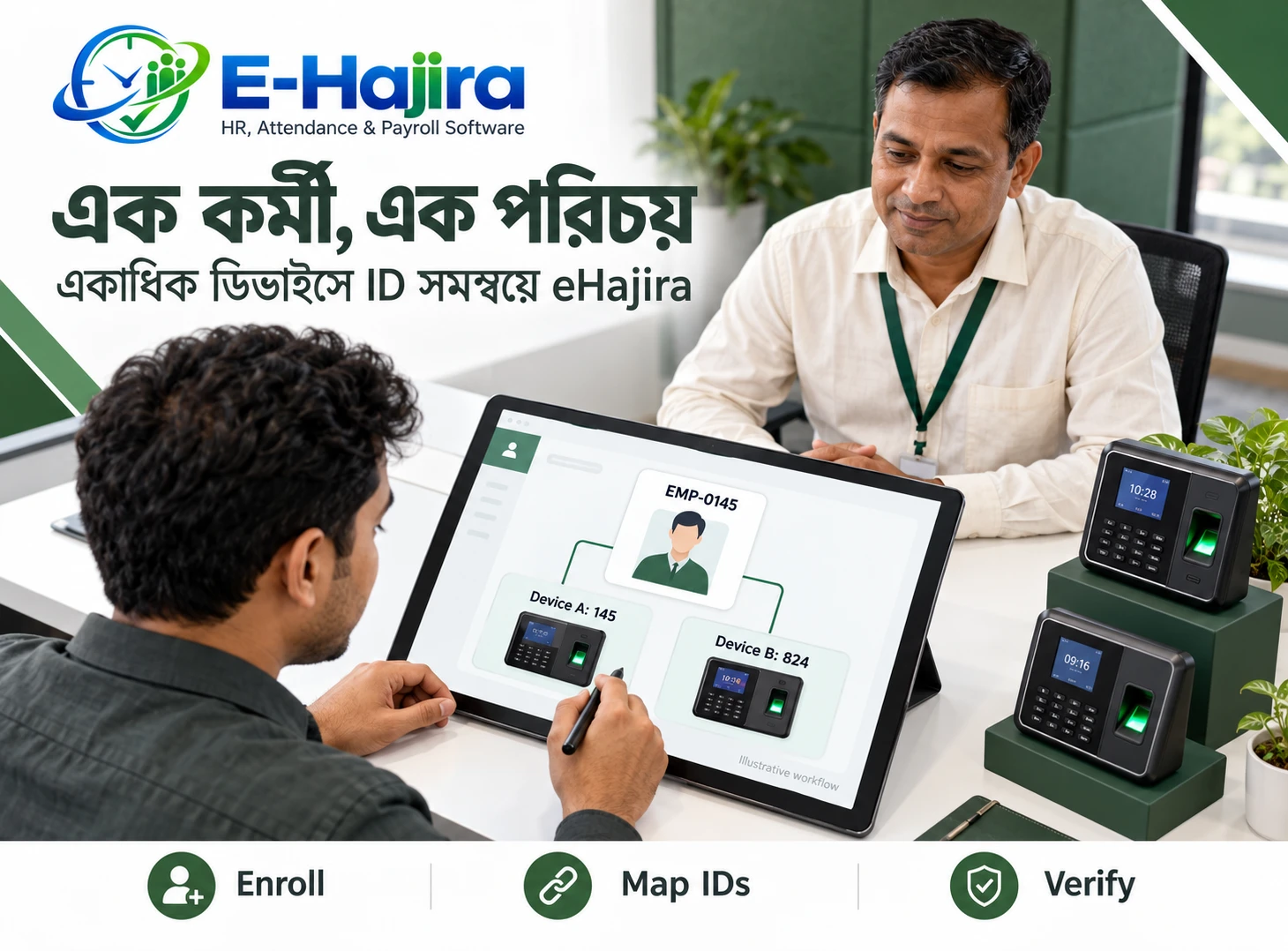
In eHajira, employee information forms part of the broader HR management environment. Organizations can use their employee setup to support more organized attendance administration and reduce confusion between employees with similar names.
For instance, two employees may have the same first and last name but work in different branches. Using the organization’s employee identification details helps HR identify whose attendance record is being reviewed.
Before introducing mobile check-in, employers should confirm that employee profiles are accurate and that each person can access the correct account. Any changes to branch, department or work arrangement should be reflected through the organization’s approved HR process.
Understanding Shifts, Rosters and Attendance
Not every employee works the same schedule. A business may have standard office hours for administrative staff and separate shifts for customer service, retail or operational teams.
Attendance should therefore be considered alongside the schedule that applies to each employee. A check-in that appears late for one shift could be appropriate for another. A company must also decide how it treats approved schedule changes, holidays and special assignments.
The eHajira app interface shared for this article includes My roster and Shift requests options. These provide a useful starting point for discussing how employees interact with schedules. Employers should confirm how roster assignments, shift requests and attendance calculations work in their own eHajira configuration.
A well-communicated shift policy helps employees understand when they are expected to work and gives HR a clearer basis for reviewing attendance.
Managing Leave Alongside Attendance
Leave and attendance are closely connected. An employee who is on approved leave should be assessed according to the company’s leave policy rather than treated the same way as an unexplained absence.
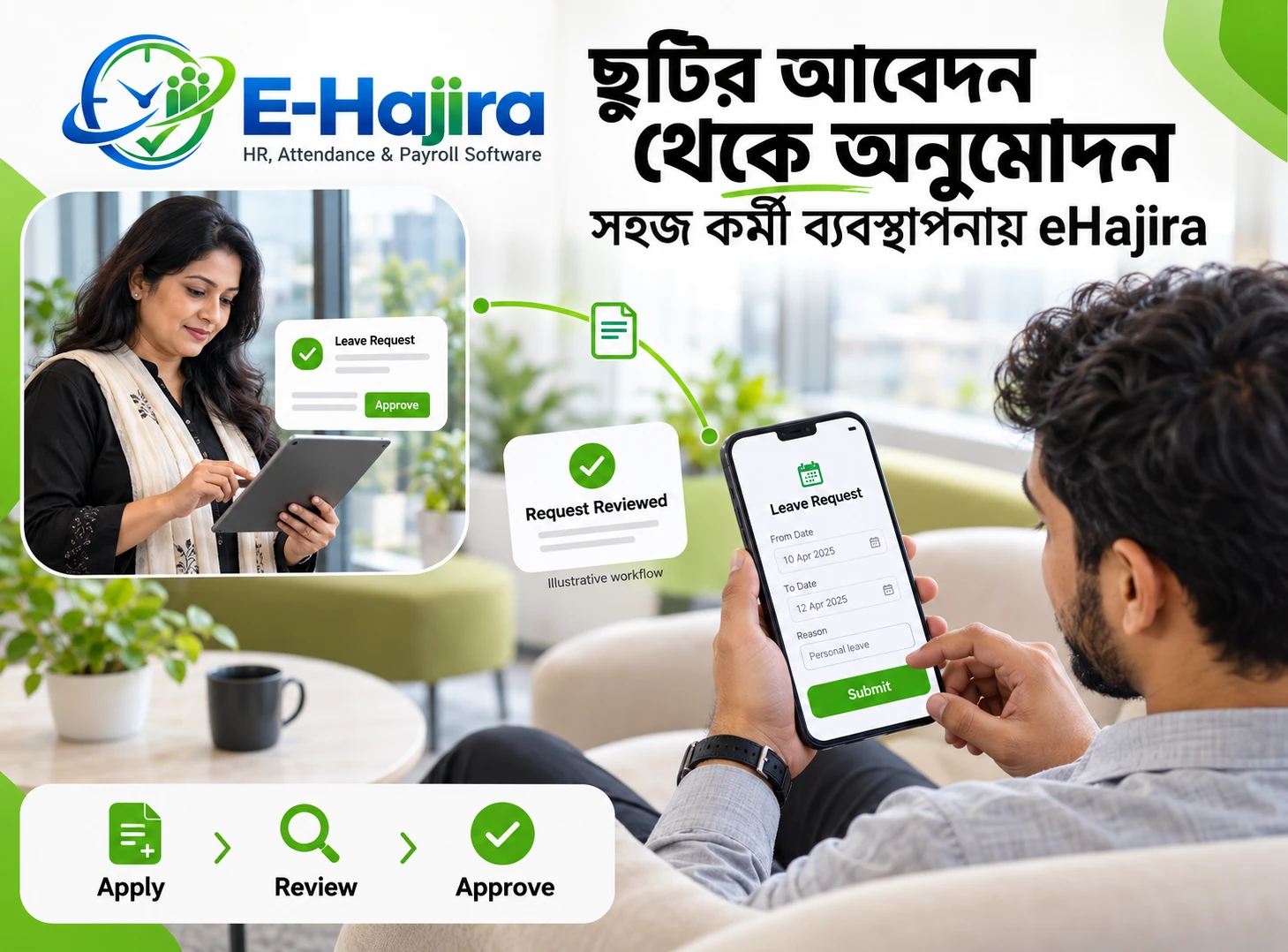
The eHajira app includes a Leave option, and the provider describes leave requests as part of the employee mobile experience. This gives organizations an opportunity to bring attendance and leave discussions into a more organized HR process.
For example, an employee may submit a leave request before taking a day off. The relevant manager can follow the company’s approval process, and HR can review the attendance situation with the approved leave information in mind.
Businesses should explain which types of leave employees may request through the app and how approval is communicated. They should also confirm how leave records appear in attendance reports under their selected configuration.
Using Attendance Information in Payroll Preparation
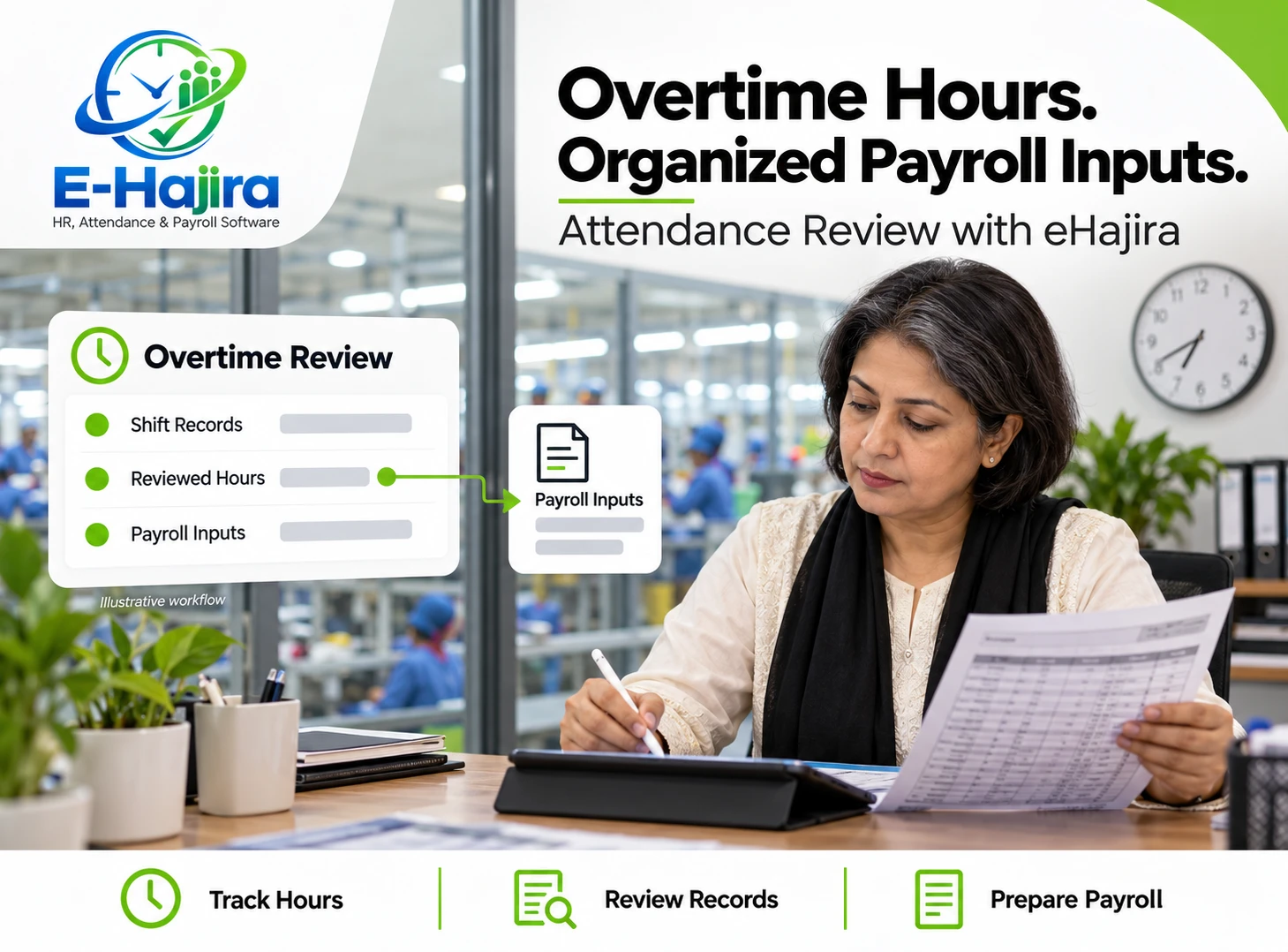
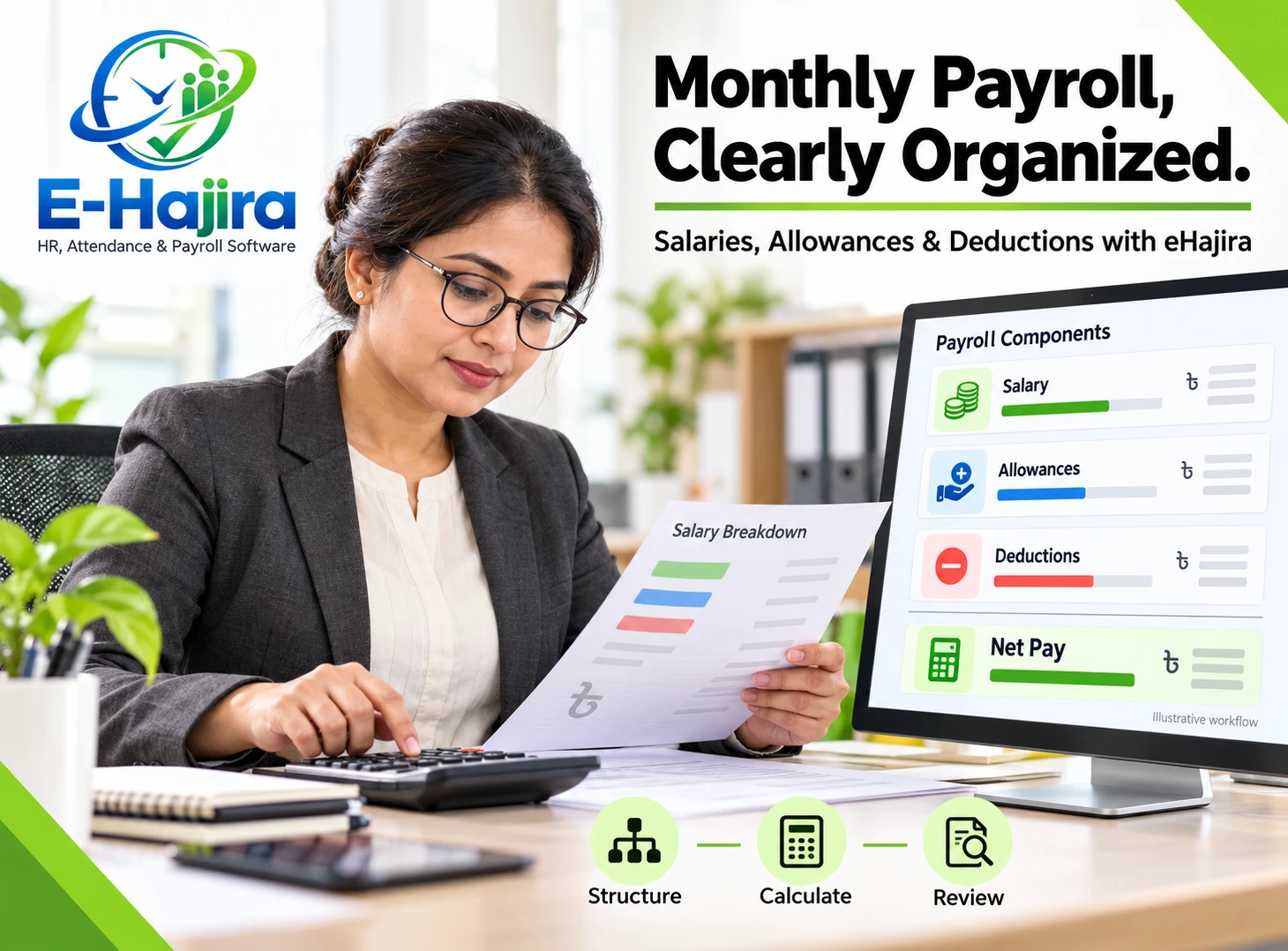
Attendance records can provide useful information when preparing payroll. HR and payroll teams may need to review attendance days, approved leave, schedules and other factors before finalizing employee payments.
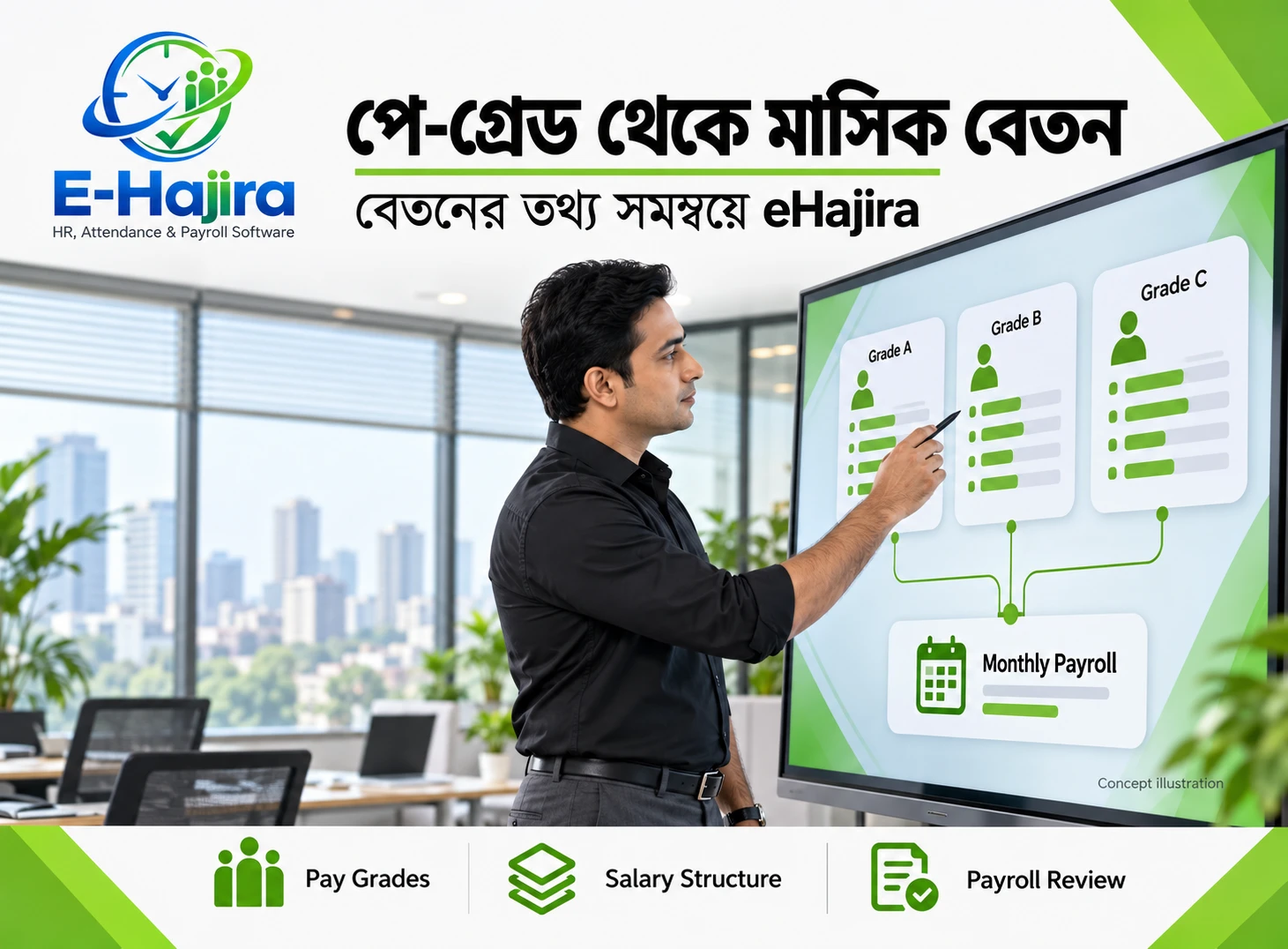
eHajira combines attendance and payroll within its broader HR solution, giving organizations an opportunity to organize these activities in a connected workflow. The specific calculations, approval steps and available integrations should be verified with the eHajira team before implementation.
For example, if an employee has a missing check-out, the HR team should resolve the issue before using that day’s attendance information in payroll preparation. Similarly, any overtime or adjustment should follow the company’s policy and applicable requirements.
A digital attendance record is a source of information; it does not replace payroll review. Employers remain responsible for checking that the final payroll reflects the correct employee circumstances.
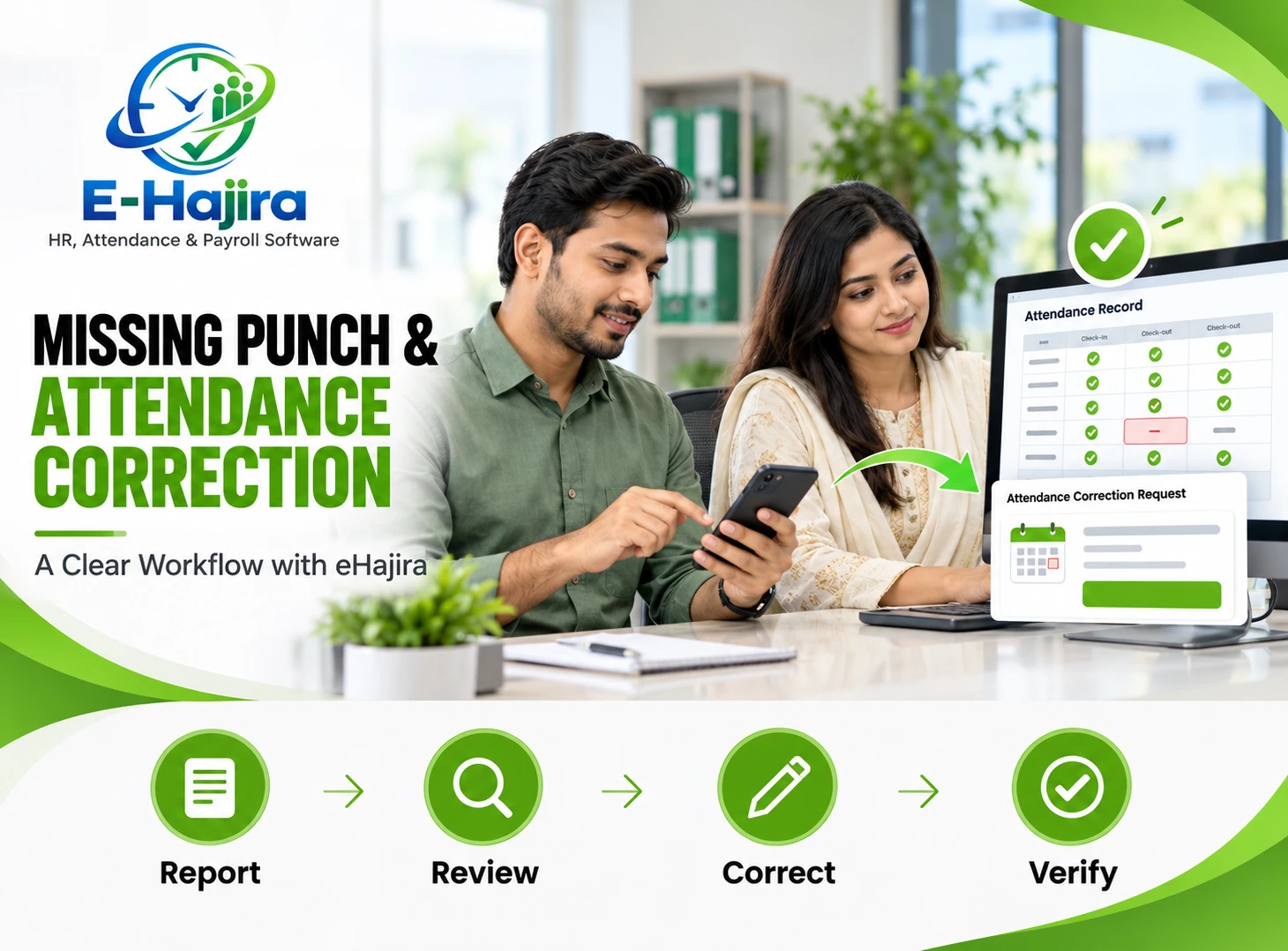
Handling Missed Punches and Attendance Corrections
Even with a convenient mobile app, employees may occasionally forget to check in or check out. A phone battery may run out, connectivity may be unavailable or the employee may be working at an unexpected site.
A fair attendance process explains how these issues should be reported. The employee should know whom to contact, what information to provide and when the issue should be raised. Managers and HR staff should also understand who has authority to review and approve corrections.
Suppose an employee attends a customer meeting but cannot complete the normal check-in process. The employee can inform the supervisor, who can verify the situation and follow the organization’s correction procedure.
Businesses should ask the eHajira team how attendance corrections are recorded, who can make changes and whether the selected plan provides a history of those changes. This helps the organization design a process that is both practical and accountable.
Employee Privacy and Responsible Location Use
Location information can be useful for attendance, but it should be handled carefully. Employees should understand why the organization uses location information, when it is collected and who can access it.
A clear policy can explain whether location is needed for a particular check-in action and how location-related issues are addressed. Employers should avoid assuming that a GPS reading is always exact, especially indoors or where mobile signals are unreliable.
Businesses should also discuss data access, storage, backups and retention with the eHajira provider. These arrangements should be reviewed alongside the organization’s own privacy and information-security practices.
Responsible use is built on transparency. When employees understand the purpose and limits of attendance-related location use, they are better placed to participate in the process confidently.
Attendance Records and Bangladesh Labour Requirements
Attendance information can help businesses maintain organized workforce records, but employers should not assume that using an app automatically makes them compliant with labour requirements.
The Bangladesh Labour Act includes provisions concerning worker records and working hours for covered establishments and workers. The requirements that apply to a particular business depend on its circumstances and relevant laws and rules. Employers should review their obligations and seek appropriate professional guidance when necessary.
For practical purposes, a business should ensure that its attendance policy reflects the working arrangements it has actually approved. It should also consider how records are reviewed, corrected and retained.
Before relying on eHajira for any specific register or compliance report, confirm that the relevant output and configuration meet the organization’s needs. Software can support recordkeeping, but legal and operational responsibility remains with the employer.
How to Introduce eHajira Mobile Attendance
A successful rollout begins with a clear understanding of how employees work. An organization should identify its offices, branches, shifts and employee groups before deciding which attendance process applies to each group.
The next step is to work with the eHajira team to confirm package features, employee accounts and any location-based rules. The company should test the complete experience with a small group, including check-in, check-out, attendance review and a sample correction.
Training should explain the purpose of the app and show employees what to do in common situations. These include a normal office day, an approved field visit, a missed punch and a phone or connectivity problem.
After the initial rollout, HR can collect feedback from employees and managers. This helps the organization improve its policy and resolve practical issues before expanding the process to more teams.
Choosing the Right eHajira Setup for Your Business
The right setup depends on the number of employees, the nature of their work and the organization’s existing HR processes. A small office may need a simple mobile attendance workflow, while a larger organization may need to consider multiple branches, shifts and attendance devices.
When speaking with the eHajira team, explain where employees work, how their schedules differ and what information HR needs for payroll preparation. Ask to see the actual employee app and the administrative workflow using a sample scenario relevant to your business.
It is also useful to discuss implementation support, training, pricing, data access and ongoing assistance. Clear answers help the business choose a package that supports its current needs and can be reviewed as the organization grows.
Frequently Asked Questions
1. What is mobile-based employee attendance tracking?
Mobile attendance tracking allows employees to record or review attendance using an app on their phones. The exact process depends on the employer’s policy and the software configuration.
2. What is eHajira?
eHajira is an HR, attendance and payroll software solution offered by TRIMATRIK MULTIMEDIA. It supports organizations seeking a more organized approach to employee administration.
3. Can employees check in using the eHajira app?
The provider describes mobile check-in as part of the eHajira experience. Employers should confirm that mobile attendance is enabled in their selected package and configured for the relevant employees.
4. Can employees check out through the app?
The eHajira app interface provided for this article shows a check-out action. Employees should follow their organization’s instructions for completing the action and confirming their attendance.
5. Can employees see their attendance history?
The provider states that employees can review attendance history through the mobile app. The information available may depend on the employee’s access and the organization’s setup.
6. Does eHajira support GPS-based attendance?
The provider lists GPS or geo-fenced mobile check-in in its product information. Businesses should confirm availability, permissions and configuration for their chosen package.
7. What is a geo-fence?
A geo-fence is a defined geographic area used by a location-based system. In an attendance context, it can be used to determine whether a check-in is allowed at a designated location.
8. Can an employee check in from any location?
That depends on the employer’s attendance policy and the eHajira configuration. An organization may restrict attendance to an assigned workplace or other approved location.
9. Is eHajira suitable for businesses with multiple branches?
Businesses with multiple branches can discuss branch-based attendance needs with the eHajira team. They should verify branch configuration, user permissions and reporting in their selected package.
10. Can field employees use mobile attendance?
Mobile attendance may be useful for field teams when their work arrangements are supported by the organization’s configuration. Employers should define where and when field employees are allowed to check in.
11. What happens if an employee forgets to check out?
The employee should notify the designated supervisor or HR contact and follow the company’s correction process. Businesses should confirm how corrections are handled in their eHajira setup.
12. Can attendance information support payroll preparation?
Yes. Attendance information can be reviewed alongside schedules, approved leave and other payroll inputs. The organization should verify payroll calculations and approval processes before finalizing payments.
13. Does check-in to check-out time always equal paid working time?
Not necessarily. Breaks, approved overtime, leave and other circumstances may affect how working time is assessed. The employer’s policies and applicable requirements must be considered.
14. Can employees view their roster in the app?
The shared eHajira app interface includes a My roster option and a reference to shift requests. The details available to an employee depend on the organization’s setup.
15. Can employees request leave through eHajira?
The provider describes leave requests as part of the mobile employee experience, and the shared app interface includes a Leave option. Employers should explain their own approval process to staff.
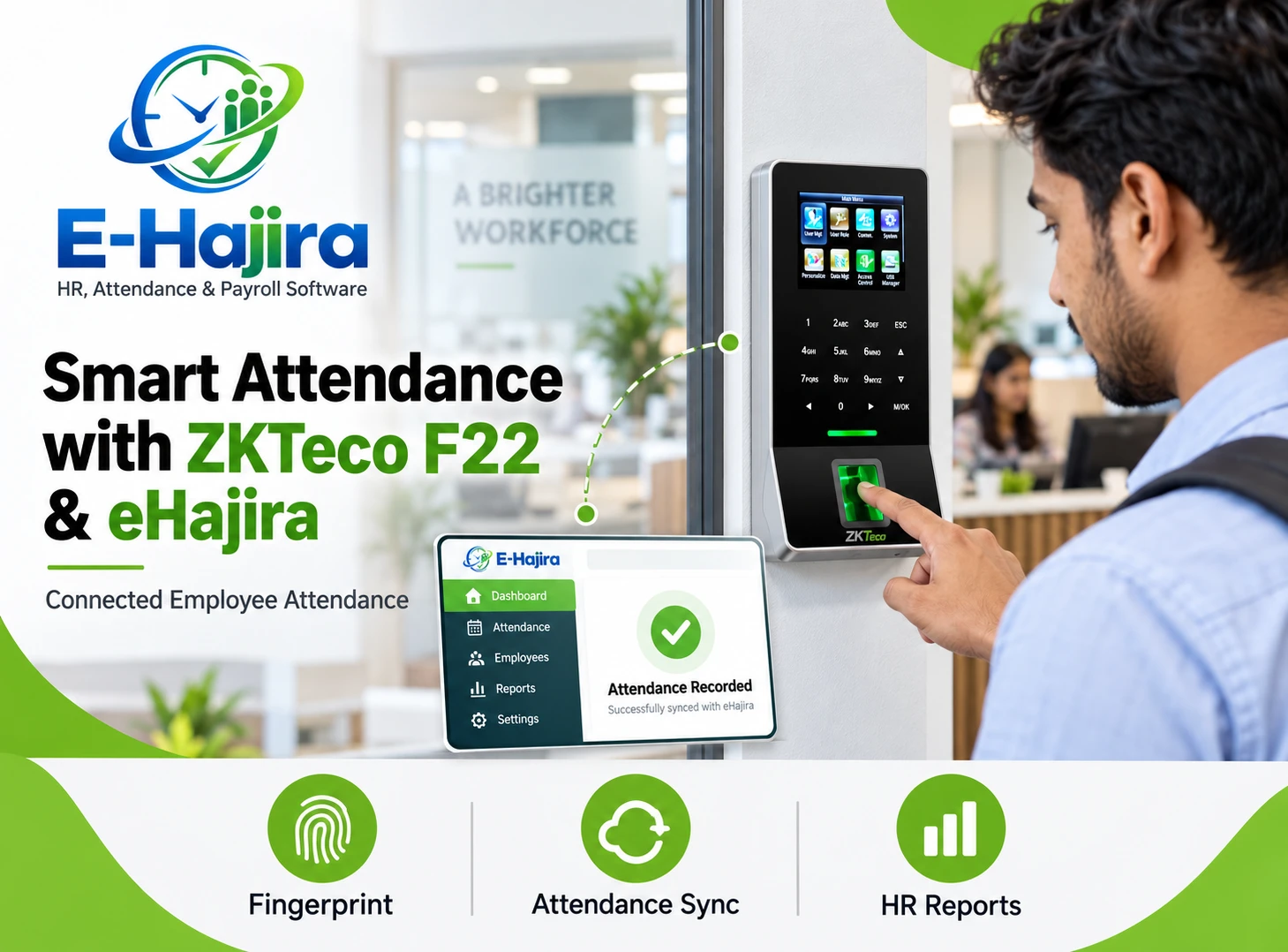
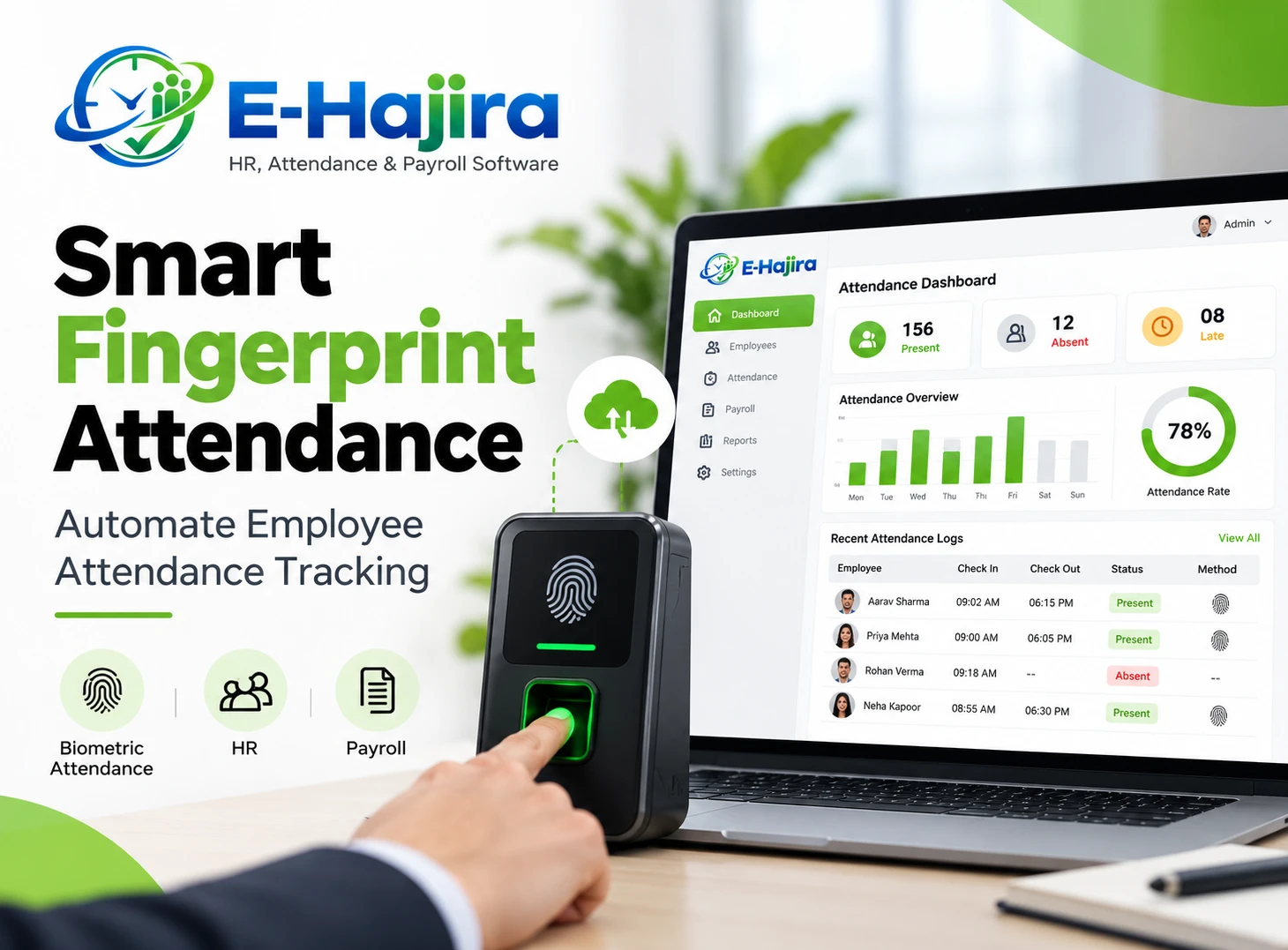
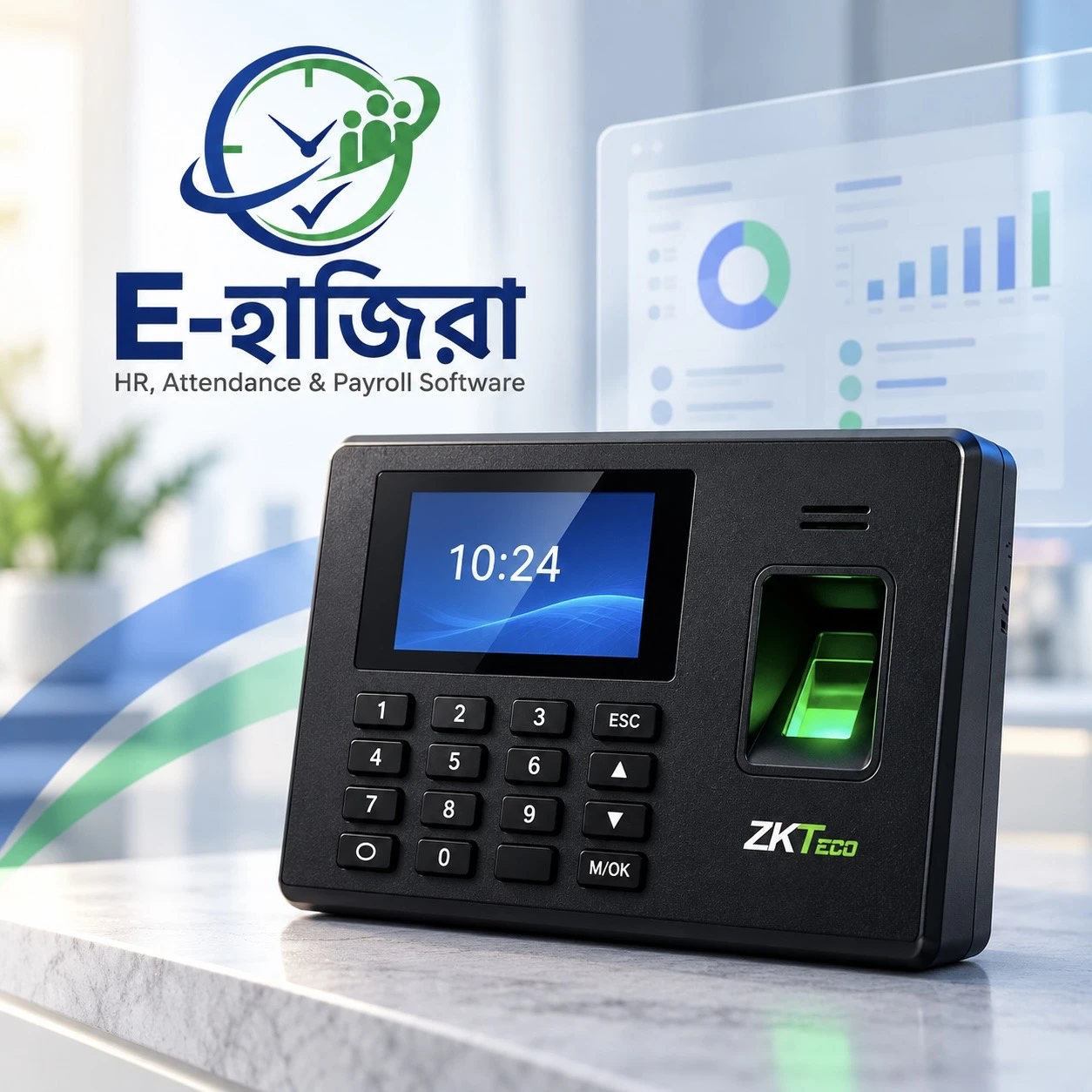
16. Does eHajira replace biometric attendance devices?
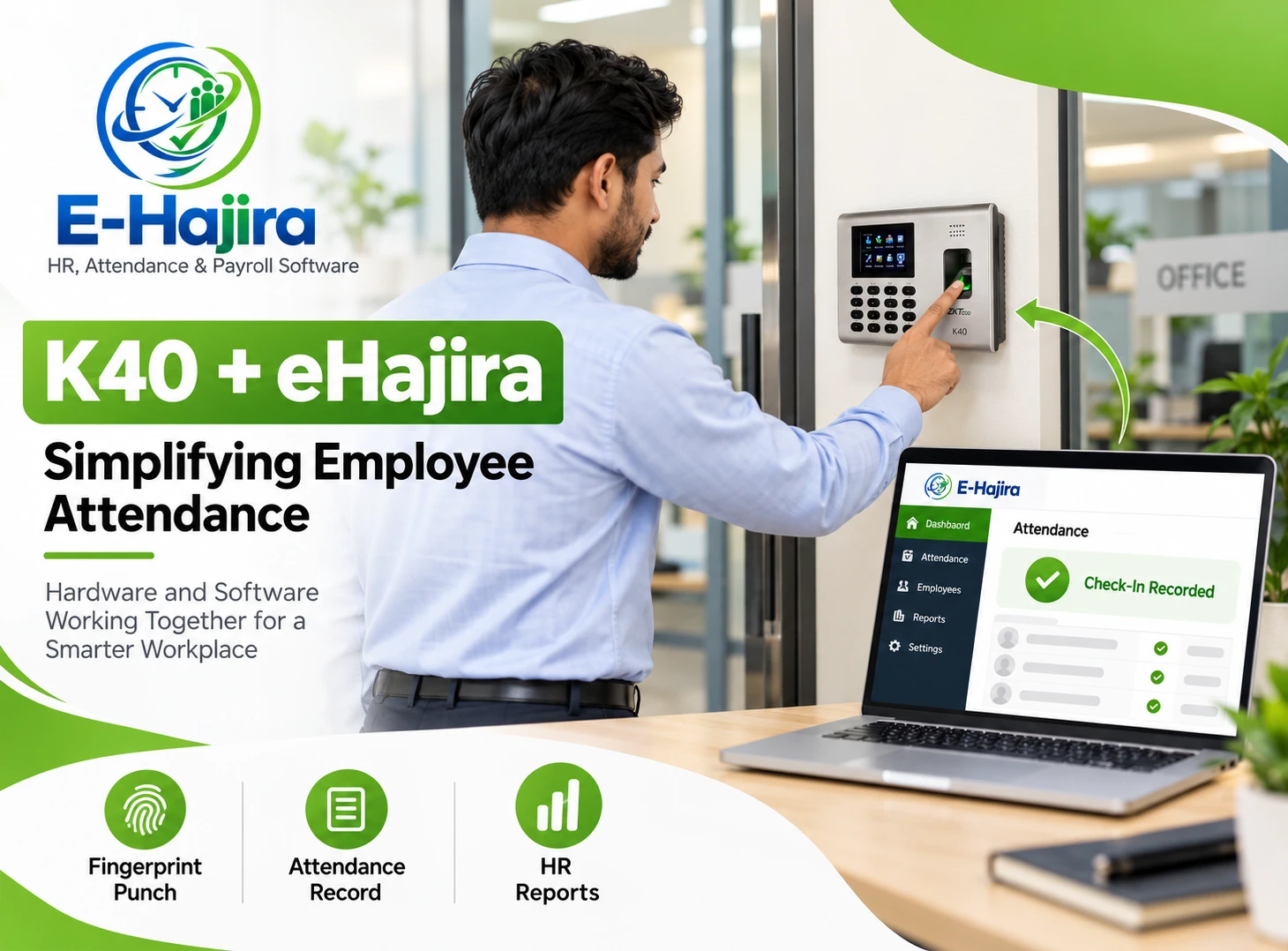
Mobile attendance can be used as part of an organization’s attendance approach, and the provider also describes support for compatible biometric and card-based devices. The appropriate combination depends on the business and selected setup.
17. What should an employee do if the app cannot detect the correct location?
The employee should follow the organization’s support or attendance correction procedure. GPS accuracy can vary, so employers should establish a practical way to review location-related problems.
18. Can employees use eHajira when internet access is unavailable?
The availability of offline attendance recording should be confirmed with the eHajira team. Employees should follow their employer’s alternative reporting process if they cannot complete a normal punch.
19. Is mobile attendance useful for small businesses?
It can be useful when a small business wants employees to record attendance through their phones and reduce reliance on manual registers. The business should choose a package that matches its needs and budget.
20. Can managers review employee attendance?
Manager access depends on the organization’s permissions and eHajira configuration. Businesses should confirm which attendance views and reports are available to managers and HR staff.
21. Does eHajira automatically ensure labour law compliance?
No software can guarantee compliance by itself. Employers must configure their processes appropriately, review records and follow the legal requirements that apply to their organization.
22. How should a company protect employee location information?
It should explain the purpose of location use, limit access to authorized people and review data storage and retention arrangements. Security and privacy practices should be discussed with the provider.
23. Can employees use eHajira for other HR activities?
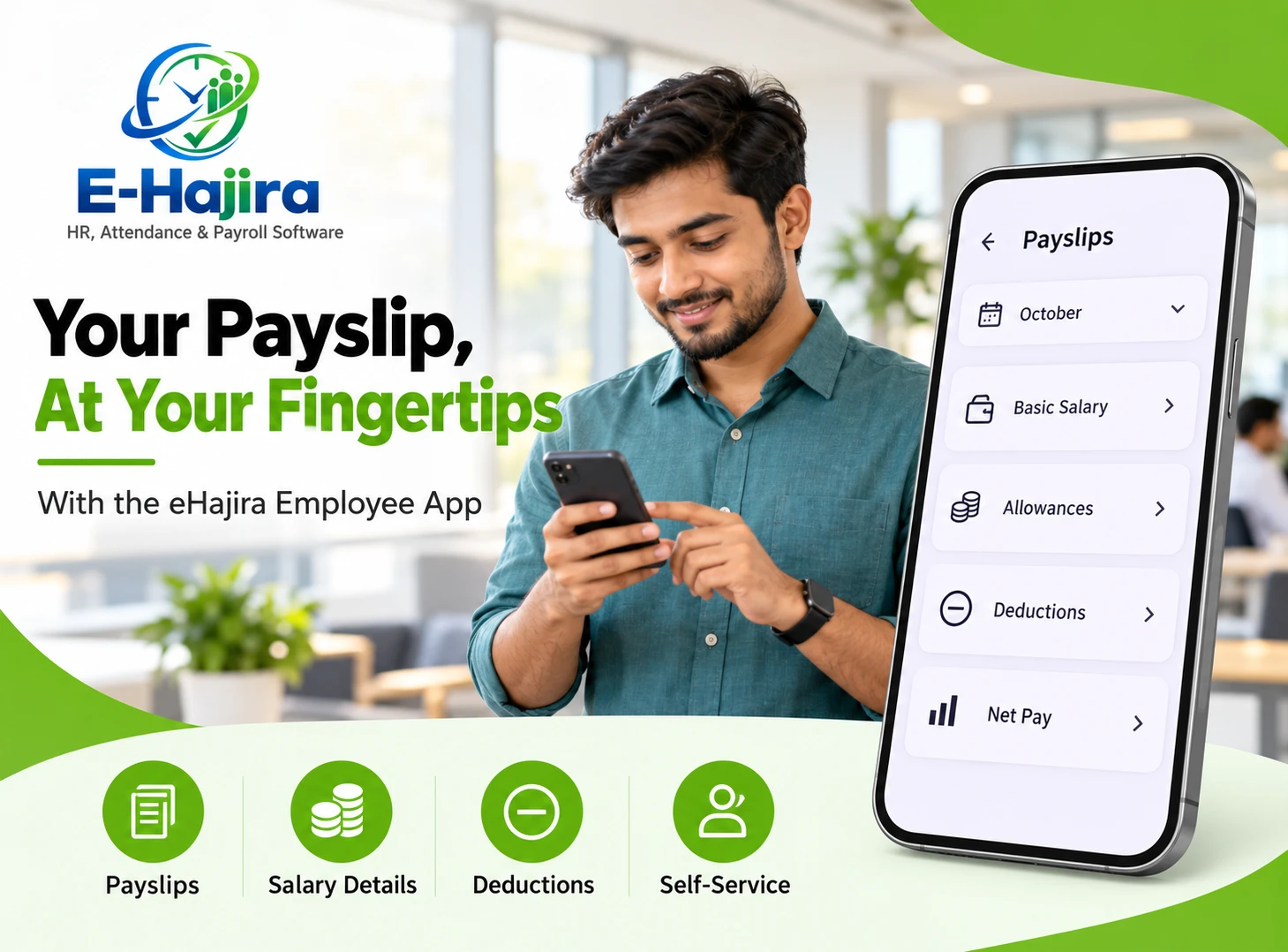
The shared app interface includes options such as tasks, leave, roster and payslips. The activities available to an employee can depend on the organization’s package and permissions.
24. How can a business get started with eHajira?
The business can contact the eHajira team, explain its attendance requirements and request a demonstration. Testing check-in, check-out, location rules and attendance review with a sample workflow is a useful starting point.
Conclusion
A reliable attendance process starts with clear expectations and accurate records. For employees, the ability to check in and check out through a mobile app can make daily attendance more convenient. For HR teams, organized attendance information provides a stronger foundation for reviewing schedules, resolving exceptions and preparing payroll.
eHajira gives businesses in Bangladesh an opportunity to bring mobile attendance into a broader HR and payroll environment. By selecting the right features, setting fair attendance policies and training employees, organizations can create a practical process that works from the beginning of the workday to the end.
To see how eHajira can support your organization, request a demonstration based on your actual branches, employee schedules and attendance requirements.