Attendance System
 Access Control
 Door Security
 Turnstile & Entrance Control
 Security Inspection
 Parking Management
 Safety Products
 Software
 Other
How eHajira Works with ZKTeco F22 to Simplify Employee Attendance Management
October 26, 2026
How eHajira Works with ZKTeco F22 to Simplify Employee Attendance Management
Employee attendance management becomes difficult when recorded working time must pass through handwritten registers, separate spreadsheets and repeated manual checks. HR teams need dependable records, supervisors need visibility, and payroll staff need reviewed information before salaries are processed.
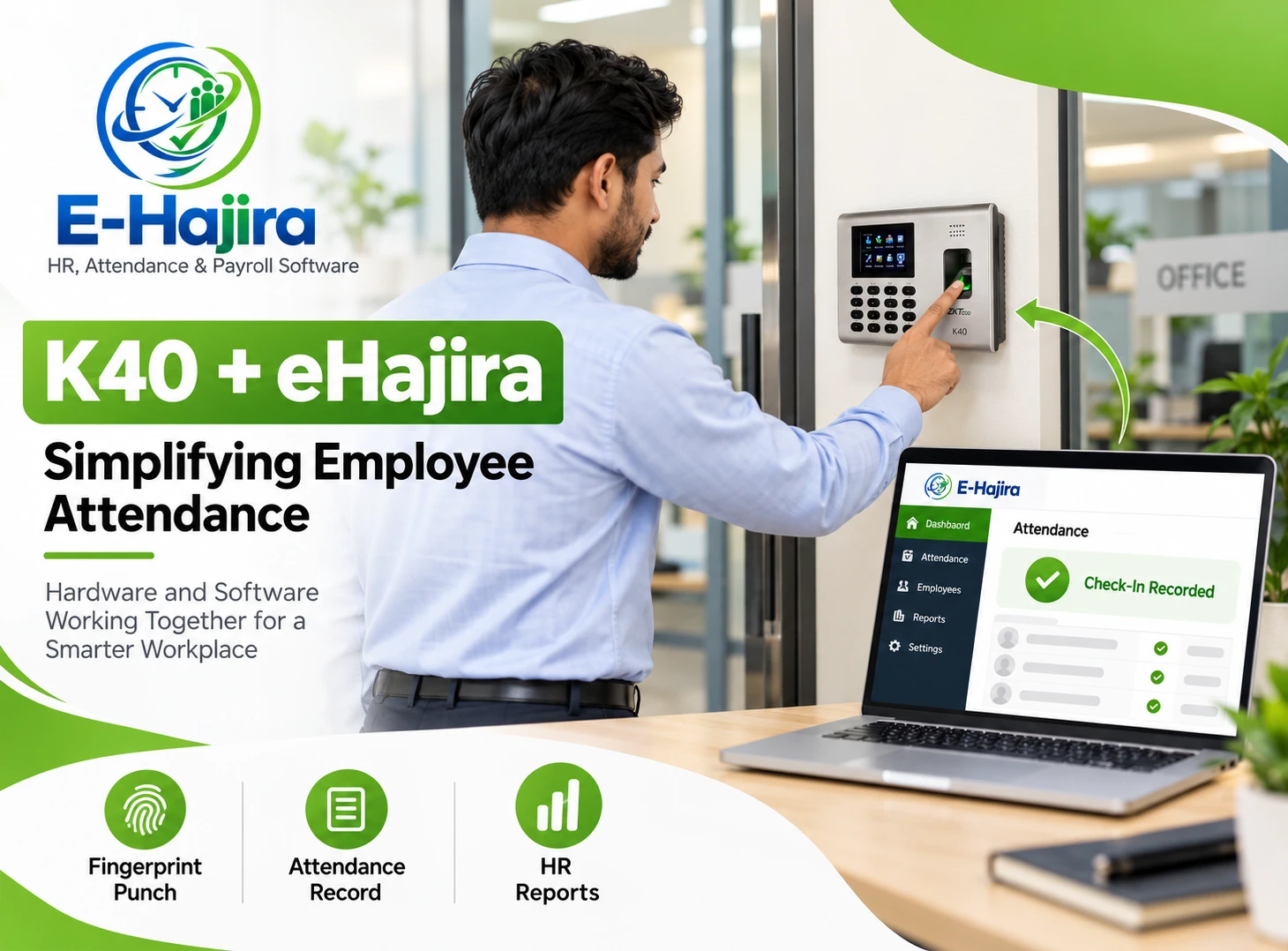
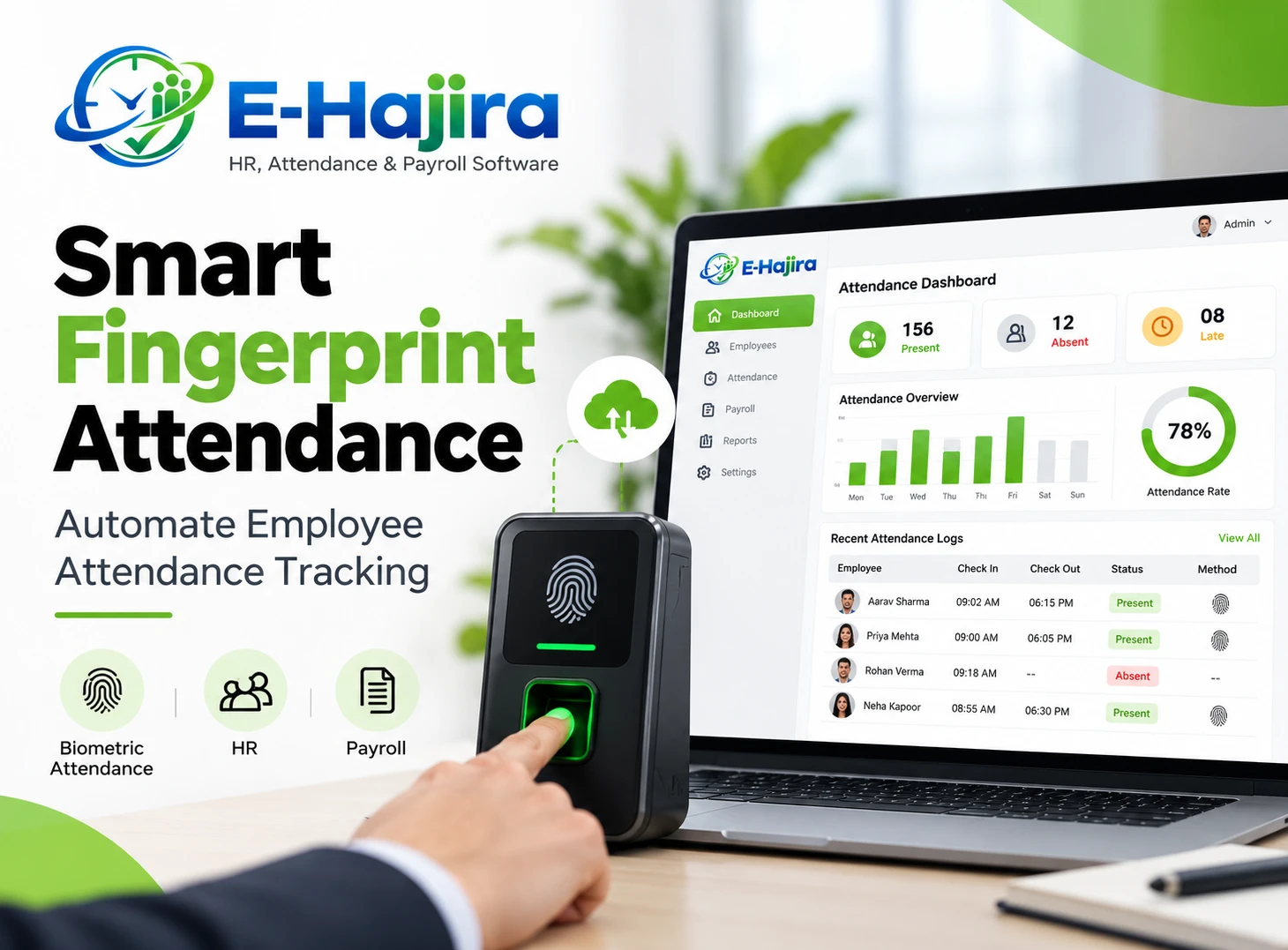
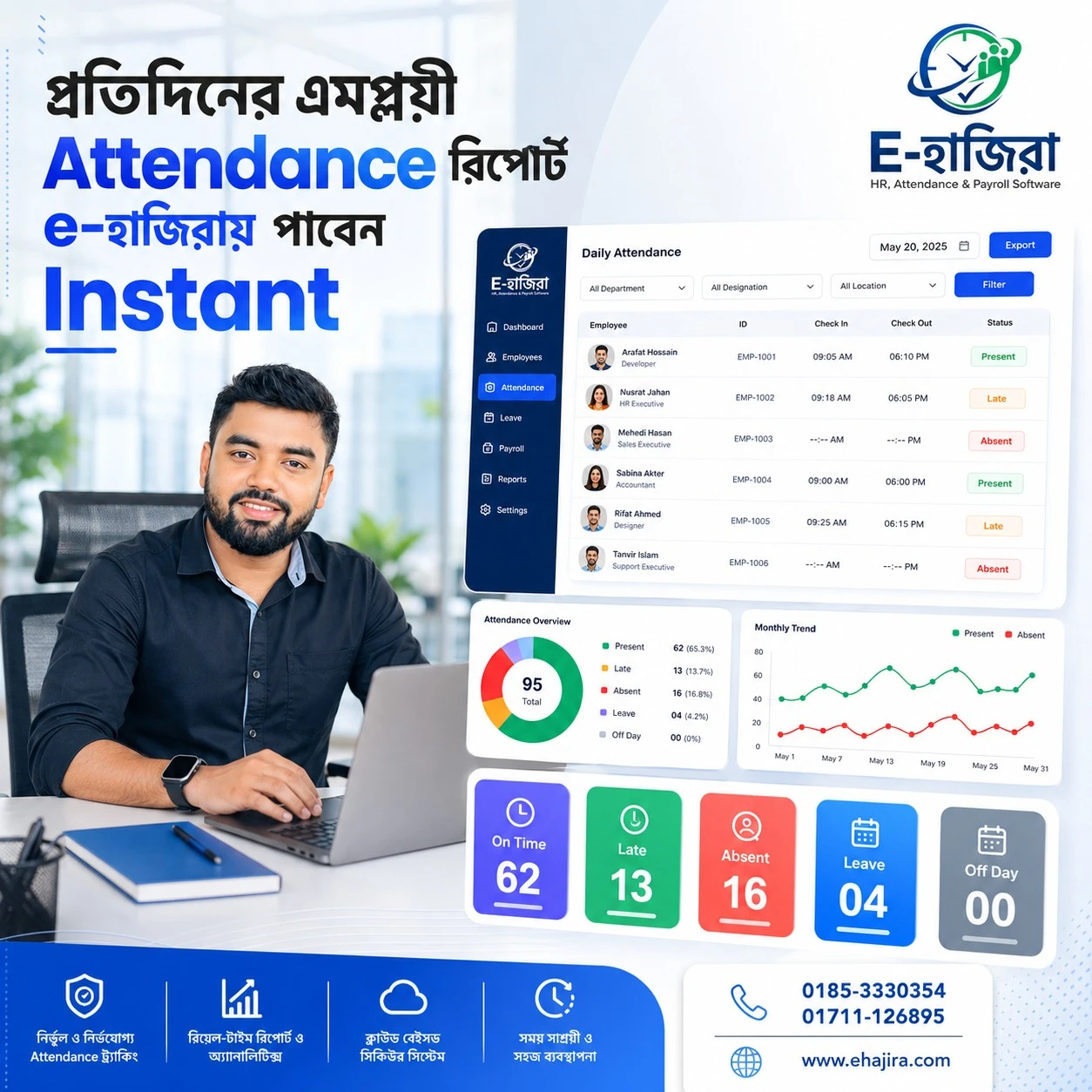
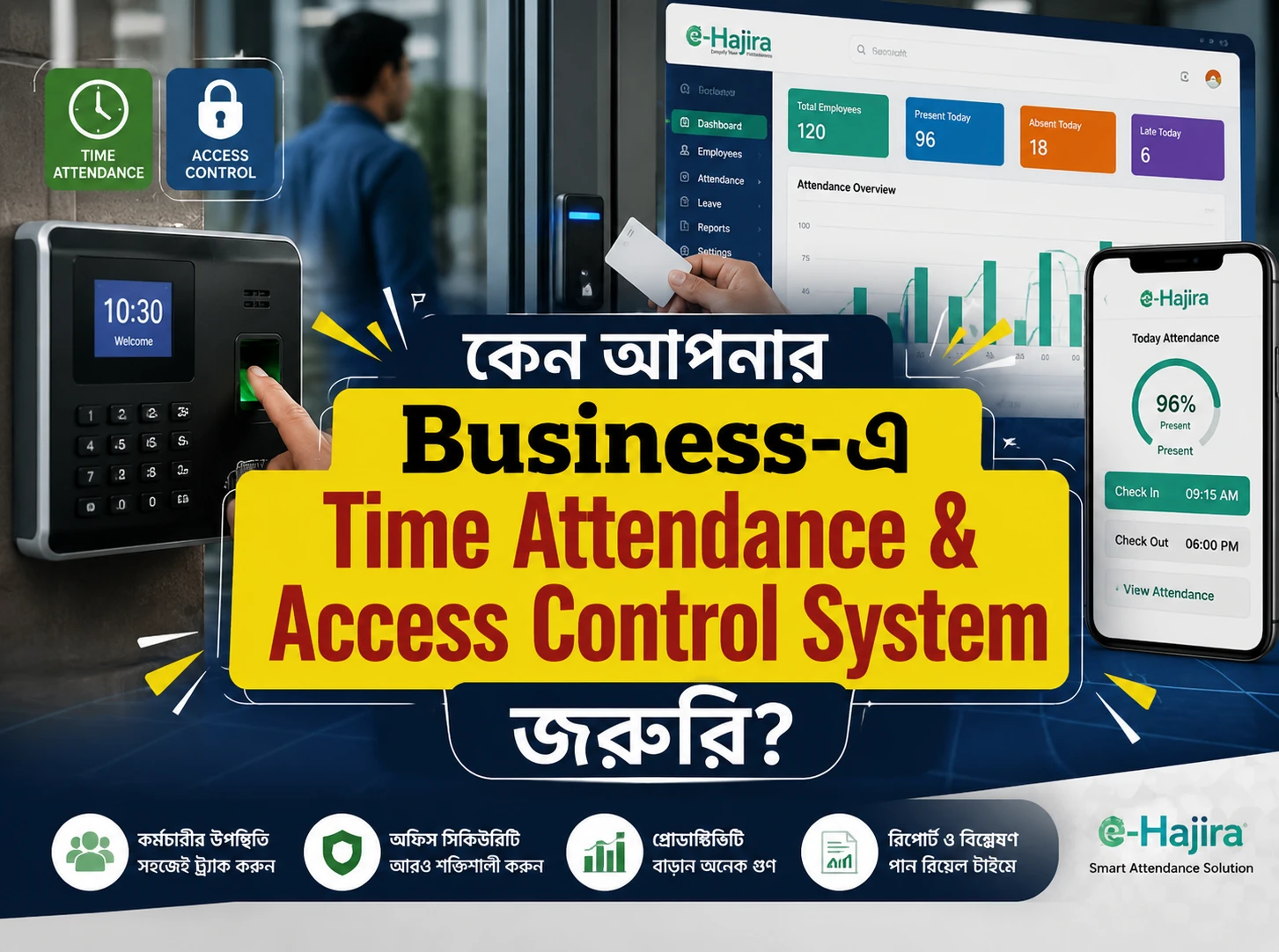
Combining a biometric attendance terminal with connected HR software can make this process more organized. The terminal records an employee’s attendance event, while the software helps administrators interpret that event within the organization’s working arrangements.
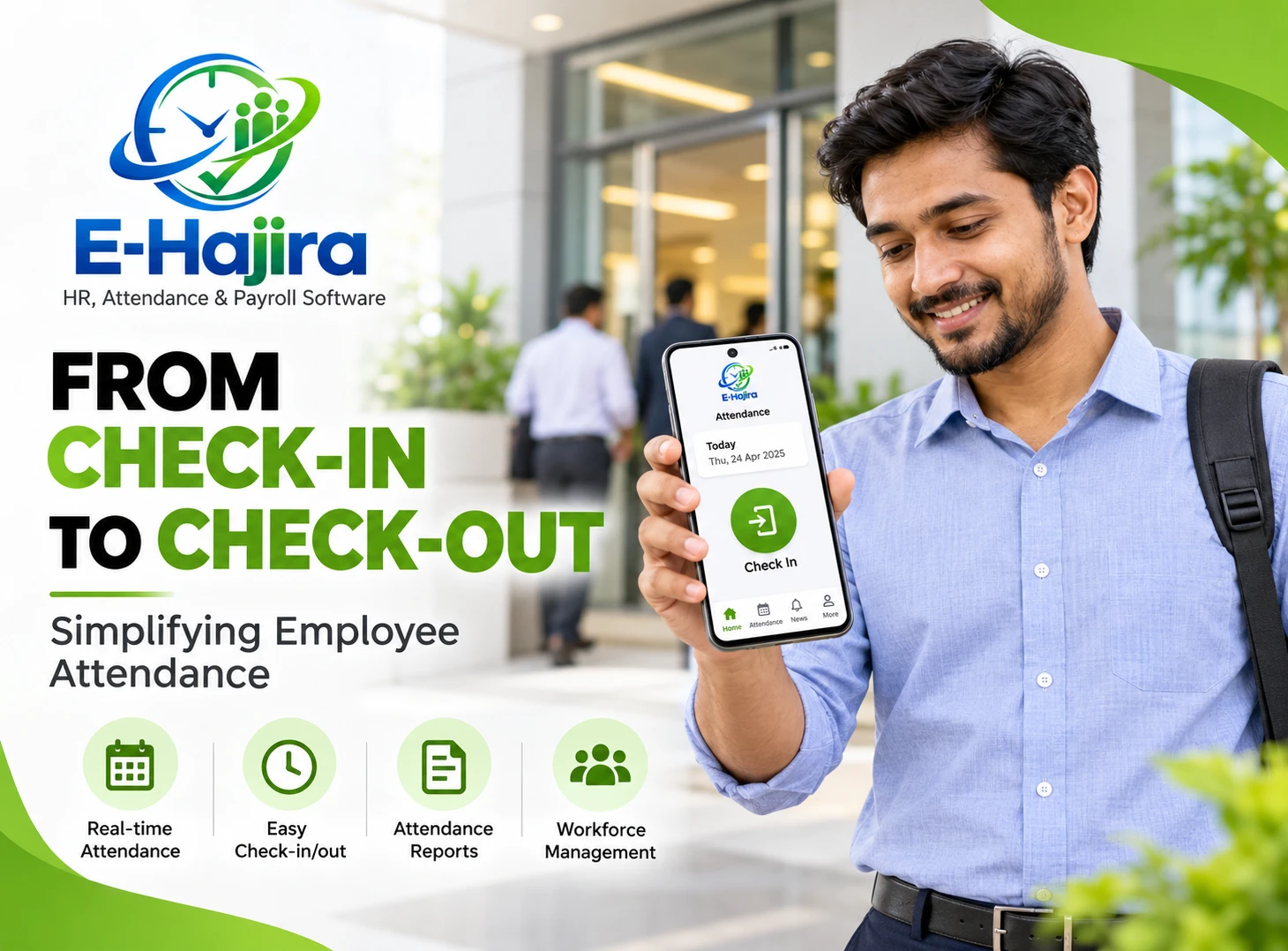
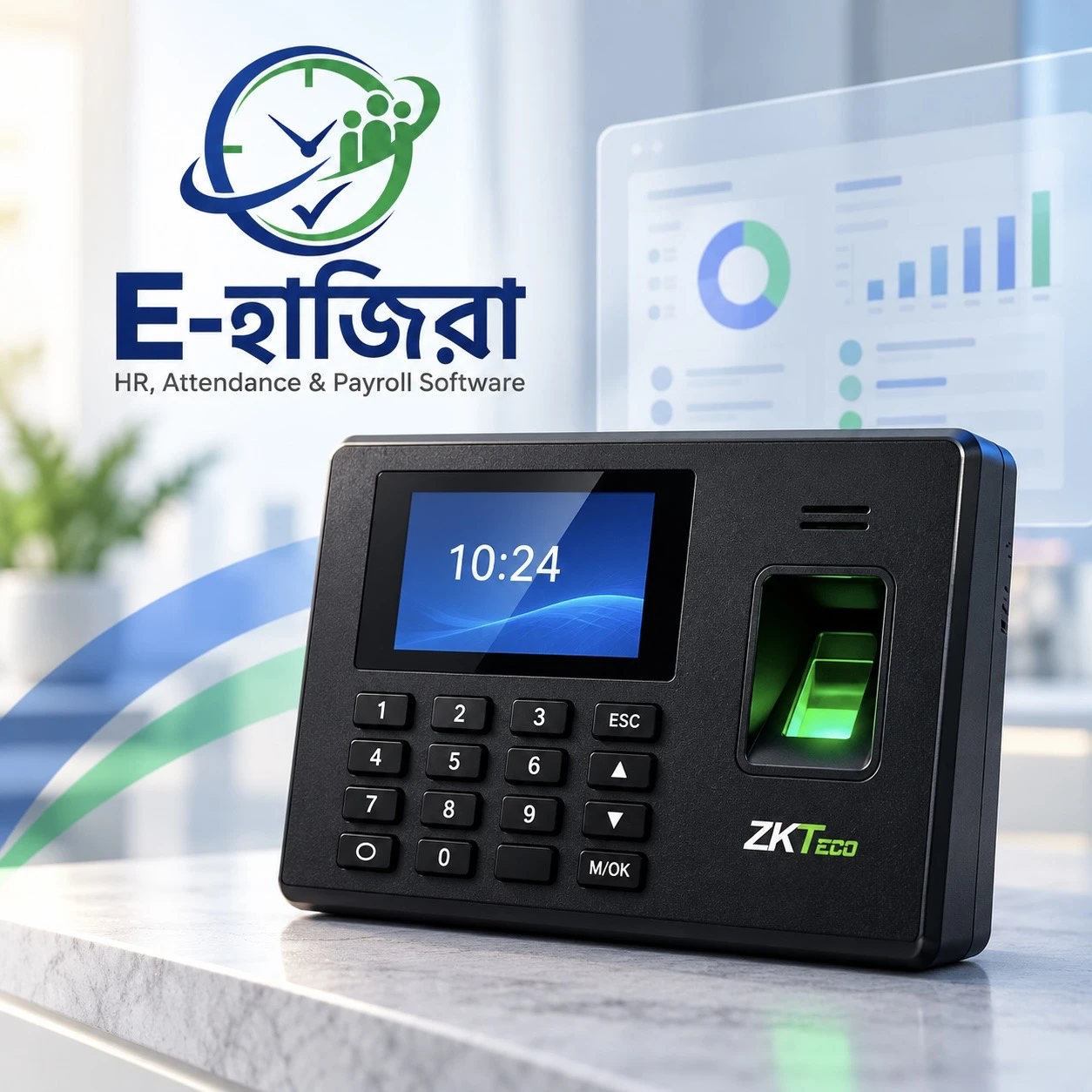
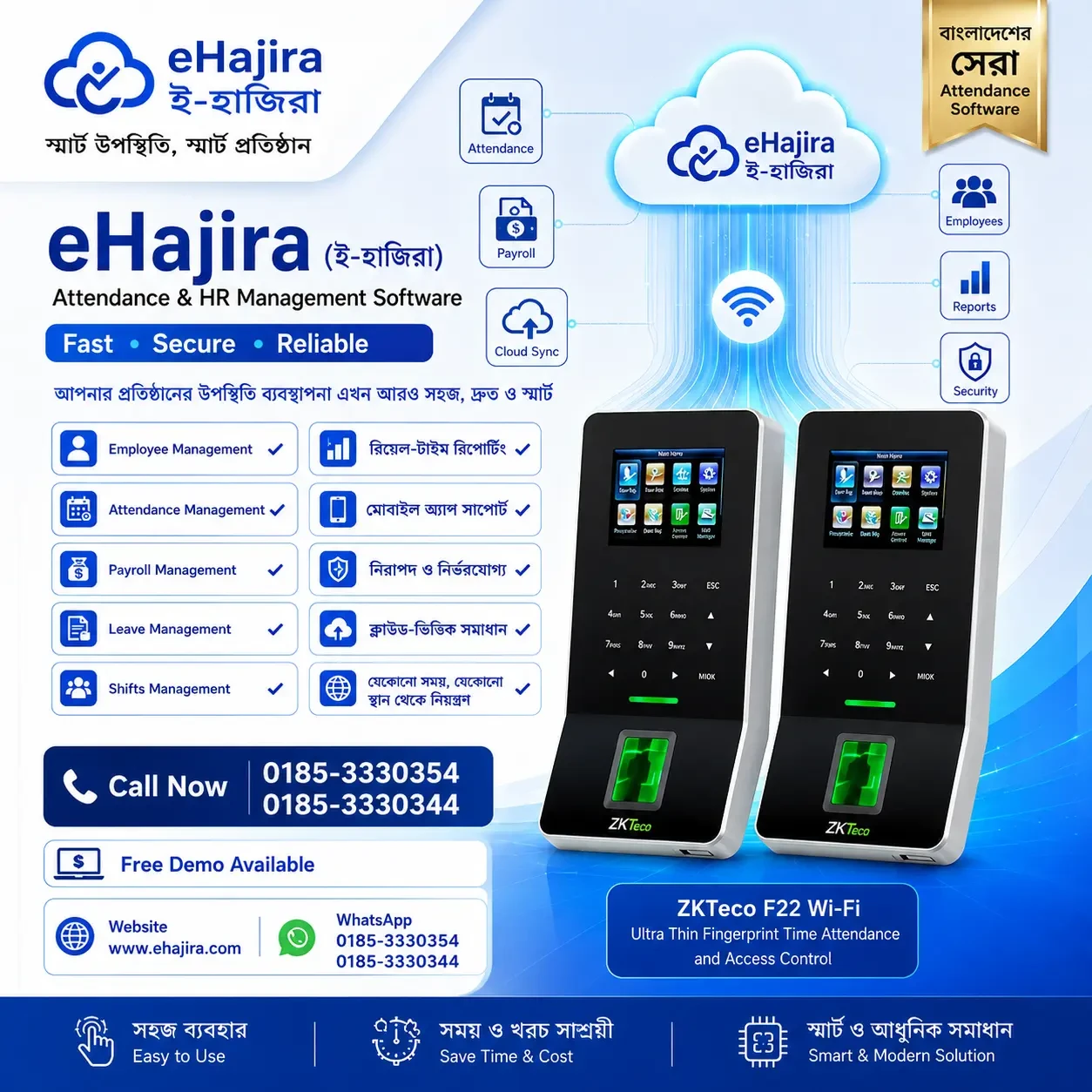
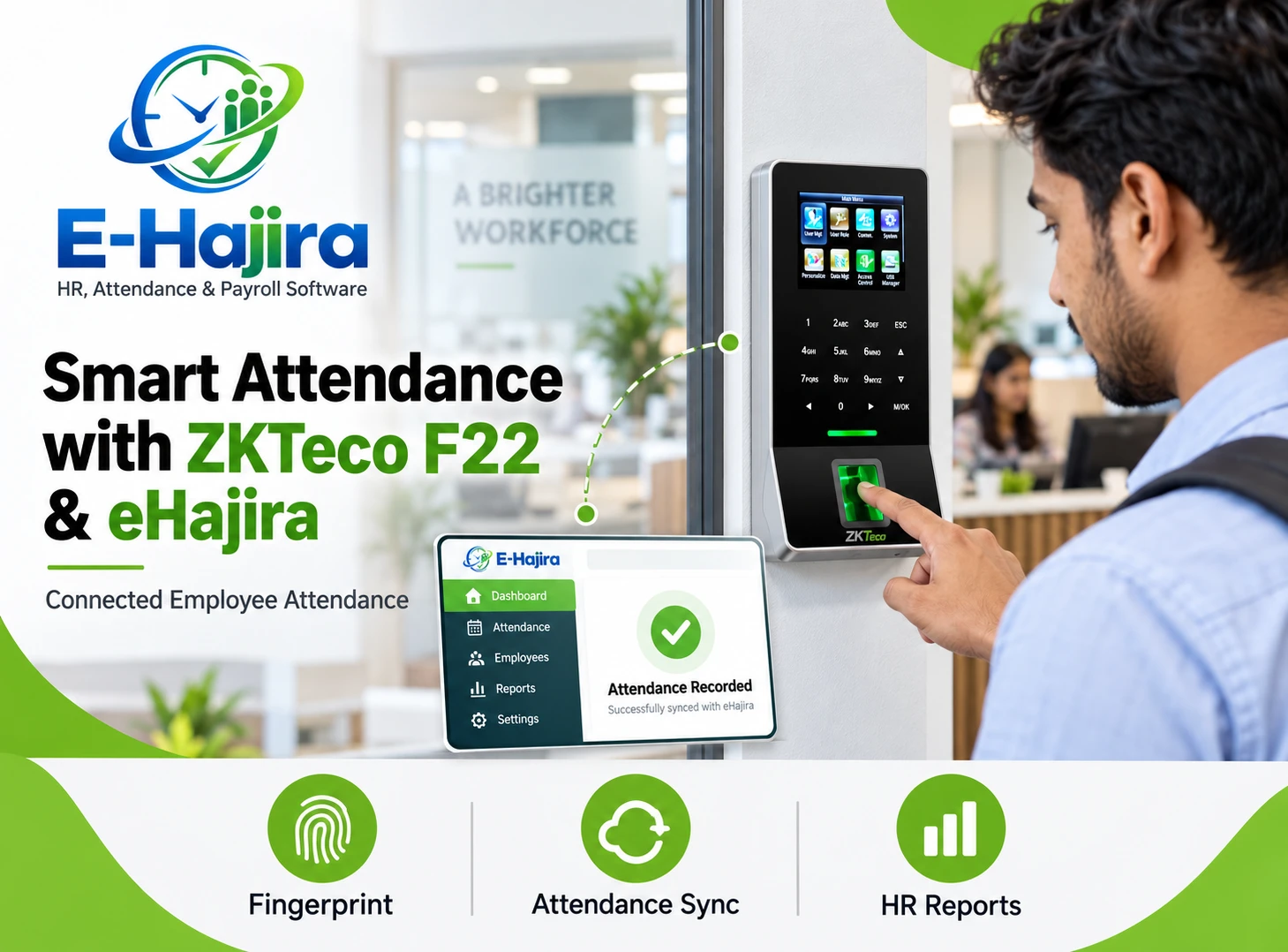
ZKTeco F22 and eHajira serve these complementary purposes. ZKTeco describes the F22 as a fingerprint time attendance and access control terminal with network connectivity. eHajira’s published package specifications explicitly identify the ZKTeco F22 among supported attendance devices.
For businesses in Bangladesh, this creates a practical starting point for connecting attendance capture with employee administration. Successful implementation still requires accurate identities, suitable connectivity, approved attendance rules and a demonstrated integration using the actual device.
Understanding the Roles of ZKTeco F22 and eHajira
The F22 operates at the point where employees record attendance. Its purpose in this workflow is to identify an enrolled user and create a transaction associated with that identity and time.
eHajira provides the administrative environment in which attendance information becomes useful to HR. Employee assignments, schedules and approved workplace policies provide the context needed to interpret recorded events.
These responsibilities should remain clear during implementation. A successful fingerprint recognition establishes that the terminal accepted an attendance event. HR must also confirm that the event reached the correct software record and was interpreted appropriately.
This distinction helps businesses evaluate the complete process instead of judging success only by a terminal response.
What Published Compatibility Actually Establishes
eHajira’s Enterprise Basic and Enterprise Standard manufacturing specifications name the F22 as a compatible attendance device. This is direct product documentation supporting the proposed combination.
However, a model-level compatibility statement does not describe every installation detail. The device’s firmware, enabled communication functions, network environment and selected eHajira configuration still matter.
Businesses should therefore request an end-to-end demonstration using their actual terminal or an equivalent confirmed configuration. The demonstration should show an employee recording attendance, the transaction reaching the system and the resulting attendance entry appearing correctly.
Compatibility becomes operationally meaningful when that complete sequence works reliably.
Why This Combination Is Relevant in Bangladesh
An office in Dhaka, a factory in Gazipur and a distribution business in Chattogram can have different attendance requirements. One may follow a fixed schedule, another may operate rotating shifts, and another may manage staff across several locations.
These are illustrative business situations rather than claims about measured adoption. Their common requirement is accurate attendance information that HR can review without repeatedly rebuilding records.
eHajira’s Bangladesh-focused manufacturing offerings describe employee management, attendance synchronization, leave workflows and reporting. Higher package specifications also identify shift management and payroll functions.
The value of the F22 connection is therefore broader than replacing a signature register. It can provide recorded attendance events for an organized workforce administration process.
How Attendance Moves from the Terminal to HR
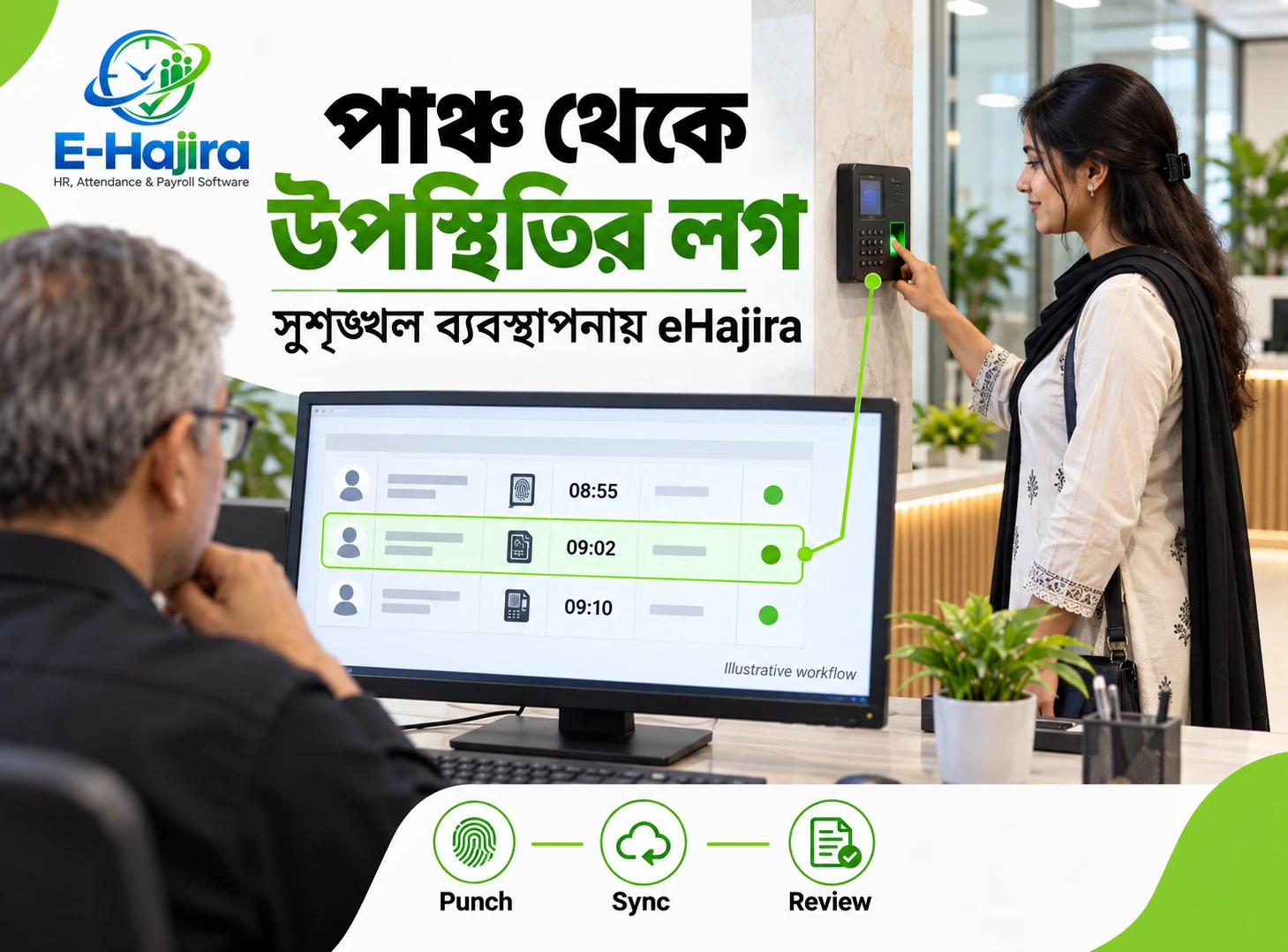
A typical integrated workflow begins with an enrolled employee recording attendance on the F22. The device creates a transaction, and the configured integration transfers the relevant event into the attendance environment.
Within eHajira, administrators need the transaction associated with the correct employee. The applicable schedule and reviewed rules then determine how it contributes to the attendance record.
This describes the intended working process, not a universal technical architecture. The reviewed documentation does not establish one mandatory transfer method for every eHajira installation.
During deployment, the implementation team should explain the approved connection, expected synchronization behaviour and process for identifying missing records. HR should understand these practical points without needing to operate the underlying technical integration.
Preparing Employee Identities Correctly
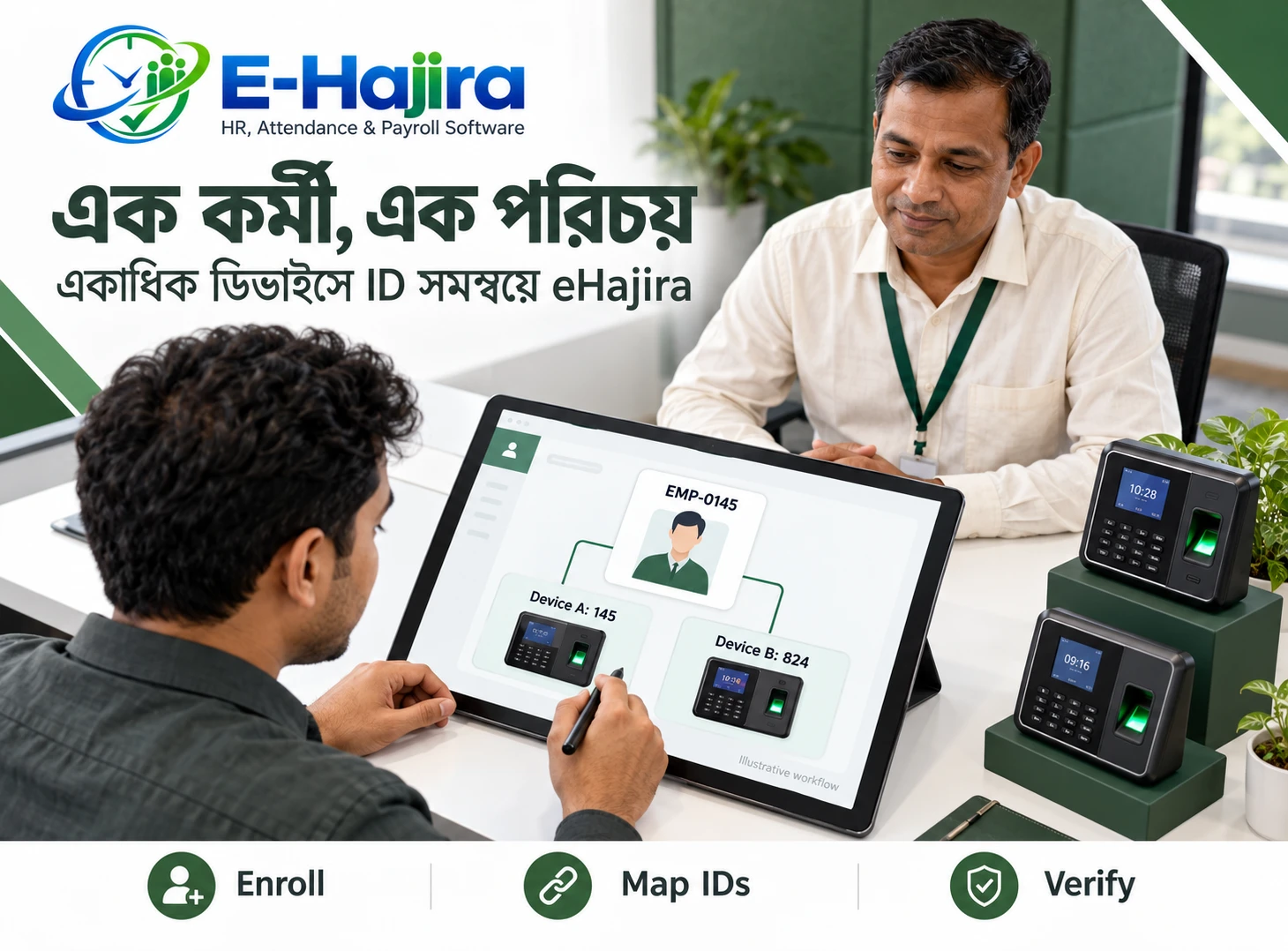
Reliable integration begins with consistent employee identification. A terminal user number must correspond to the intended employee record.
Names alone are insufficient because two employees may share a name, and spelling can vary between systems. A clear identification policy helps prevent transactions from being assigned incorrectly.
Before enrollment, HR should verify the employee’s identity and confirm the number used in the implementation. After enrollment, a supervised attendance test should be checked against that person’s software record.
When someone leaves and another employee joins, administrators should follow an approved identification procedure. Reusing identifiers without examining historical associations can complicate reconciliation and make earlier transactions harder to interpret.
Choosing a Suitable Network Connection
ZKTeco’s official F22 page lists TCP/IP and Wi-Fi connectivity. These provide network options, but the appropriate connection depends on the installation environment.
A business should assess signal coverage, network availability and the location where employees will use the device. Convenient placement should also support dependable communication.
Wi-Fi capability alone does not establish that the device will automatically connect to eHajira. The selected integration still needs correct configuration and testing.
The practical objective is consistent delivery of attendance events. Businesses should choose and verify the network arrangement that supports this objective rather than selecting a connection solely because it appears easier initially.
Confirming Firmware and ADMS Requirements
Some implementations may involve cloud-server or ADMS functionality. Its availability should be checked on the actual terminal rather than assumed from a product name.
ZKTeco’s official FAQ explains that adding ADMS depends on the device model, firmware and platform support. Its guidance directs customers to the distributor or sales representative for the relevant arrangements.
The implementation team should confirm whether the proposed eHajira connection uses this function or another supported approach. Businesses do not need to choose the architecture themselves, but they should receive a clear scope.
This avoids purchasing additional equipment or expecting a connection method that the installed device configuration does not support.
Setting Device Time and Attendance Rules
Recorded attendance must use the correct time reference. If the terminal clock is incorrect, an employee’s transaction may appear early, late or associated with an unexpected reporting period.
Before launch, administrators should compare the device time with the organization’s approved local time settings. They should also verify how timestamps appear after synchronization.
Attendance interpretation requires separate attention. HR must define reporting times, applicable grace arrangements and the treatment of incomplete records.
These are management decisions that software configuration should reflect. The F22 records events; it does not independently determine every employment consequence. Testing should therefore examine both the transaction time and the resulting attendance interpretation.
Supporting Shifts and Overnight Work
Shift-based attendance requires more context than a simple calendar-day summary. An employee may begin work in the evening and finish the following morning.
eHajira’s Corporate Standard manufacturing specifications include shift and roster management and multiple-shift scheduling.
Businesses should test representative schedules before launch. An overnight example should confirm how transactions on different dates contribute to the intended duty period.
HR should also examine shift changes and employees attending induction outside their normal schedule. These situations can reveal configuration gaps that ordinary daytime tests miss.
A successful implementation follows the employer’s approved working arrangements and provides a clear process for reviewing exceptions.
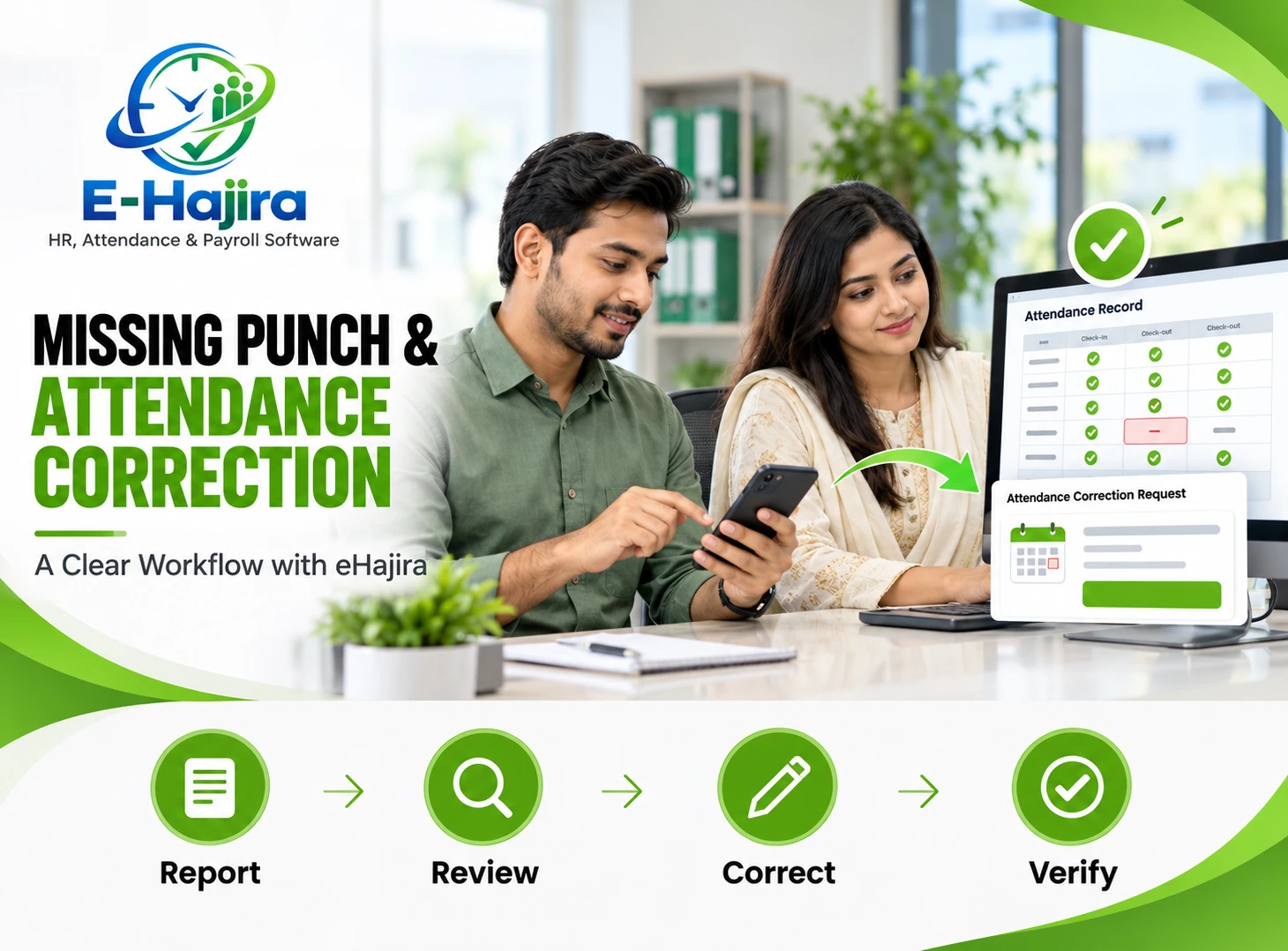
Managing Missing and Duplicate Punches
Employees may forget to record an exit, attempt attendance several times or encounter an interruption. These situations require a consistent review process.
HR should distinguish between an event missing from the terminal and an event recorded locally but not yet visible in the software. The appropriate response can differ.
A recommended process identifies the employee, date, expected schedule and supporting explanation before approving a correction. Repeated transactions should also be examined according to the configured interpretation rules.
The reviewed specifications do not establish every correction or duplicate-handling option in every package. Businesses should demonstrate these cases and document who can review, approve and implement an adjustment.
Understanding Real-Time Attendance Synchronization
eHajira’s published specifications use the term real-time attendance synchronization. This describes the intended availability of connected attendance data.
In practice, administrators should measure what happens under the deployed conditions. Device connectivity, integration services and temporary interruptions can affect when an event becomes visible.
A practical test records the terminal event time and checks when it appears in the software. The team should repeat this after restoring a deliberately interrupted test connection.
The objective is a dependable, understood process. Businesses should agree on acceptable behaviour and the escalation procedure for delayed transactions instead of treating “real-time” as a guarantee of zero delay under all conditions.
Connecting Attendance with Leave and Payroll
Attendance becomes more useful when HR reviews it alongside approved absence and compensation arrangements.
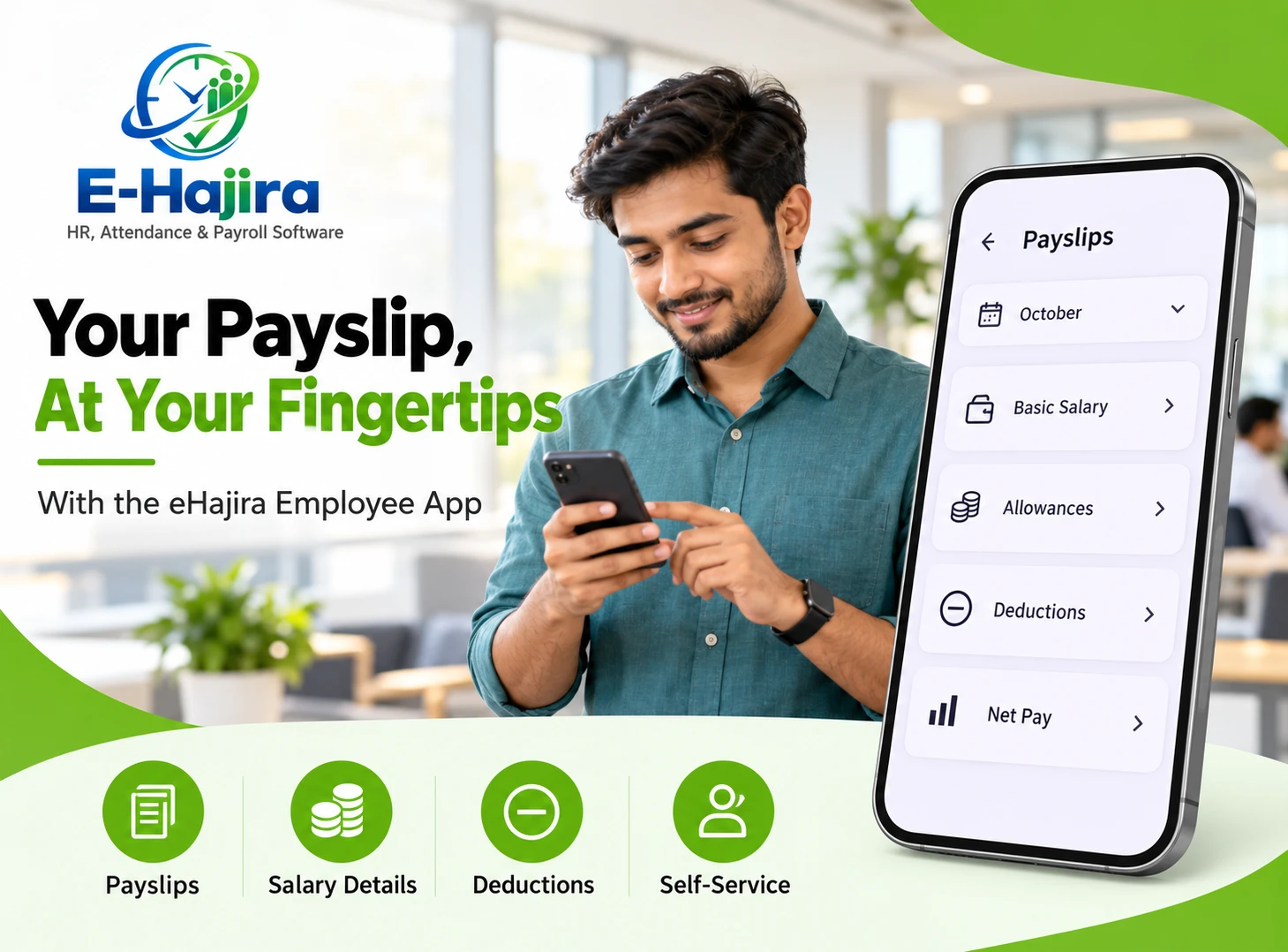
eHajira’s Enterprise Standard package explicitly includes payroll processing, payslip generation and employee self-service. Its Enterprise Basic specifications separately identify leave applications and approval workflows. Package selection therefore affects the complete administrative scope.
Before payroll preparation, HR should resolve incomplete records and confirm how approved leave is represented. Finance should review the relevant output before authorizing payment.
A missing punch should not automatically become an unexplained salary deduction. The employer needs a documented review process, and the configured calculation must follow approved rules and applicable requirements.
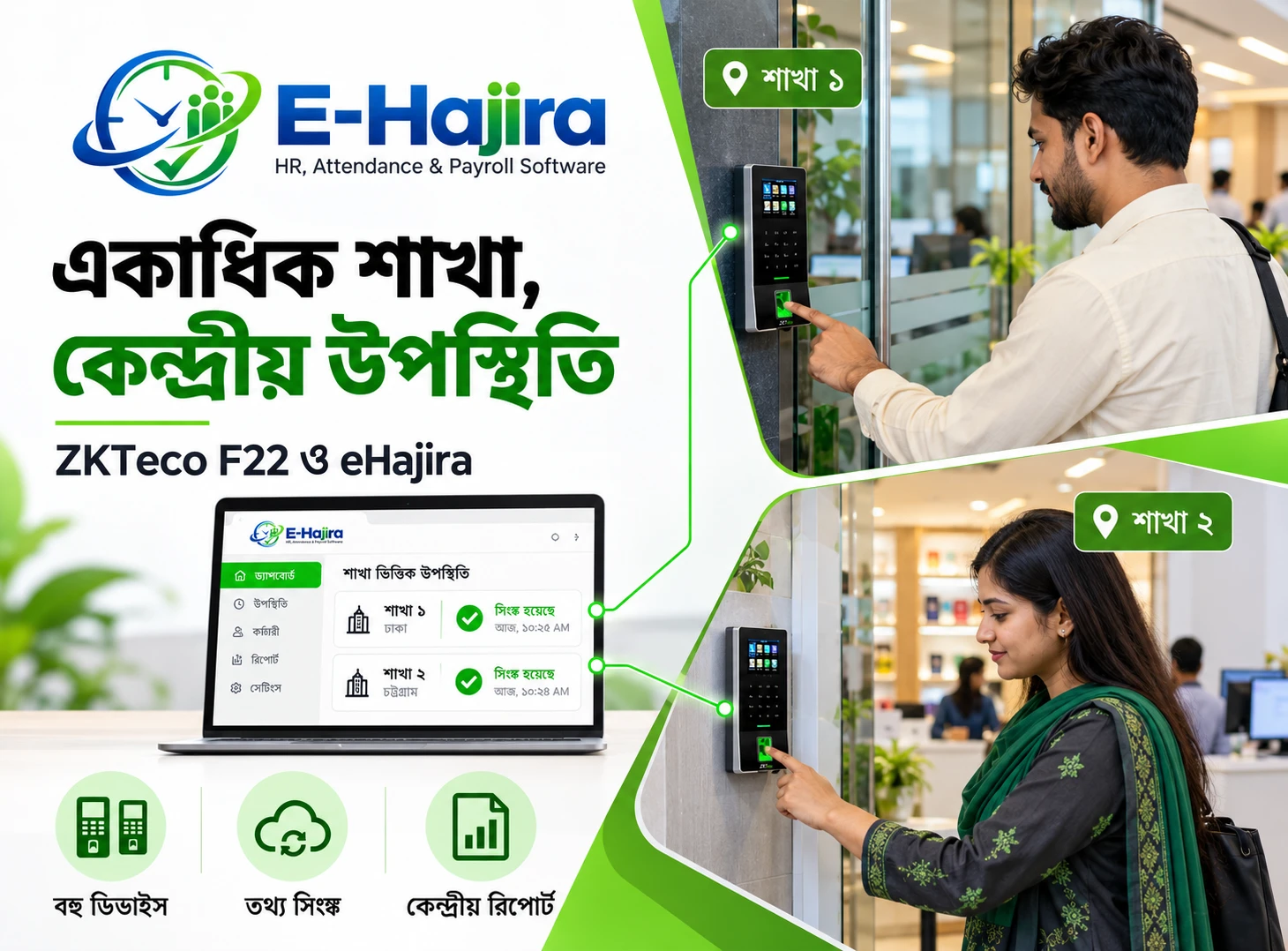
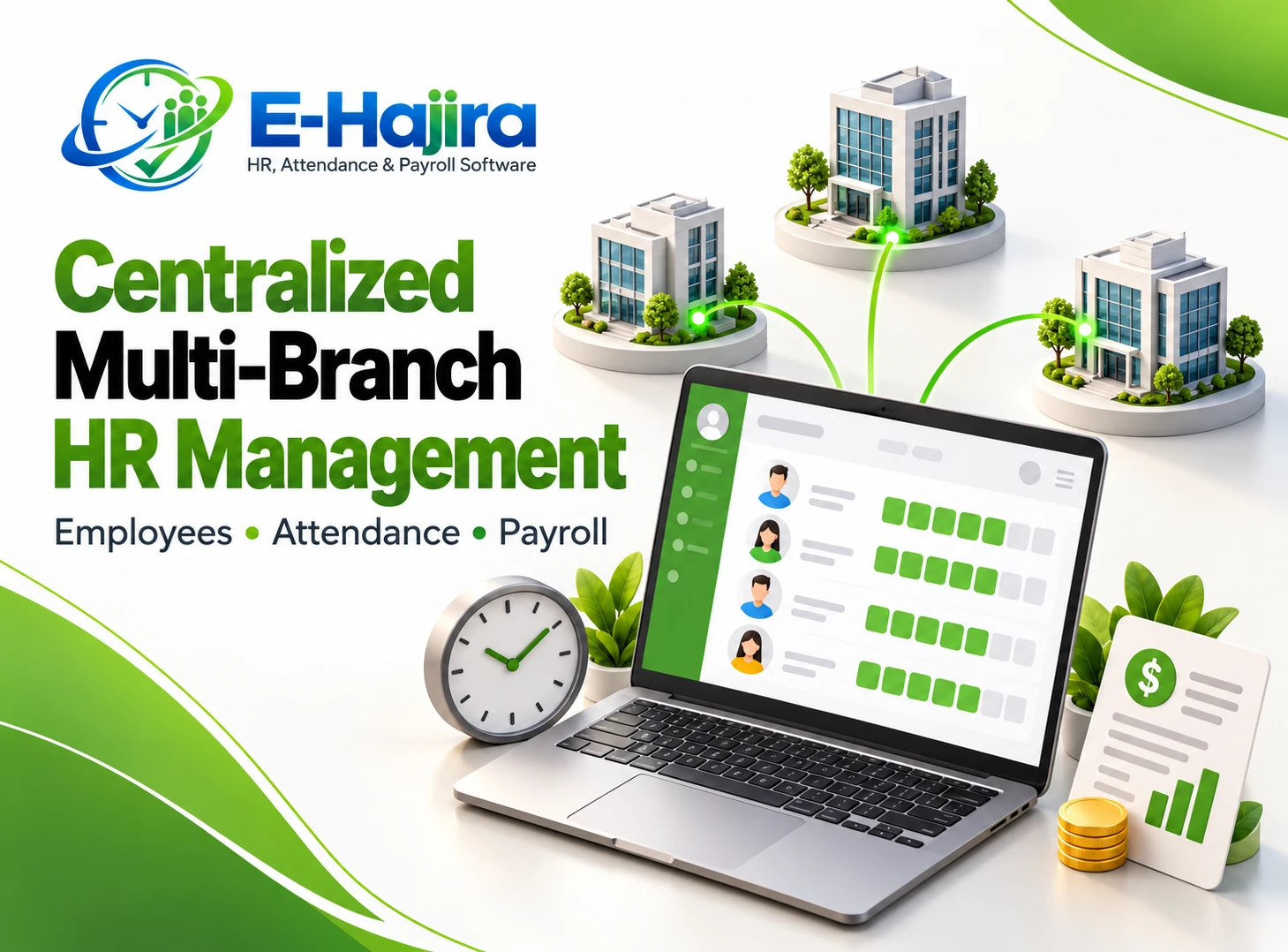
Using the Combination Across Branches
Multiple locations introduce questions about employee assignments, device identities and central visibility. A business should establish which device belongs to which location and how employees are recognized when they move.
eHajira’s Business Ultimate corporate offering lists multi-branch and multi-company consolidation. This provides a published basis for discussing wider deployments, subject to the selected package.
However, centralized attendance should not be confused with automatic fingerprint distribution. Registration at another terminal requires its own confirmed process.
For a transferred employee, the receiving branch should test attendance before relying on routine reporting. HR should also check that the employee’s current assignment and reporting arrangements are correct.
Planning for Network and Power Interruptions
An interruption should have a defined recovery procedure. Administrators need to know how to identify the affected period and reconcile records afterwards.
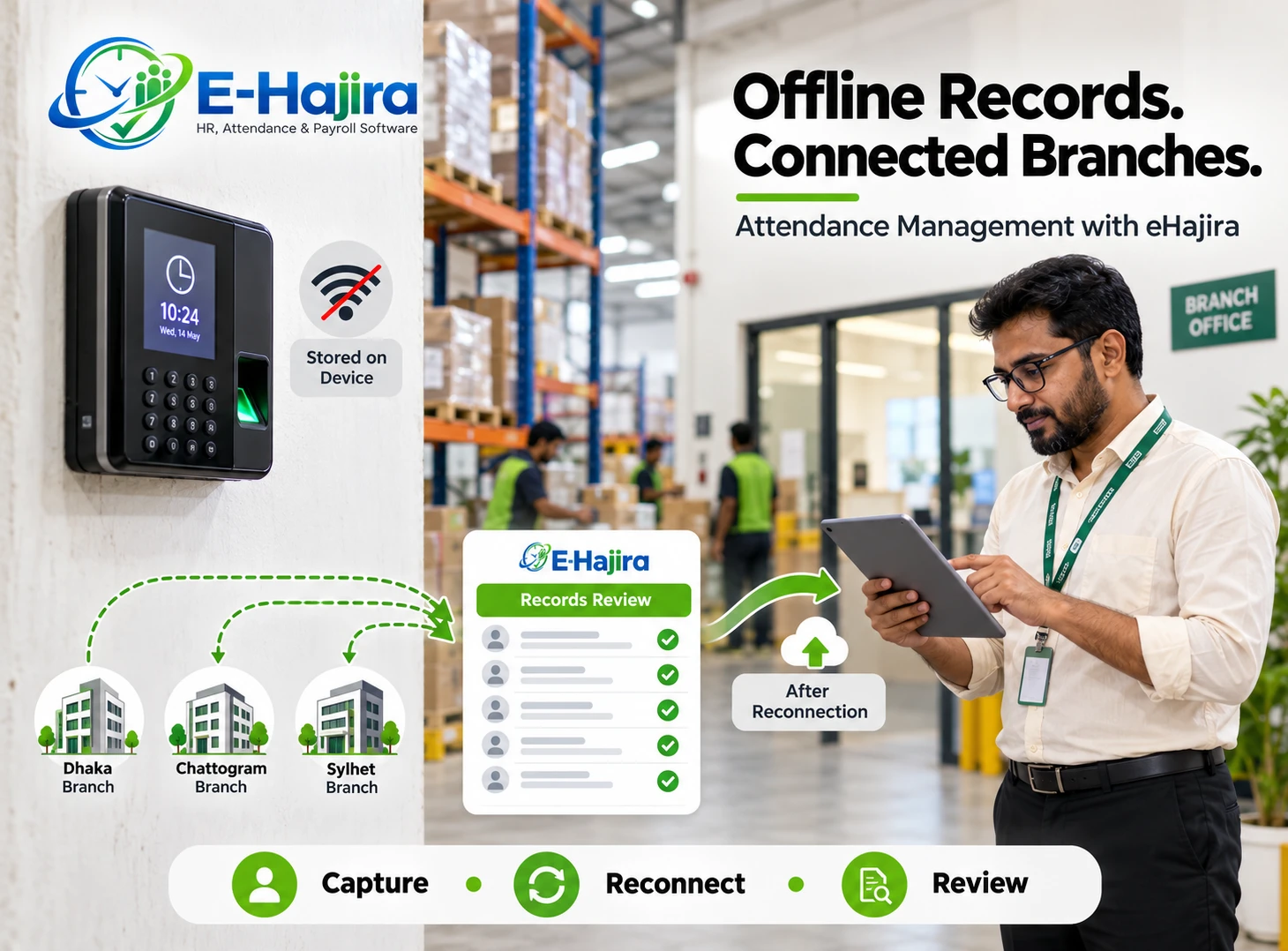
Testing should establish what the actual F22 configuration records during a network interruption and how the integration retrieves outstanding events after reconnection. A separate power interruption test may require a different assessment.
Businesses should not assume that every interruption produces identical results. They should also understand the practical limits of local storage and the handling of previously transferred transactions.
A clear recovery procedure gives HR a predictable response. It reduces the chance that missing software entries are immediately treated as employee absence.
An Illustrative Bangladesh Business Scenario
Consider a hypothetical service company with offices in Dhaka and Narayanganj. Employees currently sign registers, and HR spends time reconciling attendance before payroll.
The company introduces F22 terminals and an appropriate eHajira configuration. HR first verifies employee identifiers, then tests entry and exit records for a small group.
The pilot includes ordinary working days, approved leave, a missing exit and an employee visiting the second office. Administrators compare the results with the expected attendance treatment.
After resolving discrepancies, the company expands usage. This is an implementation example, not a documented customer case or a claim of guaranteed savings.
Measuring Results and Planning the Investment
Businesses should evaluate improvement through practical outcomes. Useful measures include attendance reconciliation time, unresolved exceptions and payroll corrections linked to attendance.
Employee feedback also matters. Staff should understand successful attendance recording and know where to report problems.
The investment includes more than the terminal. Businesses should clarify software subscription scope, installation, integration, training and ongoing support. Relevant eHajira package documentation identifies implementation activities such as device integration, configuration and user training.
A written proposal should connect these activities to the required outcomes. Starting with a representative pilot helps the organization confirm suitability before extending the arrangement across additional departments or locations.
Frequently Asked Questions
1. Is ZKTeco F22 compatible with eHajira?
Yes. Published eHajira package specifications explicitly name ZKTeco F22 among compatible attendance devices. The actual terminal should still be checked for firmware, configuration and connectivity requirements. An end-to-end demonstration provides the strongest confirmation for a particular installation.
2. What does the F22 contribute to the system?
The F22 provides the physical attendance recording point. An enrolled employee identifies themselves, and the terminal creates an event. The integration and software then need to associate that event with the correct employee and administrative context.
3. What does eHajira contribute?
eHajira provides the employee and attendance management environment surrounding recorded events. Depending on the package, the wider workflow can include schedules, leave, reporting and payroll preparation. Businesses should confirm the functions included in their proposed deployment.
4. Does Wi-Fi mean automatic cloud integration?
No. Wi-Fi provides a network connection, while integration requires a supported communication arrangement and correct configuration. Administrators should confirm how the terminal connects to the selected service and demonstrate attendance reaching the intended eHajira record.
5. Must every F22 installation use ADMS?
The reviewed documentation does not establish one mandatory method for all installations. The implementation team should identify the approved approach. If ADMS is required, its availability and any activation arrangements should be verified for the actual terminal.
6. Can an existing F22 be used?
Potentially, subject to confirmation of its condition, firmware and supported connection method. Provide the implementation team with the device details and request a practical test. Avoid assuming that an existing unit needs replacement before its compatibility has been assessed.
7. Does the F22 provide facial recognition?
The official sources reviewed describe the F22 as a fingerprint attendance and access control terminal. Businesses should not present it as a facial recognition model. If face recognition is required, a suitable device should be evaluated separately.
8. Can employees use cards instead of fingerprints?
ZKTeco lists optional card capability for the F22. Availability depends on the actual supplied configuration and card technology. Confirm the reader specification and demonstrate the intended card before including this method in employee instructions or procurement requirements.
9. Why must employee IDs be checked?
The terminal identity must correspond to the intended employee record. Incorrect mapping can attach valid transactions to the wrong person. A supervised test after enrollment helps confirm the relationship before the organization relies on regular attendance reporting.
10. Can attendance support payroll preparation?
Yes, where the selected deployment includes the required payroll functions and approved configuration. HR should review attendance exceptions and leave before payroll processing. Recorded transactions alone do not establish the correct salary treatment for every situation.
11. Can the combination support night shifts?
Relevant eHajira packages advertise multiple-shift scheduling. The organization should test an actual overnight example to confirm date handling and expected attendance results. Crossing midnight is an important scenario to verify before using the output for payroll.
12. What should happen when an employee forgets to punch?
The employee should follow the organization’s correction procedure. HR should review the date, schedule and supporting explanation before adjusting records. The available software correction controls and approval responsibilities should be demonstrated during implementation.
13. Will multiple punches create duplicate attendance?
The outcome depends on the integration and attendance interpretation rules. Businesses should test repeated transactions and confirm how they affect reports. A clear process is needed to distinguish normal repeated attempts from records requiring administrative review.
14. Does synchronization always happen instantly?
Published specifications describe real-time synchronization, but actual visibility depends on operating conditions. Measure the event-to-software delay during testing and agree on expected behaviour. Temporary communication interruptions should have a defined recovery and escalation procedure.
15. Can several branches use F22 with eHajira?
A suitable multi-branch package can be evaluated for that purpose. Each location needs correct device identification, connectivity and employee mapping. Branch-level visibility and central reporting should be demonstrated using representative employees and transactions.
16. Will fingerprints automatically appear on another branch’s device?
That should not be assumed. Attendance consolidation and biometric template distribution are separate capabilities. Confirm the enrollment process for employees using multiple terminals, and test successful identification at the receiving location before regular use.
17. What happens during an internet interruption?
The actual device and integration behaviour should be tested. Administrators need to understand local recording, later retrieval and reconciliation. A network interruption should not automatically be interpreted as employee absence without reviewing the available evidence.
18. Does attendance integration also control office doors?
Attendance reporting and door access are separate functions. Although the F22 has access control capabilities, this does not establish that eHajira manages every door function. Specify access requirements independently and demonstrate the proposed arrangement.
19. What should a business test before launch?
Test correct employee mapping, ordinary entry and exit, shift boundaries, missing punches and connection recovery. Review the resulting reports and payroll inputs where relevant. Testing realistic exceptions is more informative than checking only a successful fingerprint scan.
20. How should businesses in Bangladesh get started?
Begin with employee numbers, locations, schedules and existing device details. Request a written scope and a demonstration using representative records. Pilot the arrangement with a small group, resolve discrepancies and train administrators before expanding routine use.
Build a More Organized Attendance Process with eHajira and F22
ZKTeco F22 and eHajira can provide complementary elements of an attendance solution: recorded employee events at the workplace and a connected environment for HR administration.
The strongest results depend on accurate identities, reliable connectivity, appropriate rules and a consistent review process. Businesses should verify the complete workflow using the actual equipment and selected software package.
For employers in Bangladesh, a focused pilot offers a practical beginning. Demonstrate how attendance reaches the correct employee, review the resulting information and confirm how exceptions are resolved. That evidence creates a sound foundation for extending the system across the organization.