Attendance System
 Access Control
 Door Security
 Turnstile & Entrance Control
 Security Inspection
 Parking Management
 Safety Products
 Software
 Other
How eHajira Helps HR Teams Spend Less Time on Attendance, Leave, and Payroll
November 03, 2026
How eHajira Helps HR Teams Spend Less Time on Attendance, Leave, and Payroll
HR teams can spend much of payroll week resolving questions that began earlier in the month. Did a missing clock-out mean an employee left early or forgot to punch? Was a leave request approved before the attendance report was prepared? Which branch has the latest version of the overtime figures? When the answers sit in different spreadsheets, devices, and message threads, even a small correction can require several people to update their records.
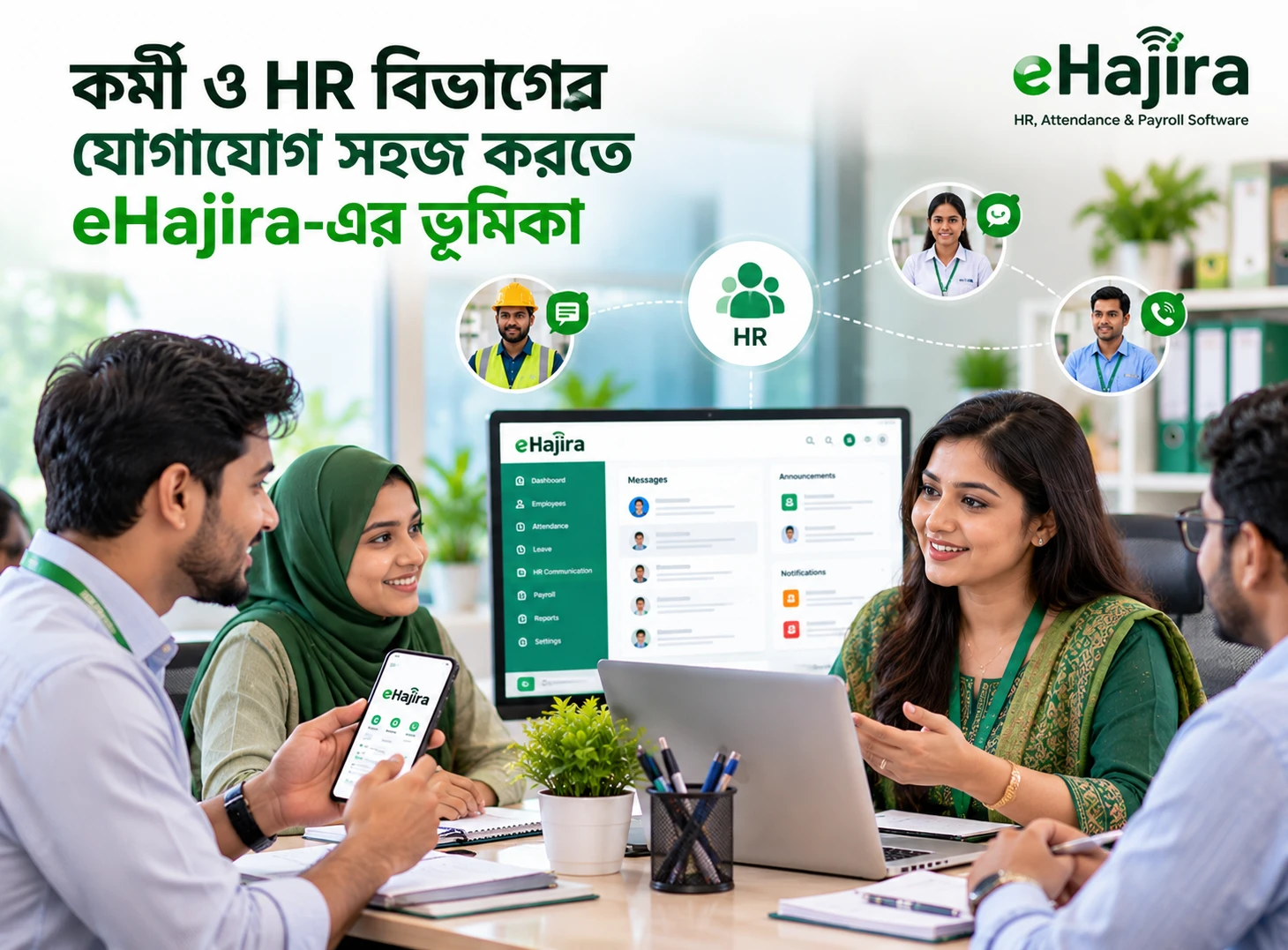
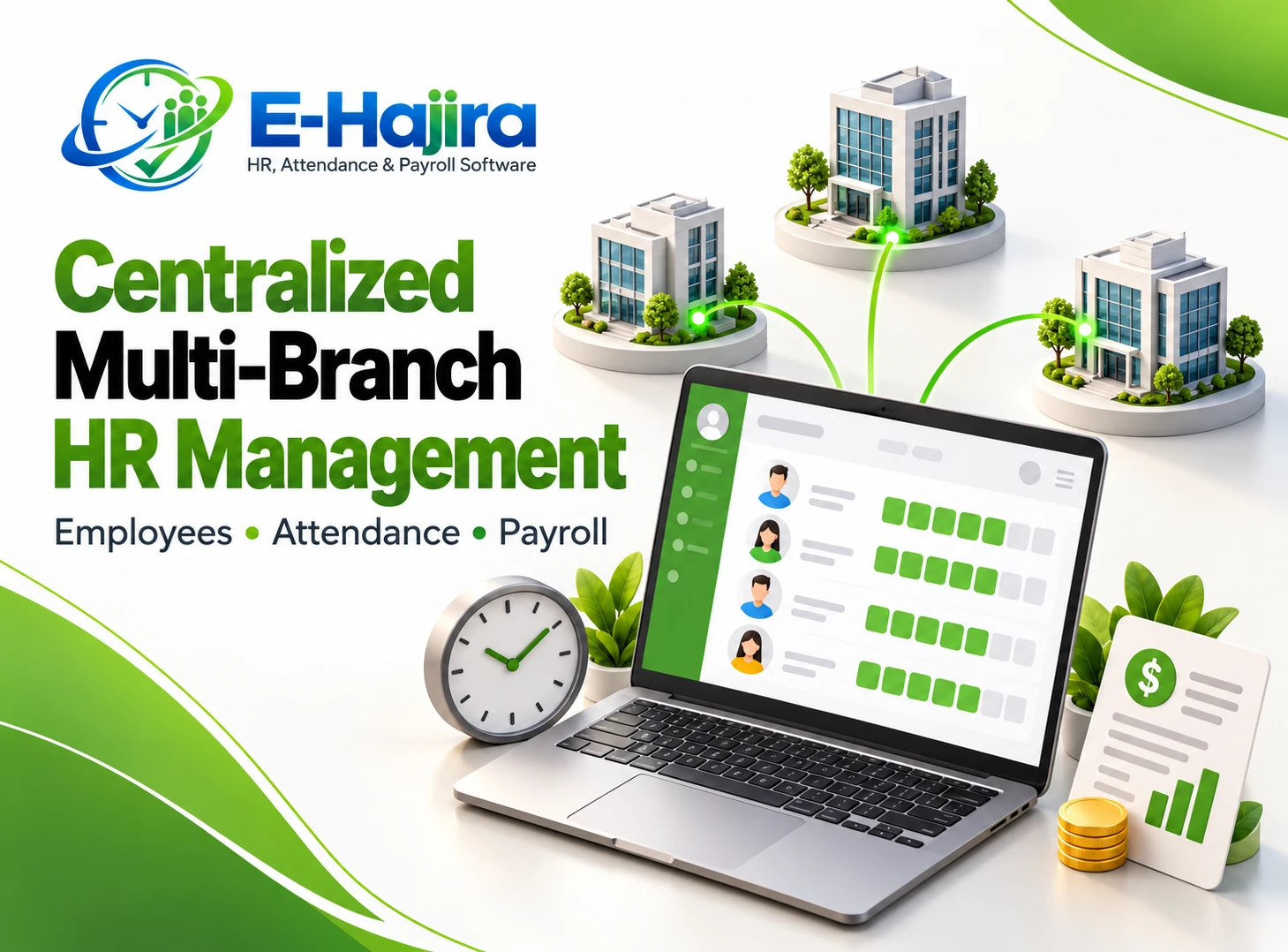
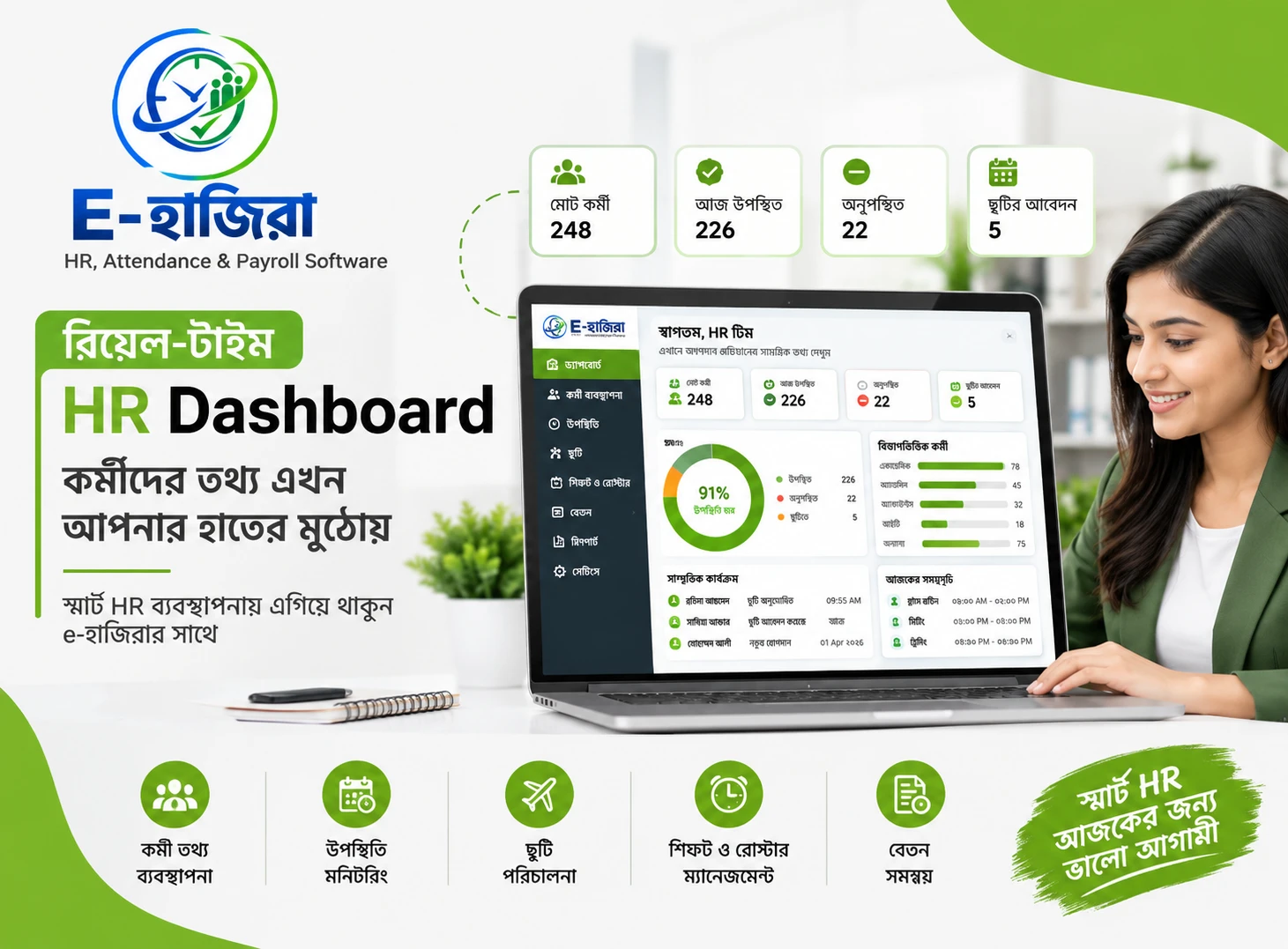
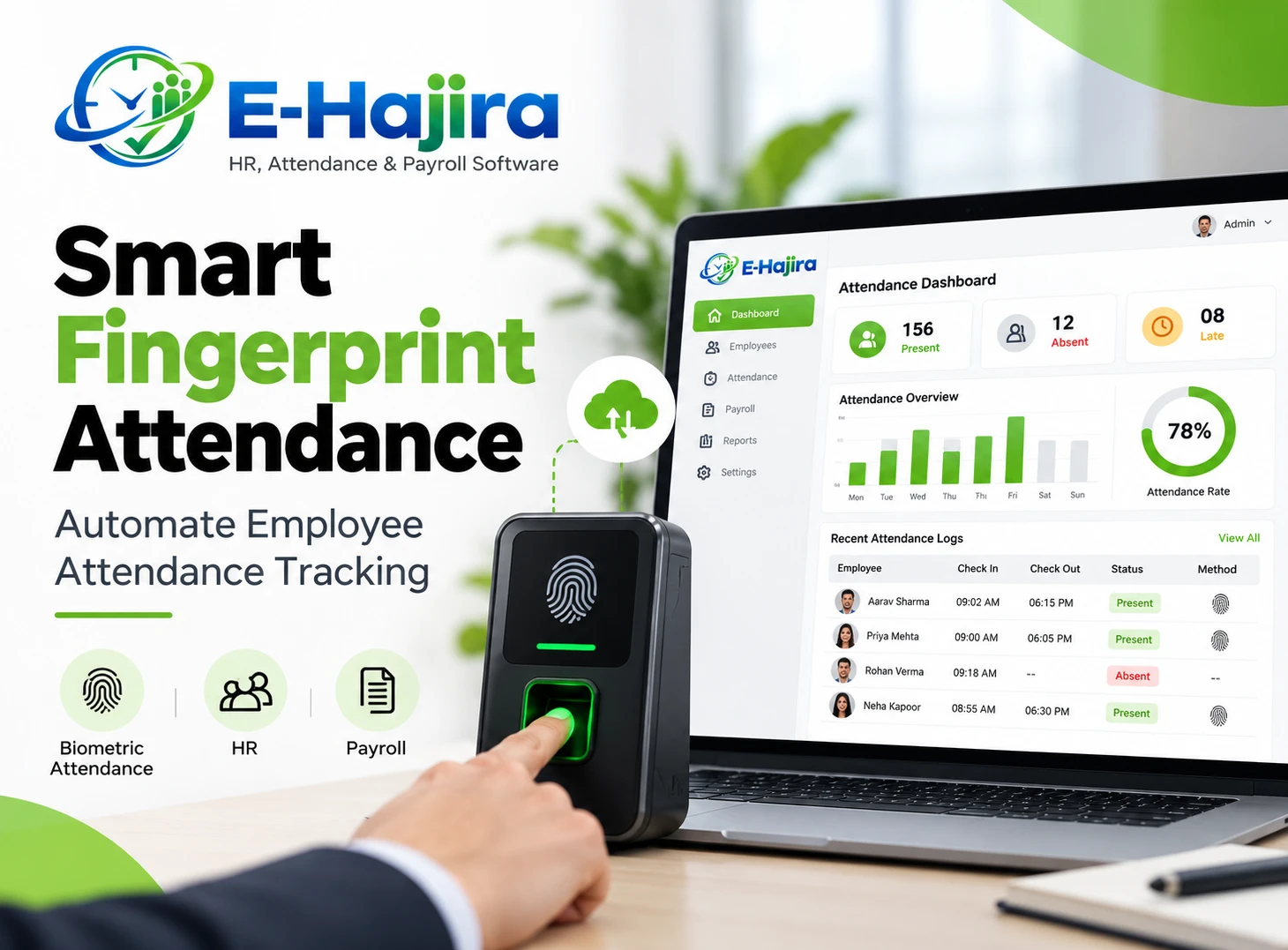
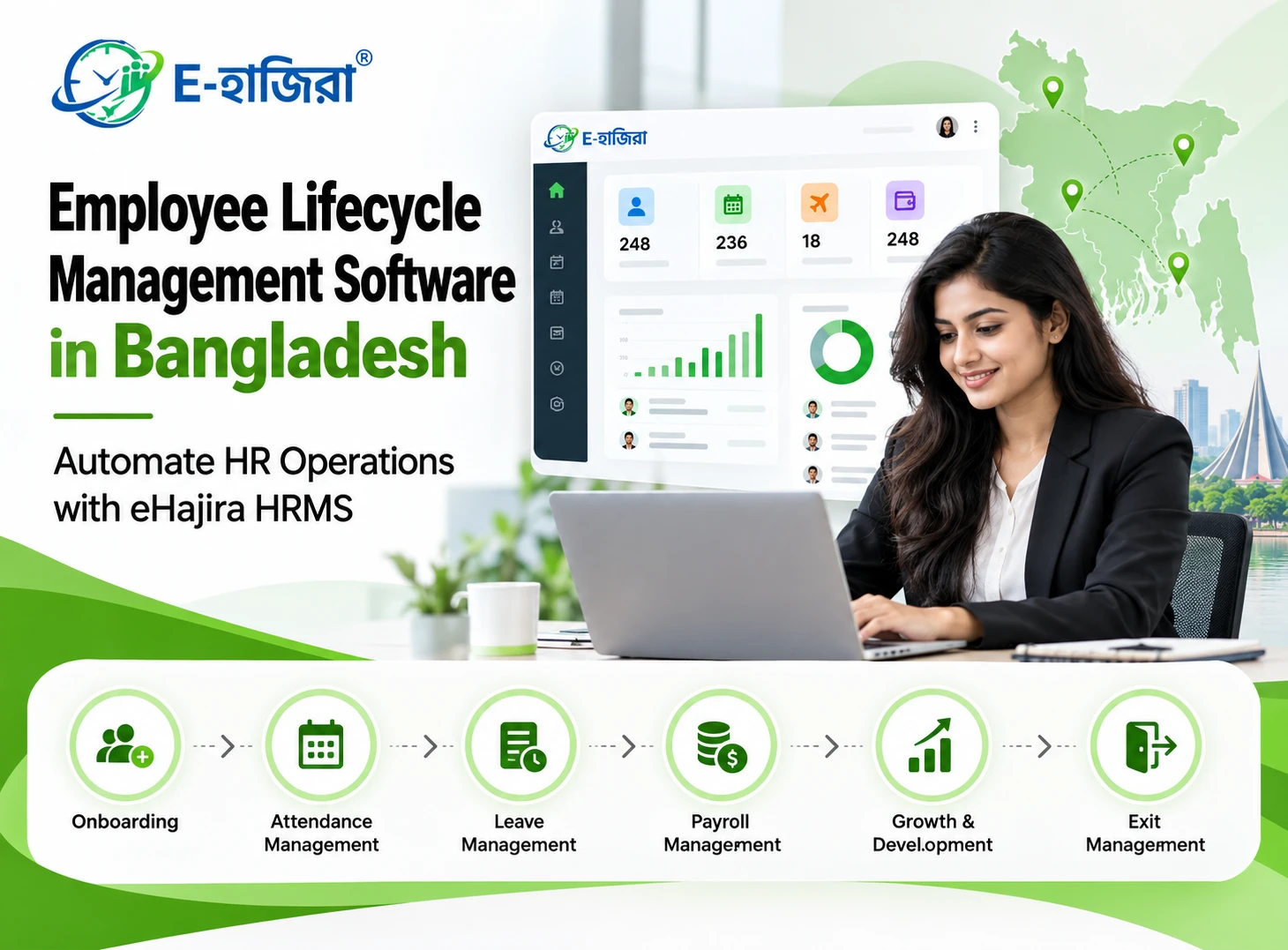
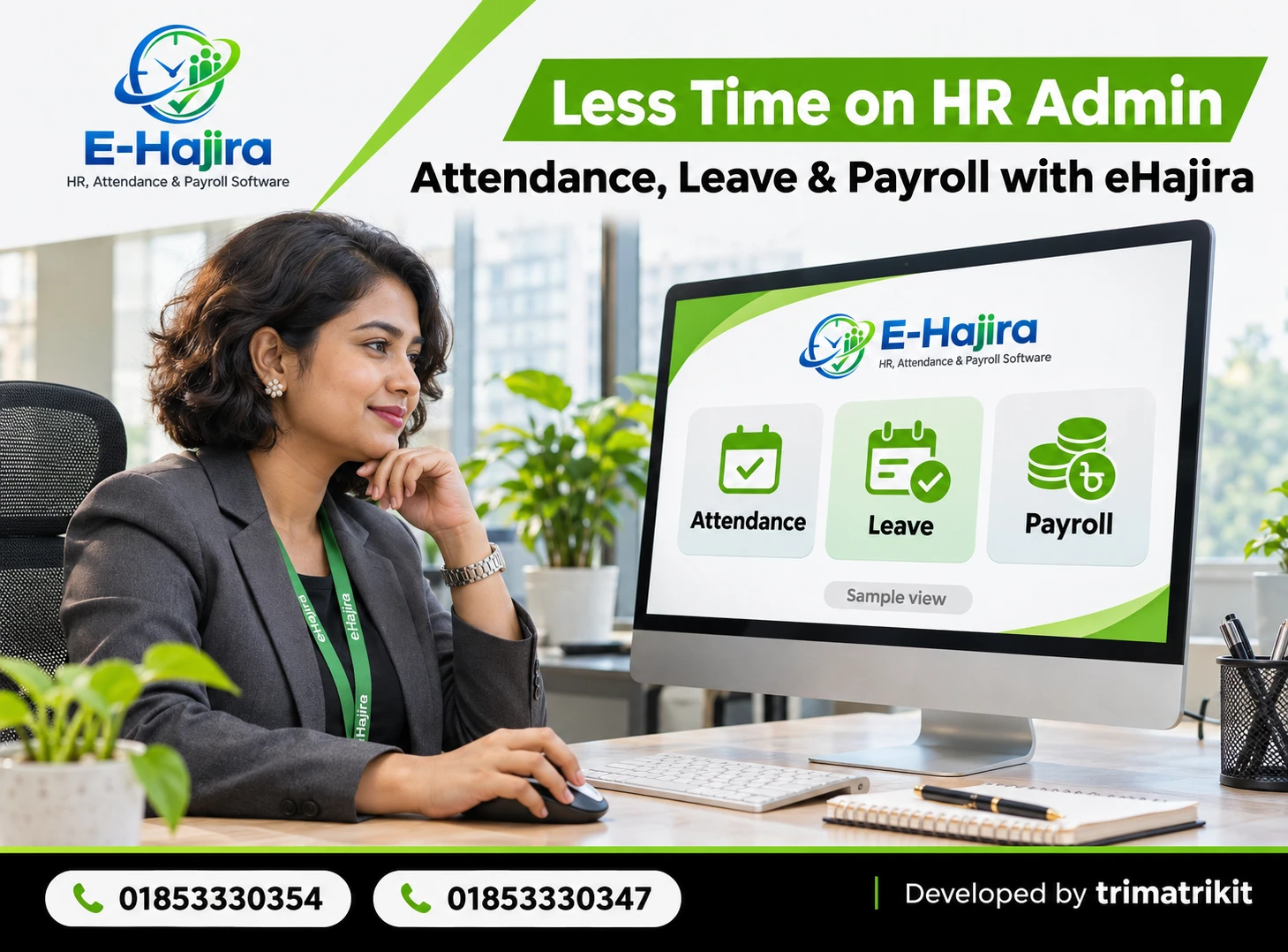
eHajira helps reduce that work by bringing attendance records, leave requests, and payroll preparation into one system. Its published product information describes attendance processing, corrections, leave balances, approval workflows, and payroll functions. The most useful change is that HR can review an exception where it starts, while the details are still available, instead of reconstructing it during payroll close. The exact features available depend on the package and configuration.
Why manual HR administration takes so much time
A spreadsheet can work well when one person maintains it and the underlying information is stable. The workload grows when several teams collect different parts of the same record. A supervisor updates a shift roster, an employee sends a leave request, a branch operator exports device punches, and payroll receives a summary that may have been prepared before any of those changes were confirmed. HR then spends time identifying which version is correct.
Consider a company with a head office, a warehouse, and several retail outlets in Bangladesh. The head office keeps regular office hours, the warehouse works in shifts, and retail outlets need different coverage during busy periods. These are illustrative examples of the workflows an employer should test. The Bangladesh Bureau of Statistics publishes its Economic Census 2024 national report and supporting tables on economic units, which provide broader context for the variety of businesses operating in the country. For an individual employer, the best basis for choosing an HR system is still its own attendance, leave, and payroll workload.
Attendance: Review the exceptions instead of rebuilding the register
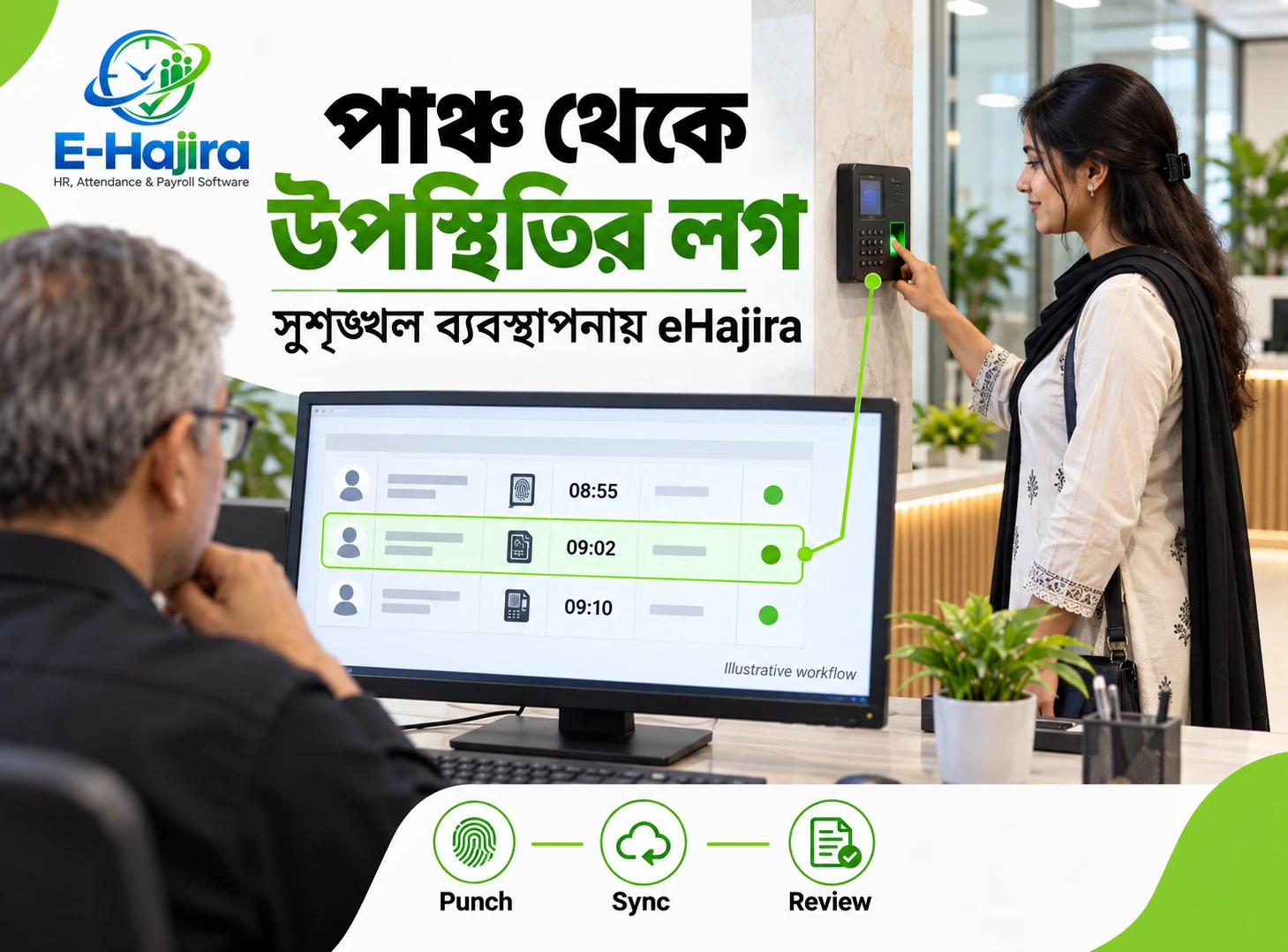
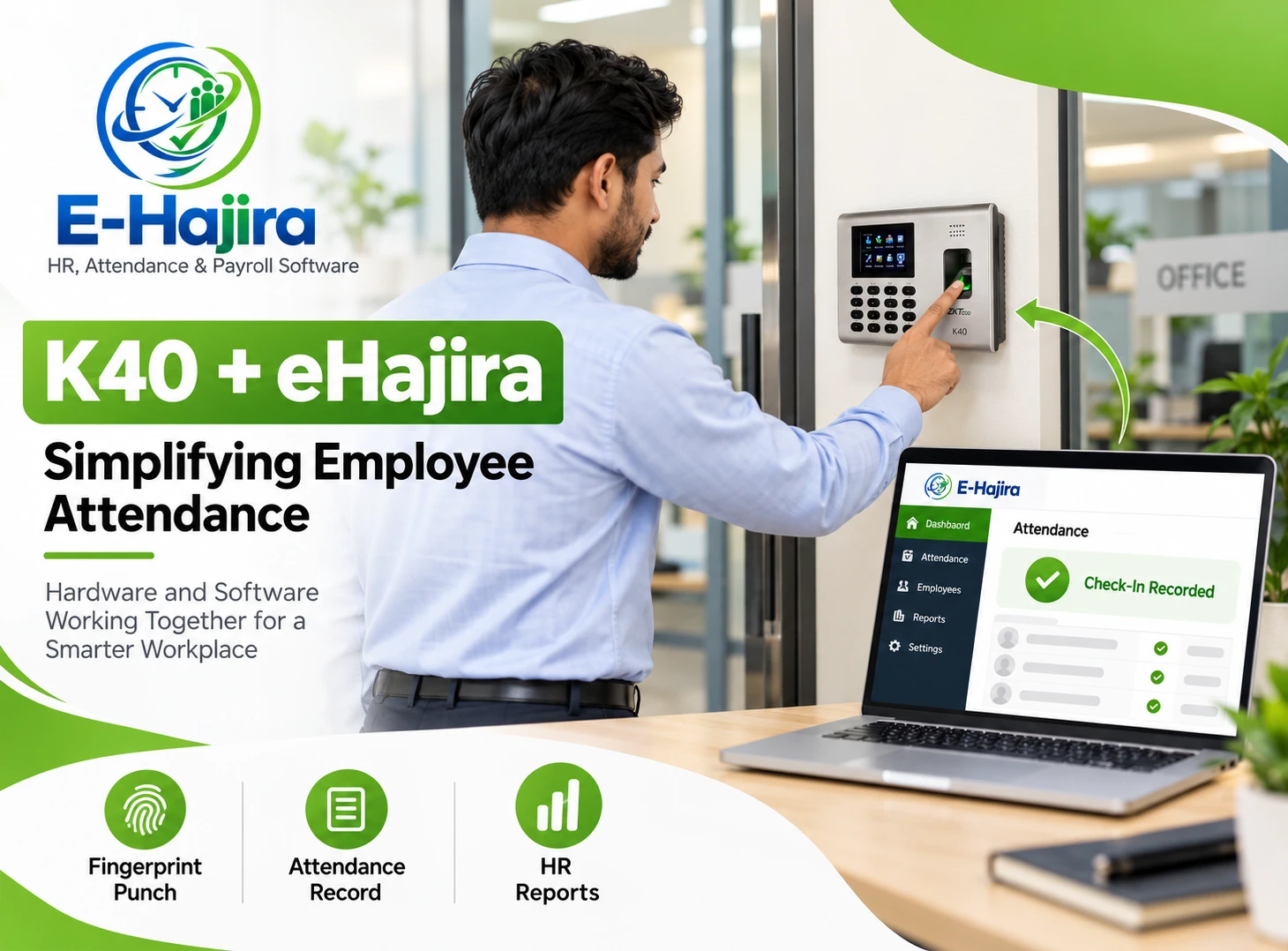
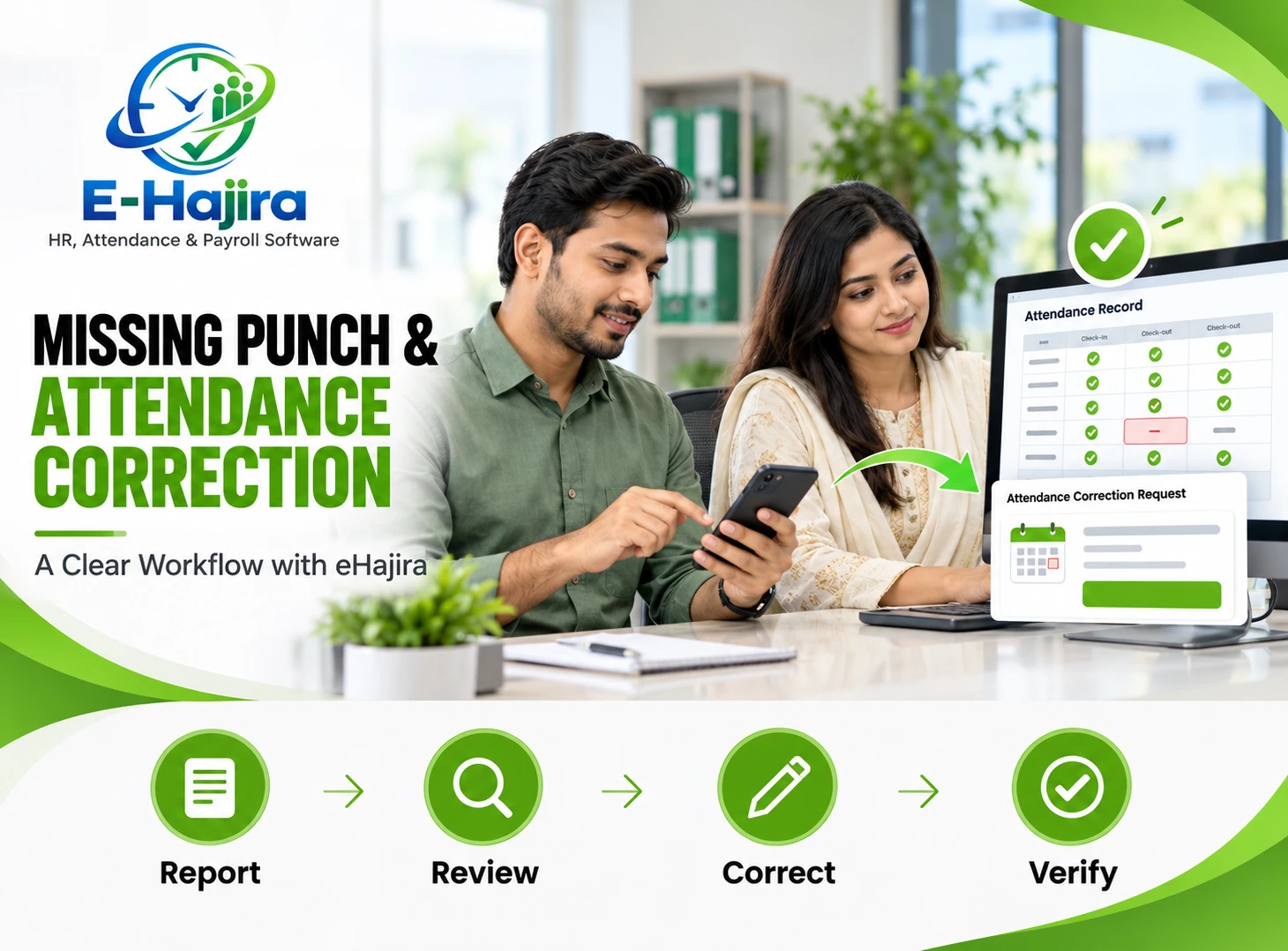
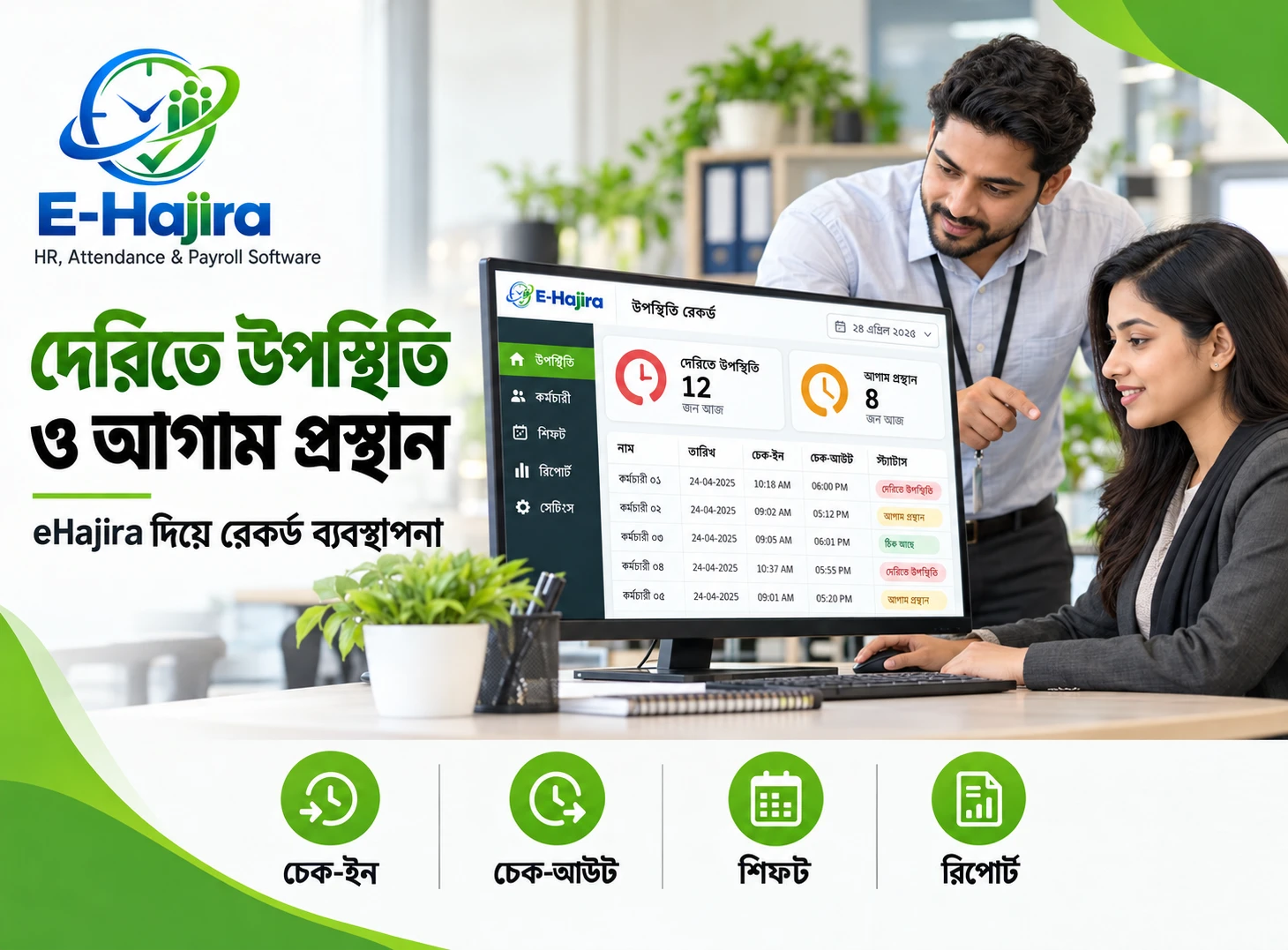
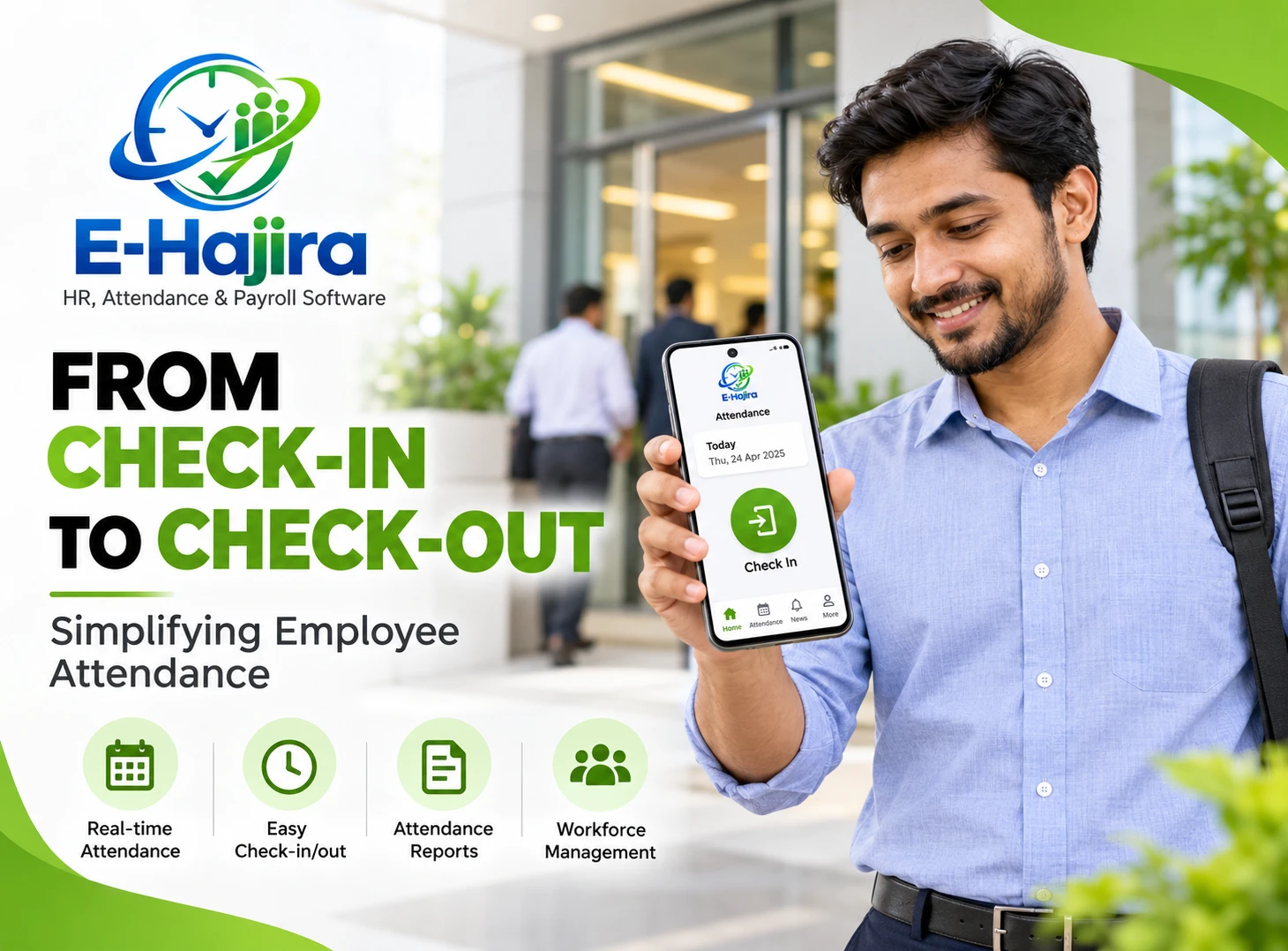
eHajira’s published documentation distinguishes Punches, which records raw device events, from Attendance Logs, which presents processed attendance information such as entry, exit, working hours, and status. It also describes a Corrections workflow for incorrect or missing punches. This distinction matters because the time captured by a device and the way a workday is classified are two different pieces of information.
Suppose a warehouse employee clocks in at 8:52 a.m. but has no recorded clock-out. If HR only sees an incomplete monthly total, someone must contact the branch and search for evidence after the fact. Reviewing the daily log earlier gives the team a narrower question: did the device fail to send the event, was the employee assigned the wrong shift, or was the punch genuinely missed? The employee or supervisor can provide the relevant information while the details are still fresh.
The time saving comes from focusing on records that need a decision. If most punches and shifts are correct, HR can concentrate on exceptions. If the same device or roster repeatedly produces discrepancies, fix the underlying problem rather than correcting each employee’s record every month. A useful attendance routine makes recurring issues visible before they become a payroll backlog.
Leave: Give employees a clear place to request and follow up
Manual leave administration often creates two separate jobs: deciding whether leave can be taken and keeping the records current afterward. An employee might send a message to a manager, who approves it verbally. HR later receives the dates but may not know whether they changed or which leave category was approved. When the employee asks about their balance, someone has to reconstruct the sequence.
eHajira’s published leave information describes Leave Types, Leave Requests, Leave Balances, and approval workflows. Where the relevant options are enabled, employees can submit requests and review their balances through the system. This gives the employee and the reviewer a common record to refer to and can reduce routine queries such as whether a request was received or approved.
Before rollout, decide what each leave category means and who can approve it. Also check how the selected setup handles pending requests, cancellations, and changes after approval. For instance, if an employee cancels two approved days, HR should be able to explain how the request status and balance will be updated. Test that example first so employees receive consistent answers once the system is in use.
Payroll: Start with reviewed records
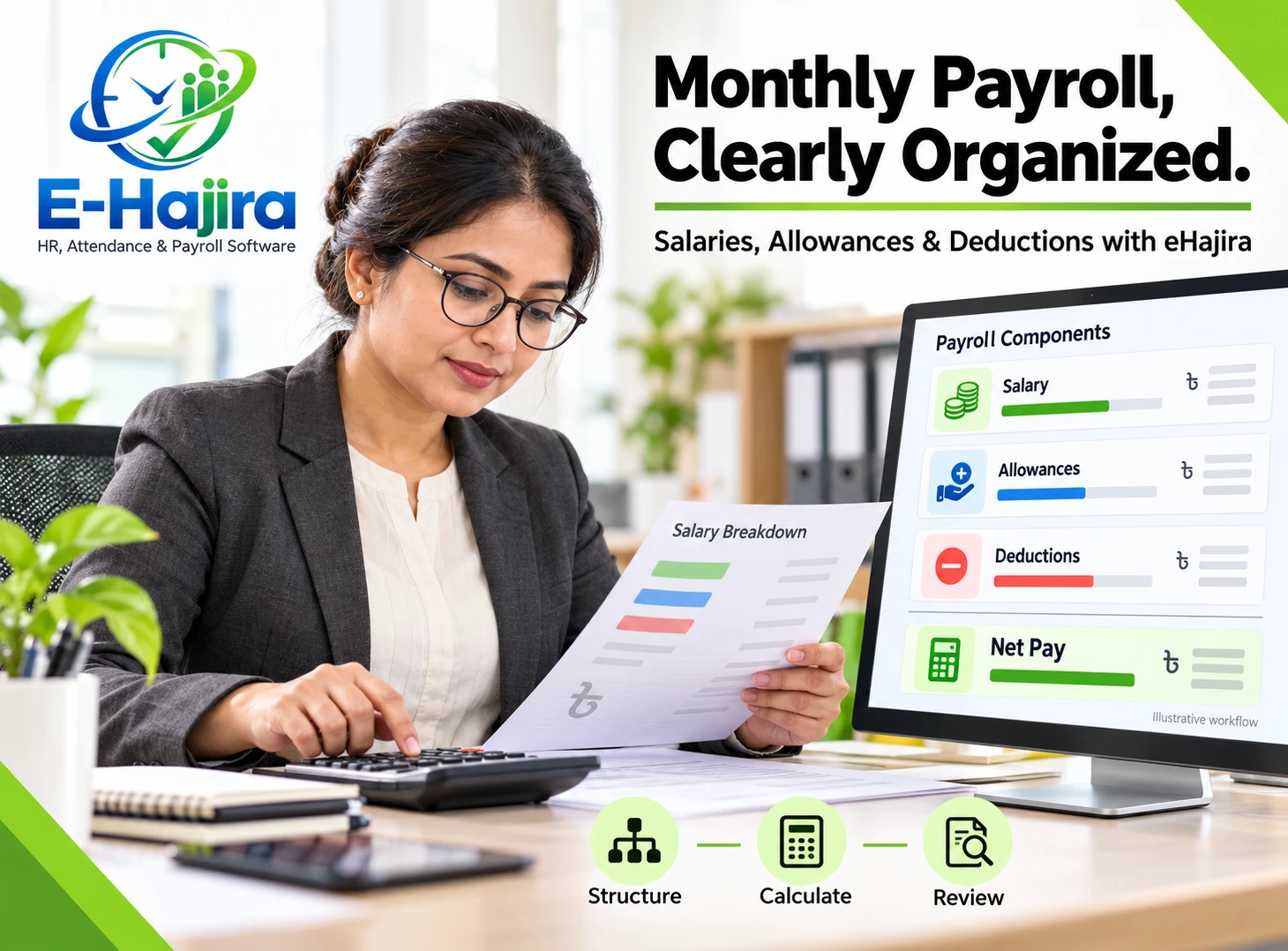
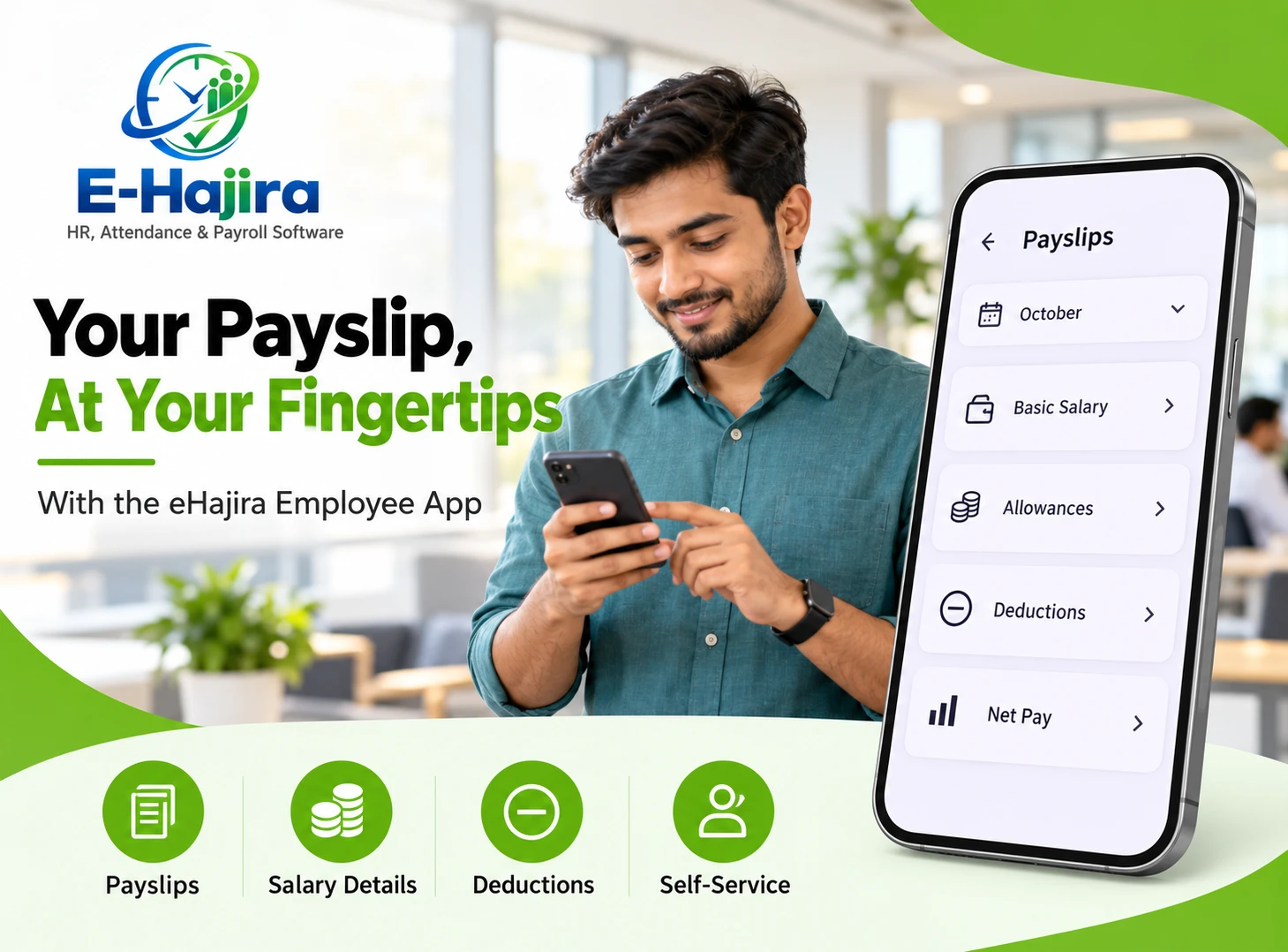
Payroll preparation is easier when the people responsible for attendance and leave resolve discrepancies before handing the period over to payroll. That means the payroll reviewer can focus on pay inputs and exceptions rather than making last-minute calls about missing punches or unclear leave decisions. eHajira’s published payroll information describes pay processing and payslips, and selected packages include rules for overtime, lateness, and absence. Confirm which options apply to your plan.
Imagine that a branch’s attendance summary shows an employee as absent on a day for which leave was approved. The first step is to compare the dates, request status, and processed attendance log. Once HR resolves the discrepancy, payroll can review the corrected inputs against the applicable policy. Sending an updated spreadsheet without identifying the changed date leaves the payroll reviewer guessing which figures need to be replaced.
Set a clear cutoff for reviewing attendance and leave, and explain how corrections after that point will be handled. A draft payroll review is a useful opportunity to examine unusual changes before finalization. For a material change, verify the underlying record and the approved pay rule before proceeding. Automation reduces repetitive calculation, but the employer still owns the inputs, configuration, and final review.
How one correction can prevent several follow-up tasks
Consider a hypothetical retail employee temporarily assigned to another outlet for a stock count. The receiving branch confirms the assignment, but the employee’s original roster is still in use. The following morning, the attendance log appears to show late arrival. The employee notices the discrepancy and provides the date, work location, and approved assignment. The responsible reviewer checks the roster and punch information, then follows the employer’s correction process.
In a fragmented workflow, the branch might change a local worksheet, while HR separately updates a monthly register and payroll receives a third version. A shared process gives each team a clear record to check. HR can verify the corrected day, the branch can confirm the assignment, and payroll can review the relevant period. If your eHajira plan does not handle a particular cross-branch exception directly, agree on a reference for matching the branch’s evidence to the attendance record. The goal is for the next reviewer to understand the decision without asking the employee to explain it again.
Multi-branch HR: Keep common rules and local responsibilities clear
A branch manager usually knows whether a schedule changed or an employee worked at a different location. Central HR is better placed to establish how corrections are documented and which records payroll should use. Giving those responsibilities to the right people helps prevent head office from spending time on questions that a branch can answer, while maintaining a consistent standard across locations.
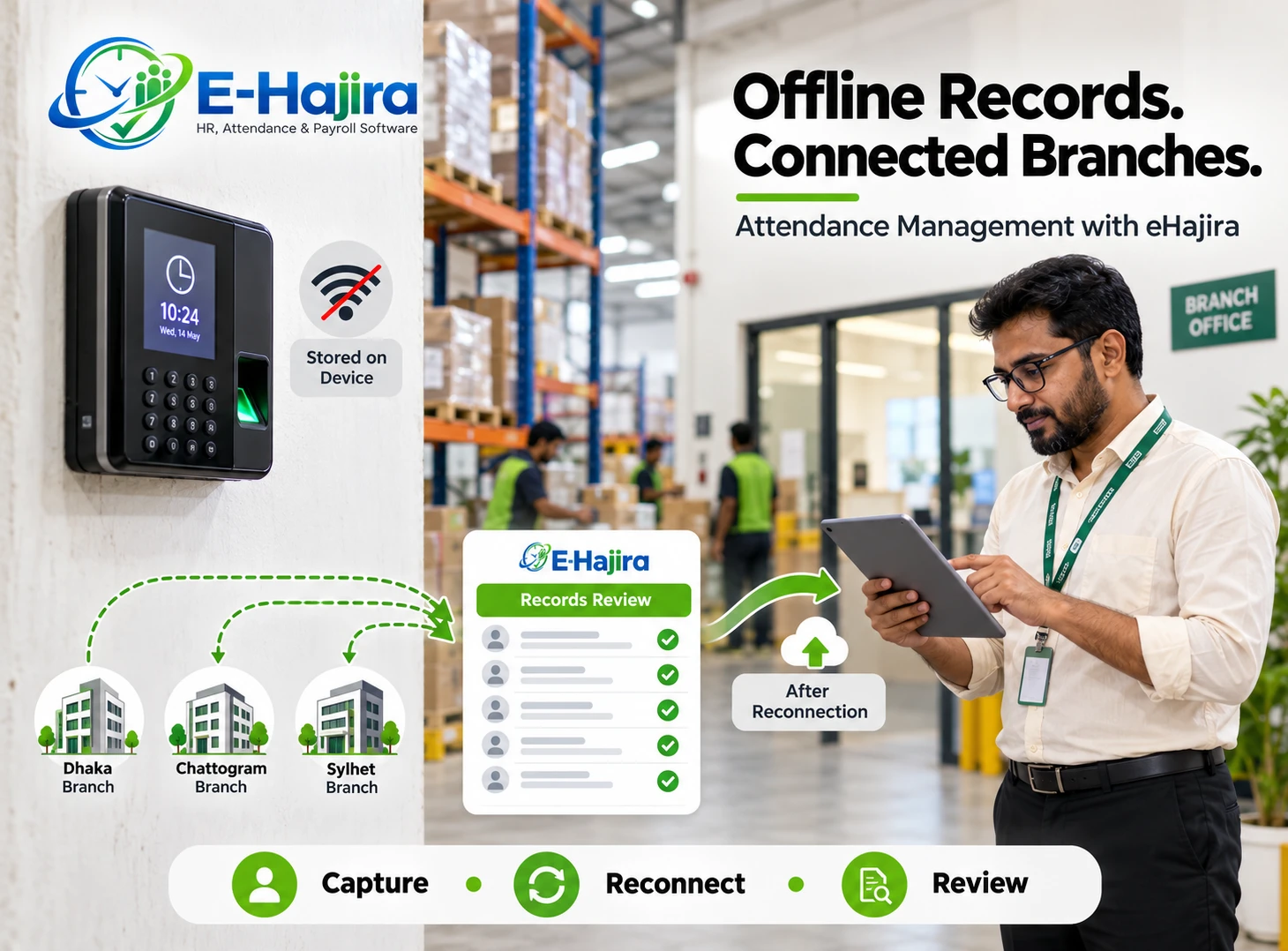
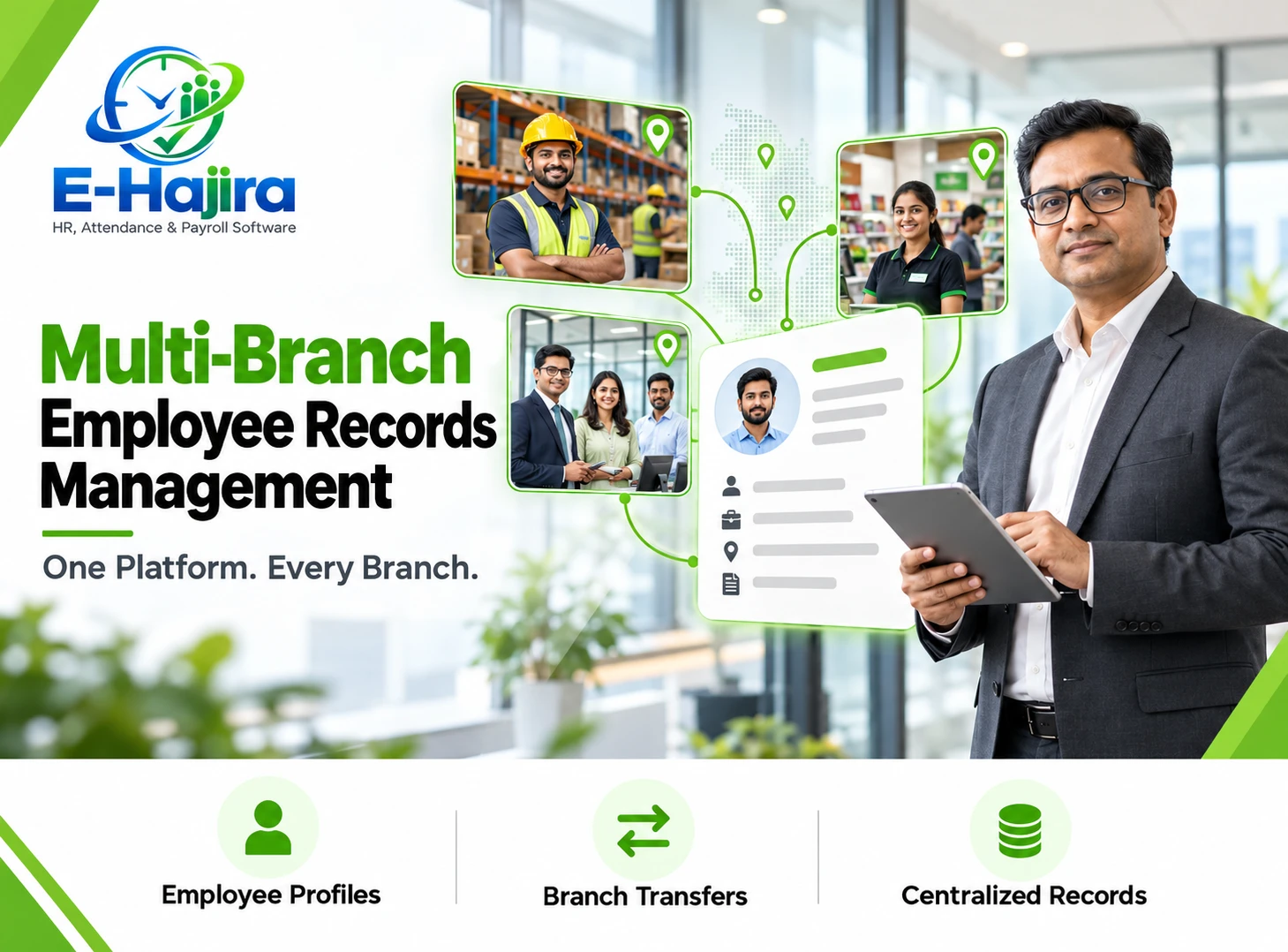
Selected eHajira packages list multi-branch consolidation. Ask the provider to demonstrate how your chosen setup handles branch access, staff transfers, and consolidated review. A branch manager should be able to perform assigned tasks without needing access to another branch’s employee records or salary information. Test the relevant roles with a realistic scenario, including a transferred employee or a temporary assignment, before relying on the setup in a live pay cycle.
Move from spreadsheets without carrying old errors forward
A system change is a good time to decide which existing records are authoritative. Start with employee identifiers, branch assignments, and current shifts. Then reconcile opening leave balances and identify approved requests that have yet to take effect. If a balance already accounts for a future leave request, importing the request separately could apply the same days again, depending on how the setup processes them. A sample migration can reveal this before it affects a full workforce.
Choose a pilot group with a realistic mix of work patterns. An office employee on a fixed schedule and a warehouse employee on a rotating shift may need different checks. Follow one missed punch, one leave approval, and one payroll exception through the whole process. Compare the outcome with a trusted record. If something differs, determine whether the difference comes from the input data, the policy, or the way the system was configured. Fixing the cause during the pilot is easier than explaining unexplained differences after launch.
Measure the time saved in your own organization
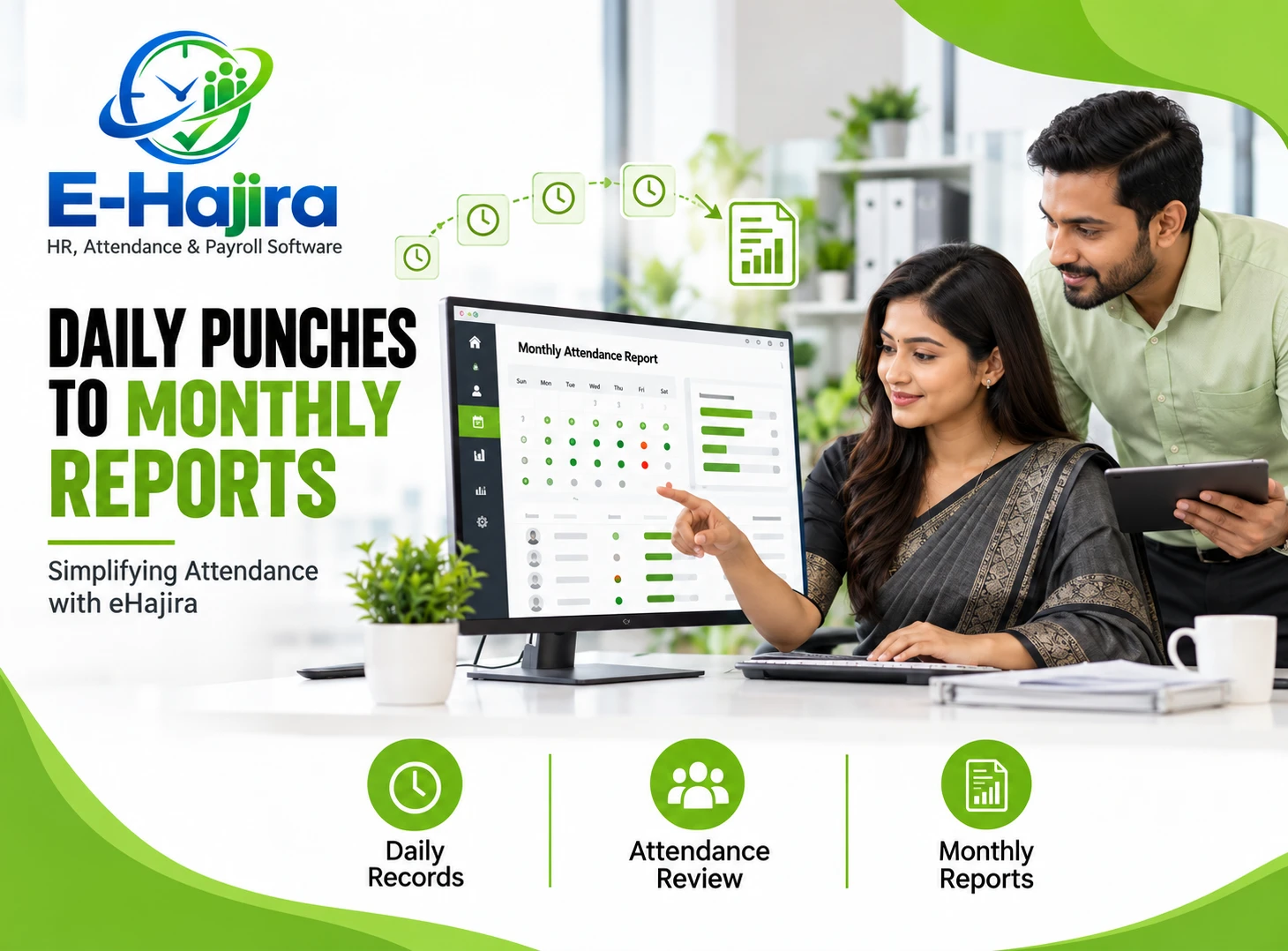
Compare a typical pay cycle before and after rollout. Useful measures include the hours HR spends assembling attendance records, the number of leave balance queries, and the number of unresolved attendance exceptions at the payroll cutoff. Count post-payroll corrections as well. A faster close is only useful if the records are accurate and employees can still raise legitimate questions.
Look at the causes behind the numbers. If HR spends less time compiling attendance but still receives many messages about leave, employees may need clearer instructions on where to check their requests. If one branch generates most of the corrections, investigate its roster or device process. For a Bangladesh employer evaluating eHajira, a good demonstration is one that follows its own difficult cases from the first record to the final review. That shows where the software can remove repeated work and where an internal process still needs improvement.
Frequently asked questions
1. What is eHajira HRMS?
eHajira is a platform for managing HR, attendance, and payroll. Its published product information describes employee records, attendance processing, leave workflows, and payroll features. Ask which modules are included in the package you are considering.
2. How does eHajira reduce manual HR administration?
It can reduce repeated handling of information by making attendance, leave, and payroll records available within one system. The practical benefit is that reviewers can resolve discrepancies earlier and avoid copying revised figures between separate files.
3. Does eHajira support biometric attendance devices?
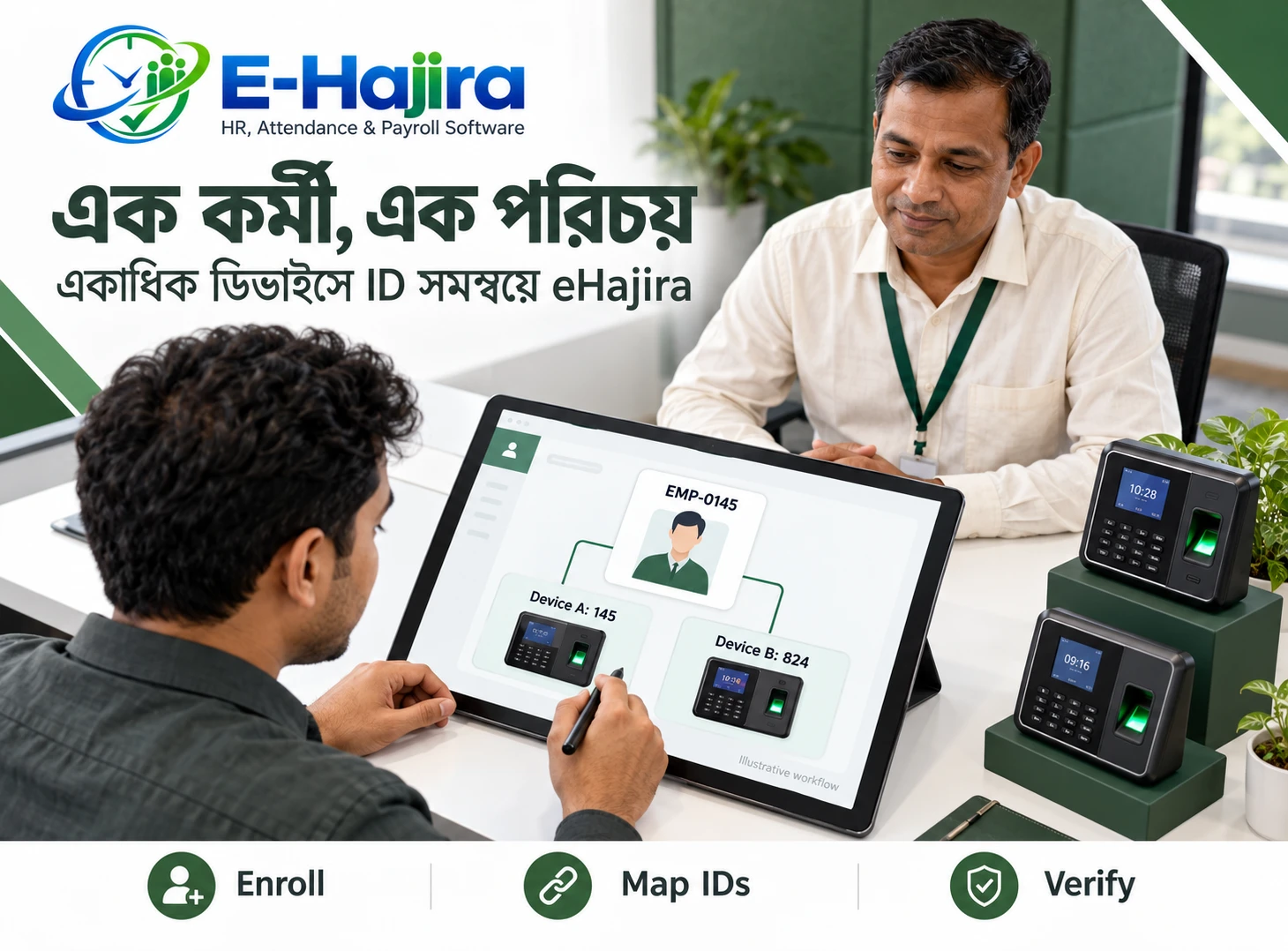
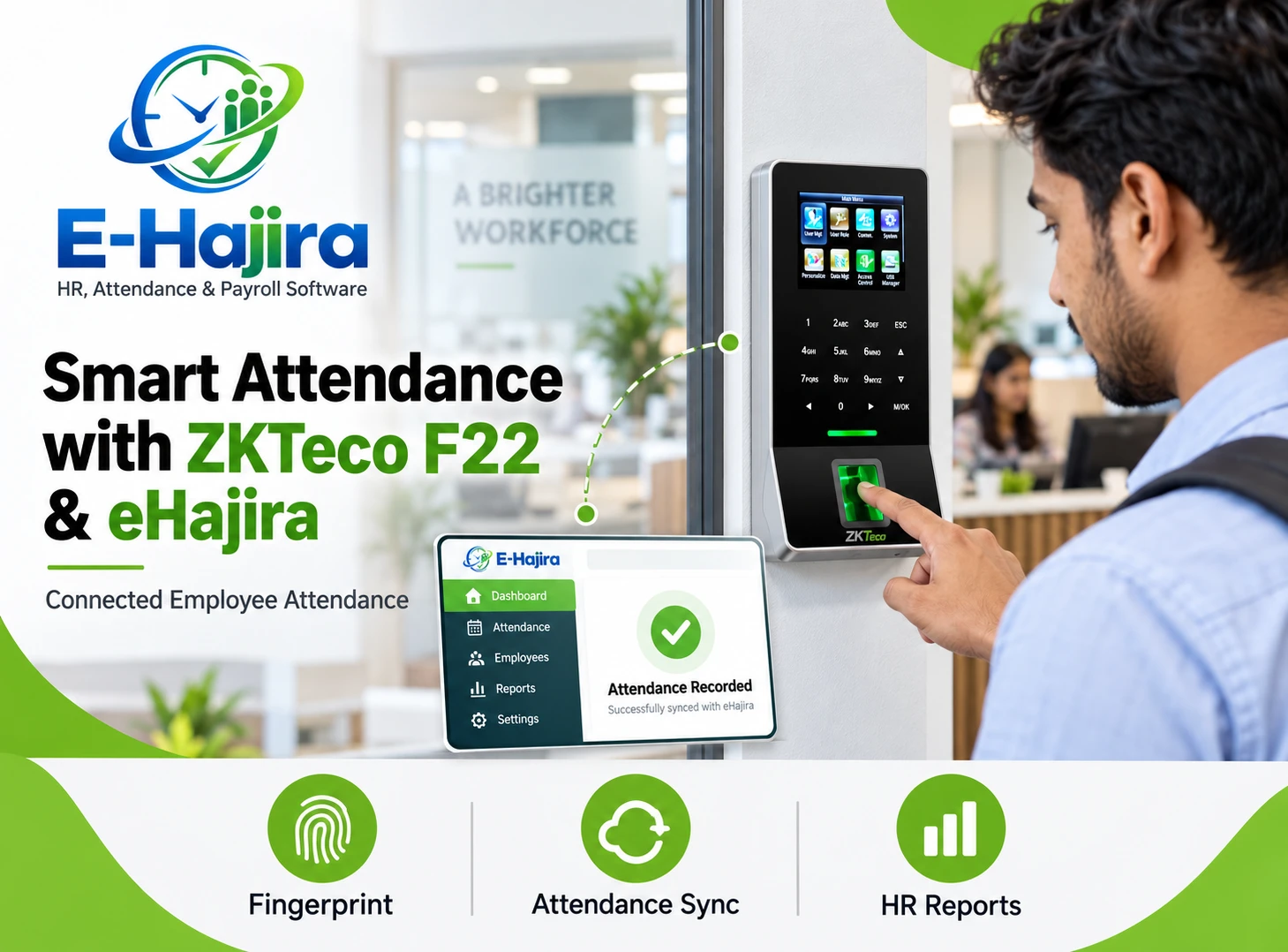
The provider describes integration with supported fingerprint and other attendance devices. Confirm the exact model and test a sample punch from the device through to the processed attendance log.
4. What is the difference between a punch and an attendance log?
A punch is a captured event, such as a clock-in. An attendance log is the processed record for the work period. It may reflect the relevant roster, accepted punches, and attendance rules.
5. How should HR handle a missing punch?
Identify the employee, date, and expected shift. Check whether the event exists in the source records, then follow the approved correction process. Verify the resulting attendance entry before payroll uses it.
6. Can employees review their own attendance?
The provider describes employee self-service for attendance history. Confirm what employees can see in your chosen setup and show them how to locate a specific date before they report an issue.
7. Can employees apply for leave online?
eHajira’s published leave information describes online requests. Test the process from the employee’s account and check who receives the request and how the employee learns the decision.
8. When does approved leave affect the leave balance?
Test the behavior in your configuration. Submitted, approved, and used leave are distinct stages, and staff should understand which stages affect the displayed balance.
9. How should a canceled leave request be handled?
Keep the cancellation traceable. Check the request status, the leave balance, and the attendance record for the affected dates. If any figure is unchanged unexpectedly, investigate before entering a separate adjustment.
10. Can different managers approve requests for different branches?
The provider describes approval workflows, including multiple levels. Confirm how approvers are assigned in your package and test that a request reaches the correct person when a worker changes branches.
11. Can HR review attendance across several branches?
Selected plans list multi-branch consolidation. During the demo, check whether central HR can review the locations it needs and whether local staff have only the access required for their responsibilities.
12. How can shift setup affect payroll?
A wrong roster can change how an arrival, departure, or absence is interpreted. Review the assigned shift for the affected date before correcting the punch or relying on the processed payroll input.
13. Does eHajira calculate overtime?
Selected packages describe overtime calculation rules. Verify the rules and package capabilities, then compare a sample result with independently reviewed hours and the applicable pay basis.
14. Should every late clock-out be paid as overtime?
A clock-out time is evidence to review alongside the shift and work performed. Resolve discrepancies and apply the rules relevant to the employee before making a payroll decision.
15. Can eHajira generate payslips?
Published payroll information describes payslip generation. Check the available delivery options and verify that employees can understand the relevant earnings, adjustments, and deductions shown on their own payslips.
16. What should payroll check before finalizing a period?
Review unresolved attendance exceptions, approved leave, and material changes to pay inputs. Compare unusual figures with the source records and record the reason for any approved adjustment.
17. What happens when an attendance issue is found after payroll closes?
Follow the employer’s documented correction process. Keep the original reference and check whether the correction affects pay. This reduces the chance of overlooking an adjustment or processing it twice.
18. Can an organization move its old spreadsheet records into eHajira?
Confirm the supported import options for your package and decide which historical records need to be transferred. Verify sample employee records and opening balances before moving a full dataset.
19. Is eHajira useful for a small business in Bangladesh?
It may be useful if the business repeatedly reconciles attendance, leave, and pay by hand. Compare the time spent on those tasks with the work required to configure and maintain the system.
20. What should an employer test first in an eHajira demo?
Ask to see one realistic case from beginning to end: record attendance, correct a missing punch, review an approved leave request, and show the resulting payroll inputs. Then ask who can see or change each record.
21. How can HR tell whether the new process is working?
Compare the time needed to close payroll, the number of unresolved exceptions, and the number of corrections after payment. Review why the numbers changed so improvements can be traced to specific steps.